
Settings
The Compass Settings menu holds your personal display options on survival servers. Open it with /settings or from the Compass. Each choice is saved to your account, so it stays when you change server.
How to
- Type /settings, or open the Compass and choose Settings.
- Flip the toggles you want and pick a Quest notifications level.
- Press Save.
In game
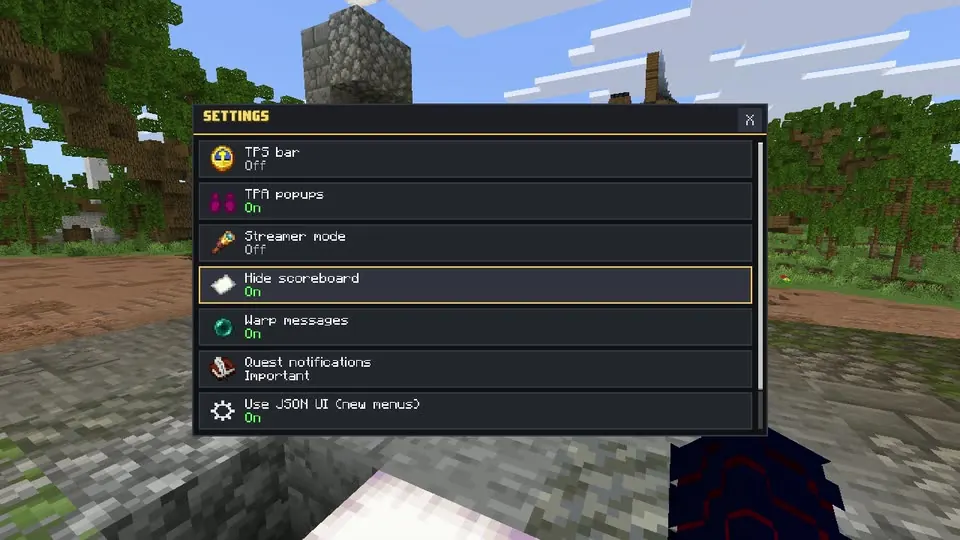
Typing /settings and switching Hide scoreboard on
Gallery
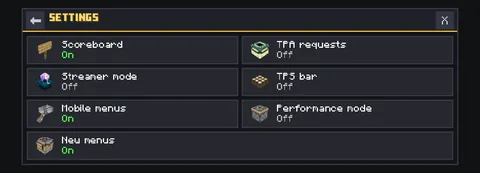
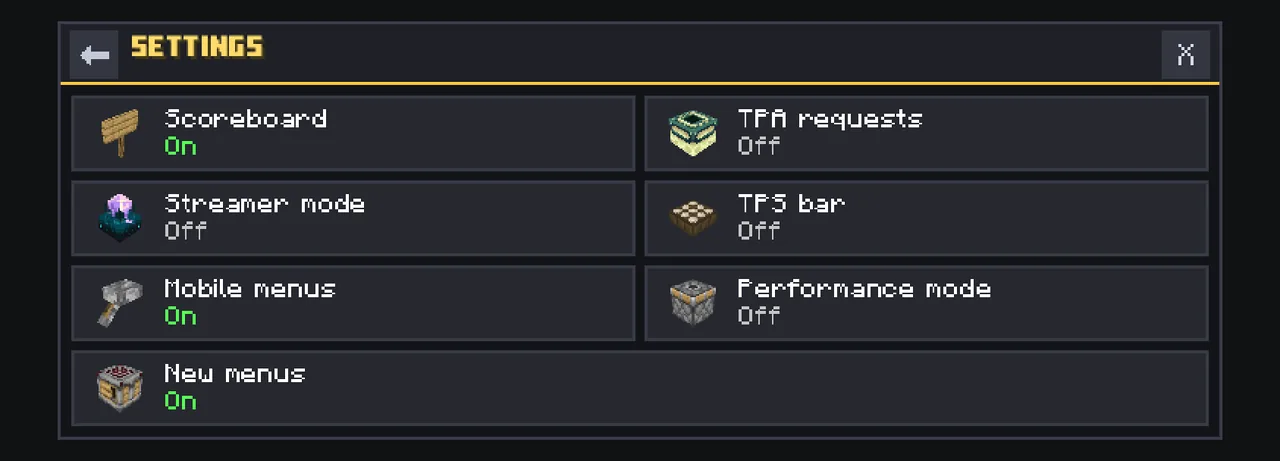
Settings: scoreboard, streamer mode, TPA requests and the other toggles 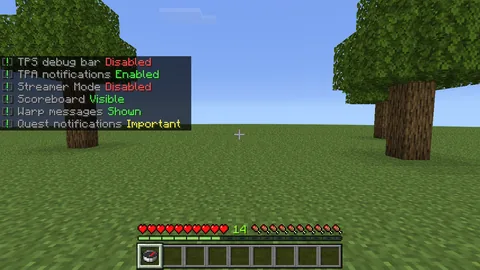
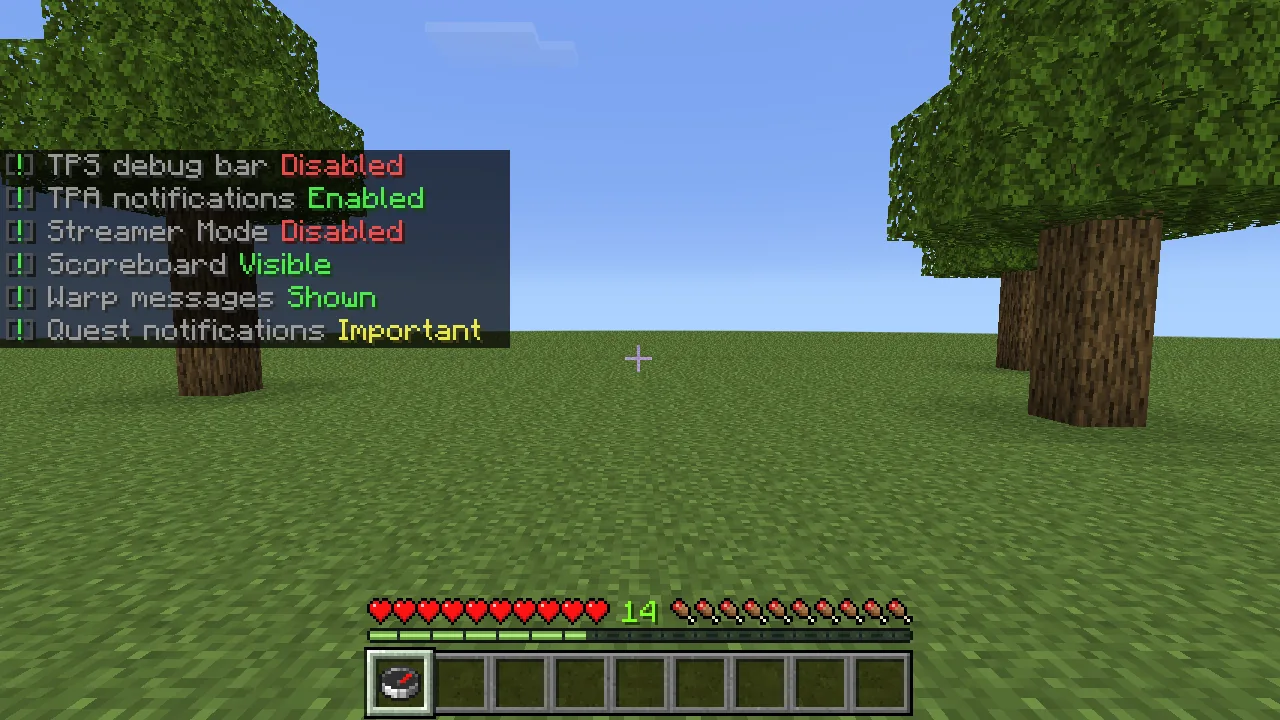
Render: the six lines shown after Settings is saved, with the default Quest notifications level. 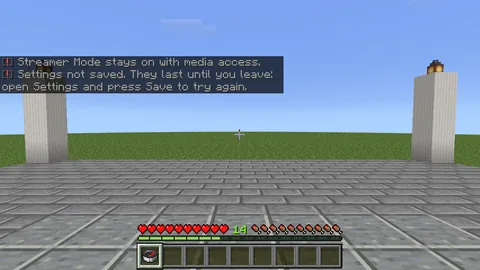
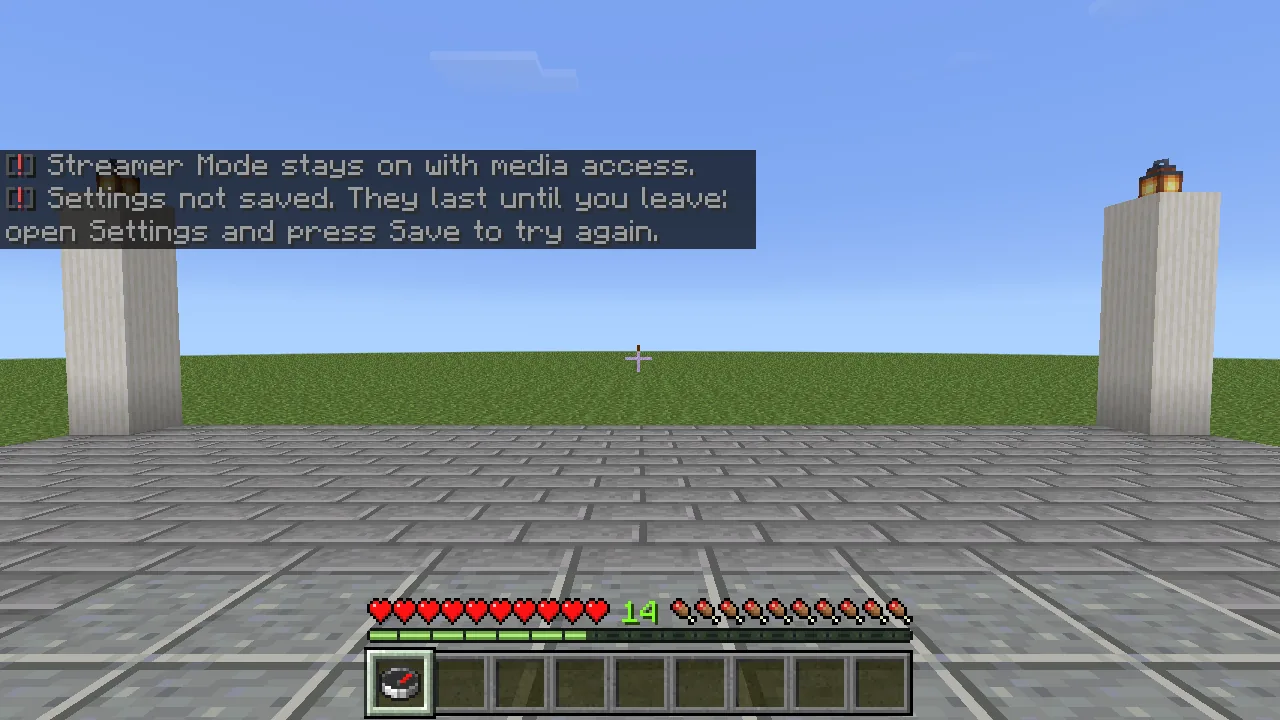
Render: the lines when Streamer Mode stays on, and when settings could not be saved.
Commands
/settingsOpen Compass Settings (survival servers)Who: Everyone
Questions
- How do I hide the scoreboard on EconomySMP?
- Type /settings, turn on Hide Scoreboard and press Save.
- How do I hide my coordinates for streaming?
- Open /settings and turn on Streamer Mode. It hides coordinates in text.
- Can I turn off quest notifications?
- Yes. In /settings set Quest notifications to Off, or to Important to see fewer. Important is the default.
- How do I turn off teleport request popups?
- Open /settings and turn off Allow TPA notification popups, then press Save.
- How do I hide the Teleported to messages?
- Open /settings and turn off the warp messages toggle.
- How do I show the server TPS?
- Open /settings and turn on Show TPS debug bar. It shows ticks per second on your action bar.
- Do my settings carry over to other servers?
- Yes. Each choice is saved to your account.
See also
Getting around
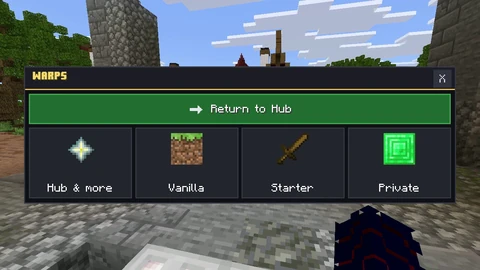
Travel between the Hub and worlds with /hub, /spawn, /warps, /vanilla, /rtp, /home and /tpa.
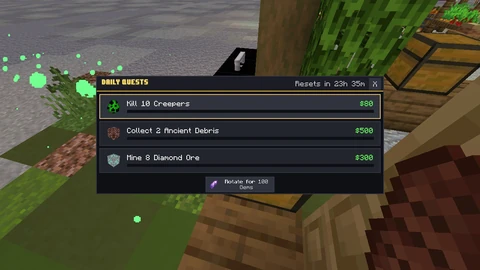
Daily and weekly quests
Three daily and three weekly Battle Pass quests are active at a time. They give XP only.
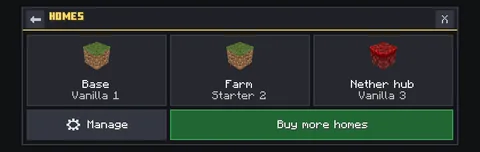
Homes and teleport
Save homes, go back to them, and request teleports to other players.
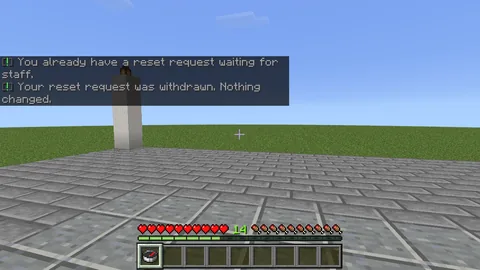
Reset your progress (/reset)
/reset asks staff to wipe all your progress after two confirmations. Staff must approve it.