
Chat and private messages
Chat is shared across the network and relayed to Discord. Use /msg to whisper, /reply to answer and /ignore to stop messages from a player. Tags and VIP badges show next to your name.
How to
- Type /msg <player> <text> to send a private message.
- Answer the last message with /reply <text> or /r.
- Run /ignore <player> to stop private messages from them. Run it again to allow them.
- Buy chat tags in the Gem shop and toggle them under Chat ranks.
Gallery
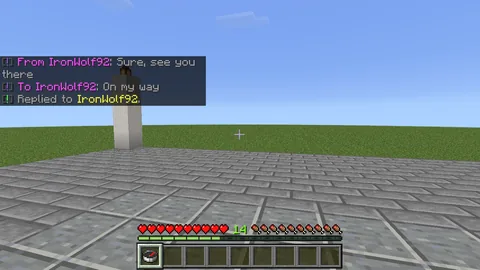
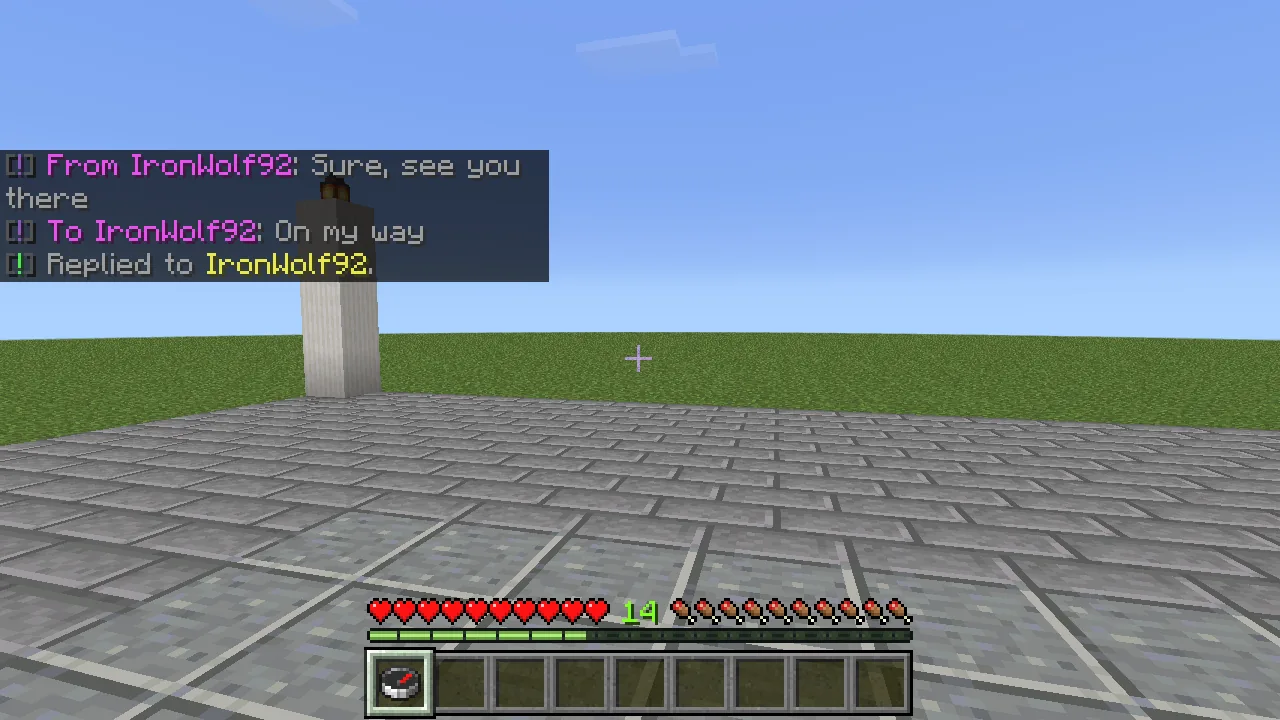
Render: a received private message, then /reply and its confirmation. 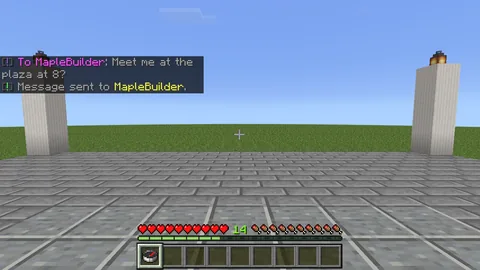
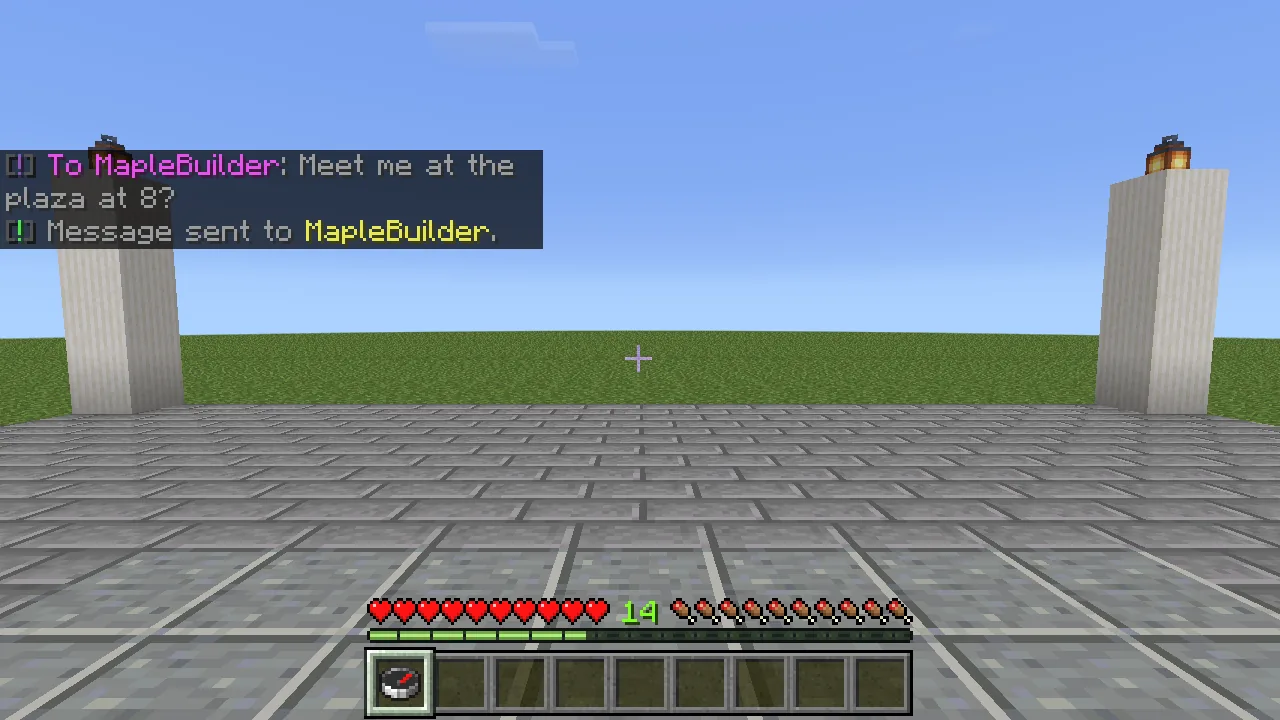
Render: the lines after a /msg: the private line and the confirmation. 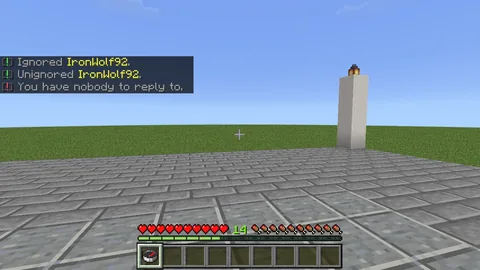
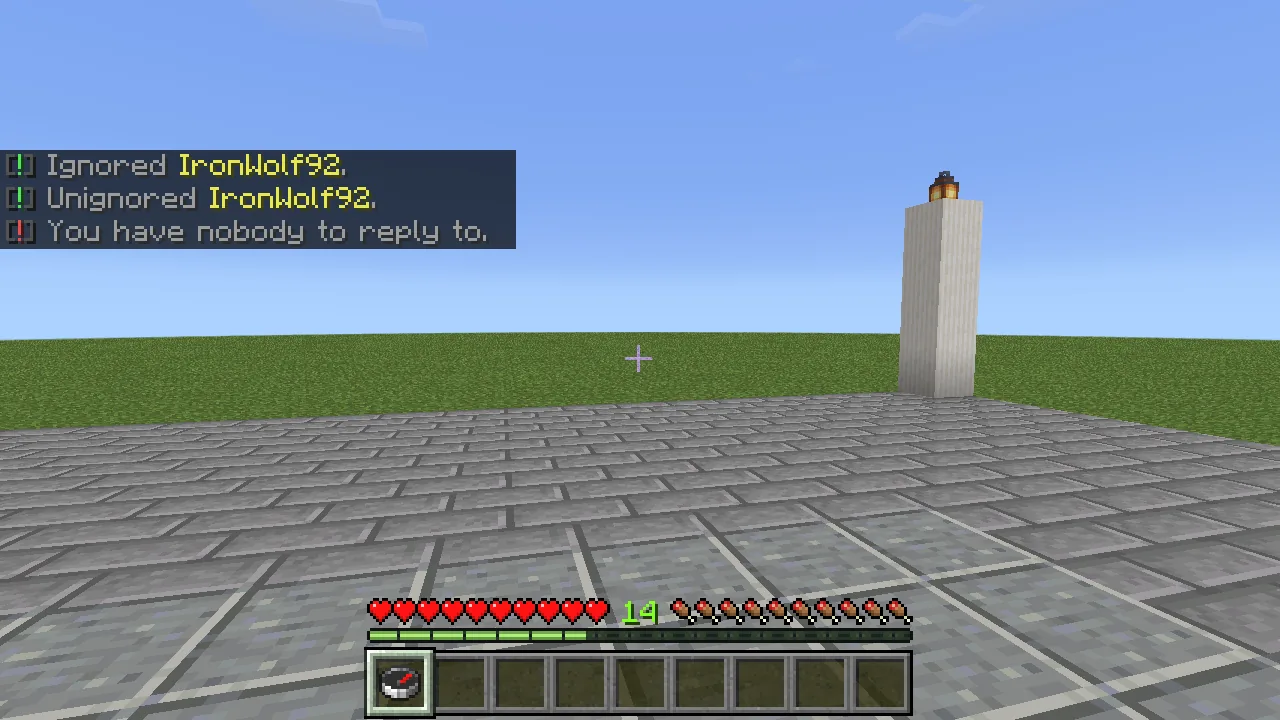
Render: /ignore turning a player off and on again, and the line when /reply has nobody to answer.
Commands
/msg <player> <text>Send a private messageWho: Everyone/reply <text>Reply to your last private messageWho: Everyone/ignore <player>Toggle private messages from a playerWho: Everyone/report <player>Report a player to staffWho: Everyone
Questions
- How do I send a private message on EconomySMP?
- Type /msg <player> <text>. The player answers with /reply.
- How do I stop someone from messaging me?
- Type /ignore <player>. Run it again to allow messages from them.
- How do I reply to a private message?
- Type /reply <text> or /r <text>. It answers the last player who messaged you.
- Can I message a player who is offline?
- No. /msg works only on online players. You can send a postcard through the Post Office instead.
- How do I know someone ignored me?
- Your /msg fails with: That player is not accepting your messages.
- What are the aliases of /msg?
- /message, /tell, /w and /whisper all work the same.
See also
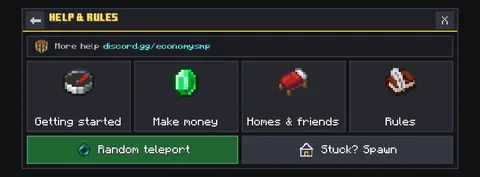
Help, rules and reporting
/help, /rules, /faq, /discord, /report and /bug.
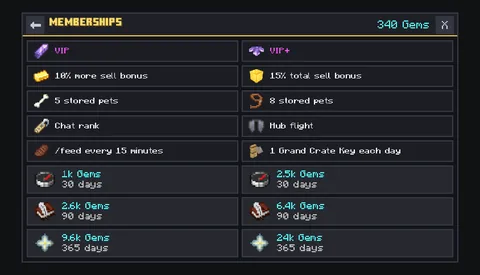
VIP and VIP+
Subscription ranks from the store that raise limits and unlock commands.
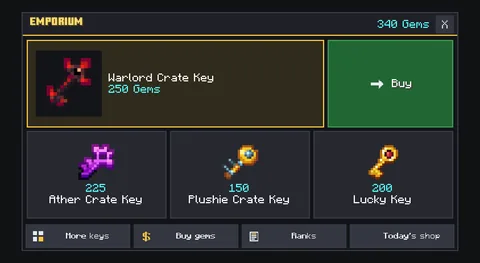
Emporium and Gems
Gems are the premium currency. Buy packs on the store, spend them on keys, kits and upgrades.
Replay the tutorial, start over
/reset wipes your progress after two confirmations and staff approval. /tutorial is staff-only and /gta is off on the live Hub.