
Replay the tutorial, start over
/reset lets you start over. It wipes all your own progress on every server after you confirm twice and a staff member approves it in Discord. /tutorial is a staff-only command, and the /gta Hub tour is switched off on the live Hub.
How to
- Type /reset on a survival server. The first screen lists what will be wiped, with your own numbers.
- Confirm, then type RESET in the box. The request goes to staff.
- Wait for a decision. You are told in game, and by Discord message if you linked. You can withdraw the request until it is decided.
- After approval you are kicked once. The reset runs as soon as you are offline everywhere. Rejoin in a minute.
Gallery
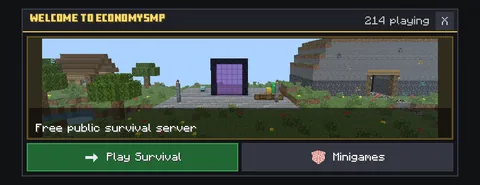
Welcome menu: Play Survival or Minigames 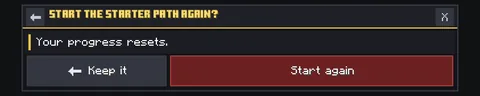
The confirmation before you restart the Starter Path 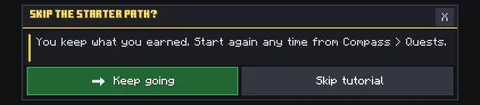
The choice to keep going or skip the Starter Path 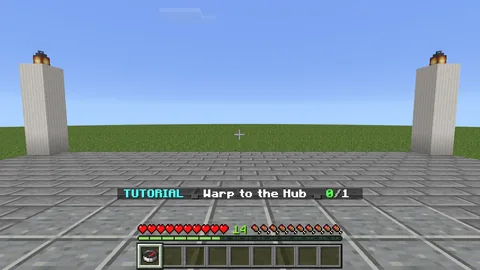
the tutorial action bar at spawn: a render of the real in-game model, from EconomySMP.
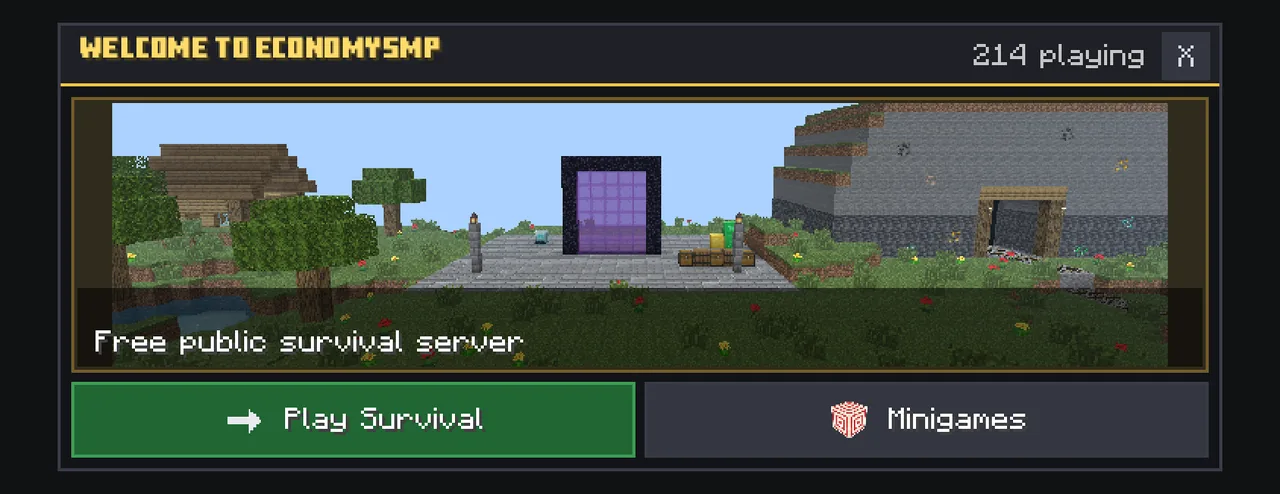

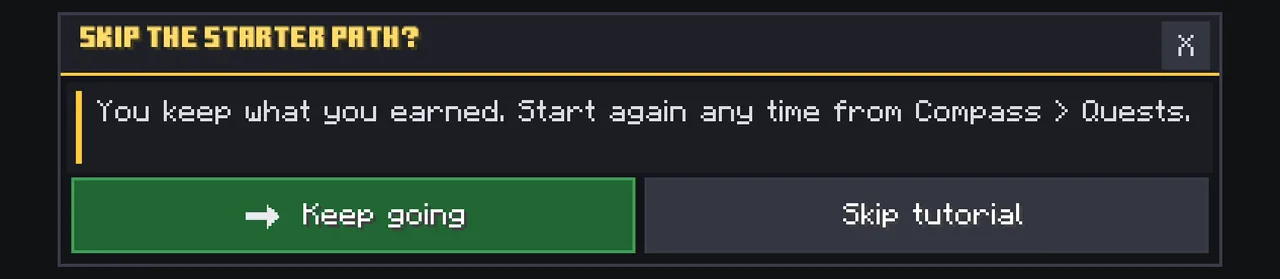
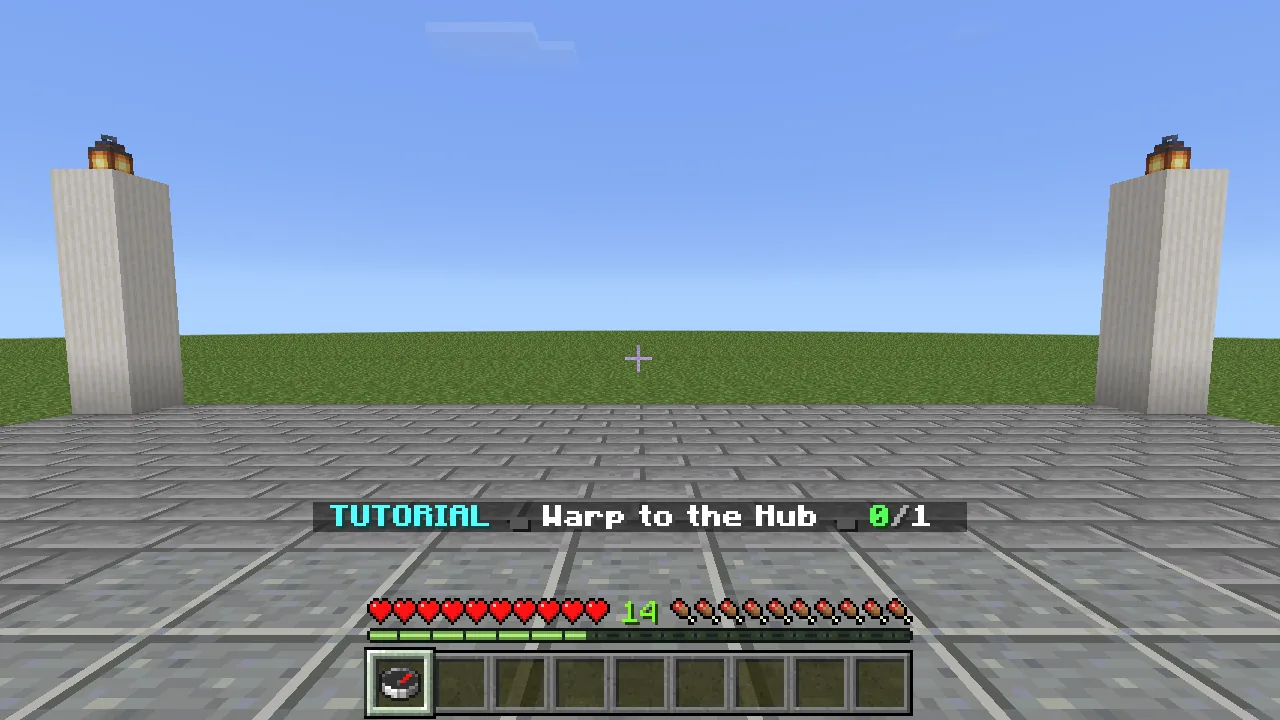
Commands
/resetAsk staff to reset all your progress (survival servers)Who: Everyone/tutorialStaff only: replay the first-join welcome and a fresh Starter PathWho: Everyone/gtaHub tour. Not enabled on the live HubWho: Everyone
Questions
- How do I reset my progress on EconomySMP?
- Type /reset on a survival server, confirm, then type RESET. Staff review the request in Discord. After approval the reset runs when you are offline.
- Can I replay the EconomySMP tutorial?
- Not with a command. /tutorial is limited to staff. A /reset also wipes your tutorial and quest progress if you want to start fresh.
- Do I keep my rank and cosmetics after /reset?
- Yes. Your account, VIP and ranks, cosmetics, pets, Discord link and settings are kept.
- How often can I use /reset?
- You can ask once every 24 hours, and 30 days must pass after a reset has run. A request nobody decides in 7 days expires.
- Can a reset be undone?
- Not by you. Staff keep a snapshot taken before the reset and can restore it.
See also
Starter Path
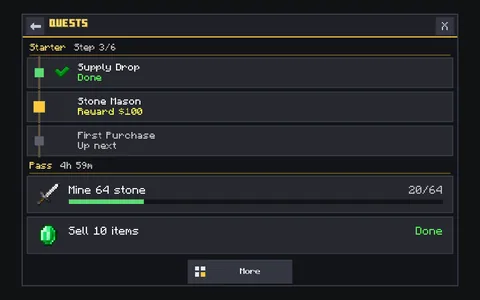
Six guided steps for new players with one progress bar. Each step pays money.
Tutorial Pass
A free 32 level pass with about 30 beginner quests. Finish it to unlock the full Battle Pass.
Balance, payments and gifts
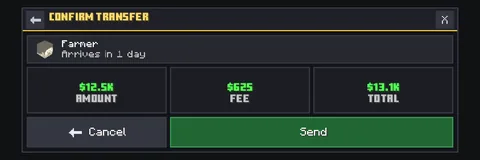
See money and Gems with /balance, pay players with /pay, gift Gems or VIP with /gift.