Help, rules and reporting
In-game help is built in. /help lists commands, /rules shows the server rules and /faq opens Help and Rules. Use /report for a player and /bug for a bug. Both go to staff.
How to
- Type /help to list commands.
- Type /rules or /faq to read the rules and common answers.
- Type /report <player> to report a player, or /bug <text> to send a private bug report.
- Join the Discord with /discord for tickets and announcements.
Gallery
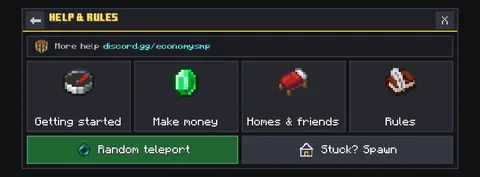
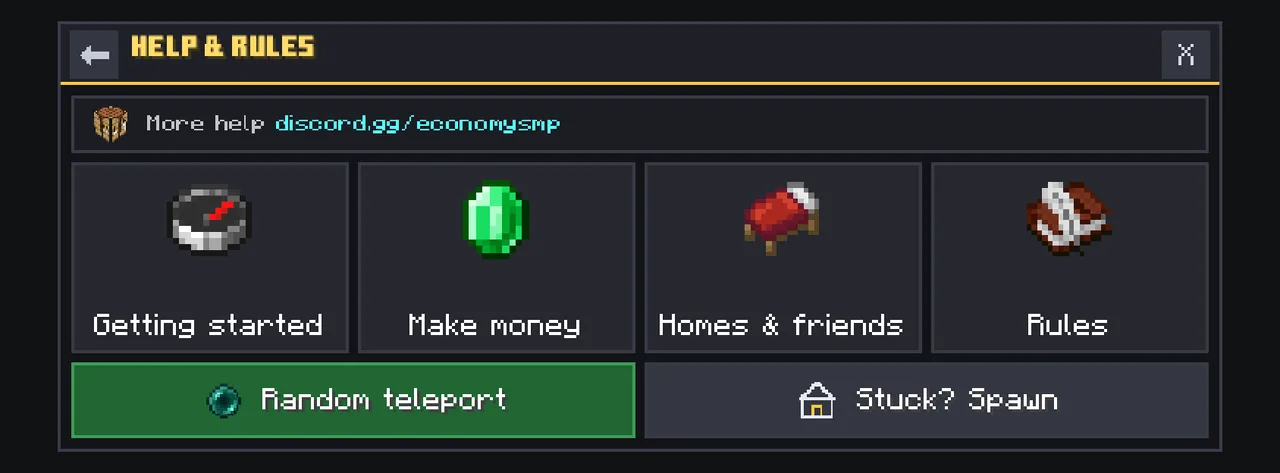
Help and Rules: Getting started, Make money, Homes and friends, Rules 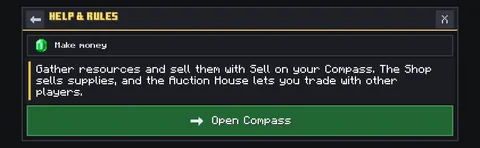
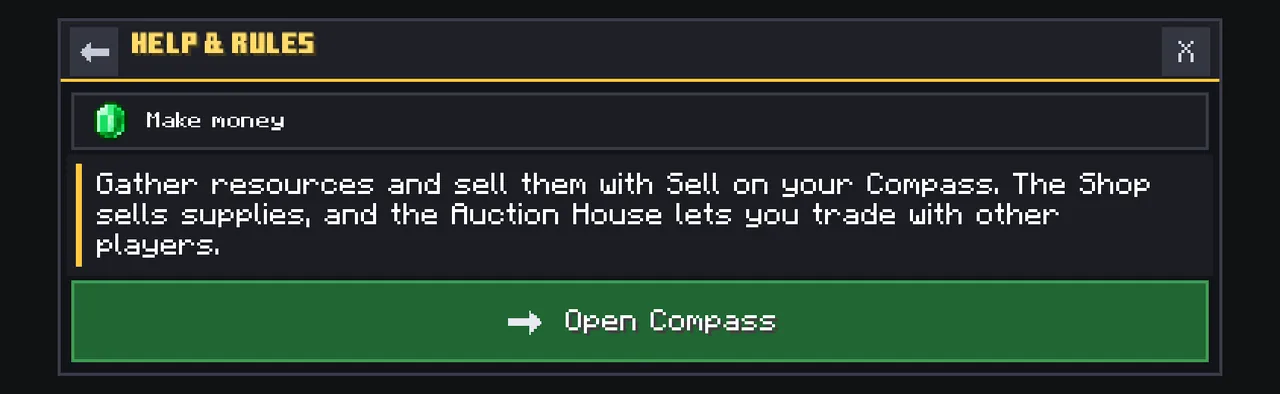
Help and Rules answer page: Make money, with the Open Compass button 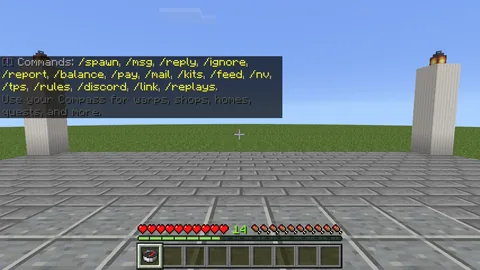
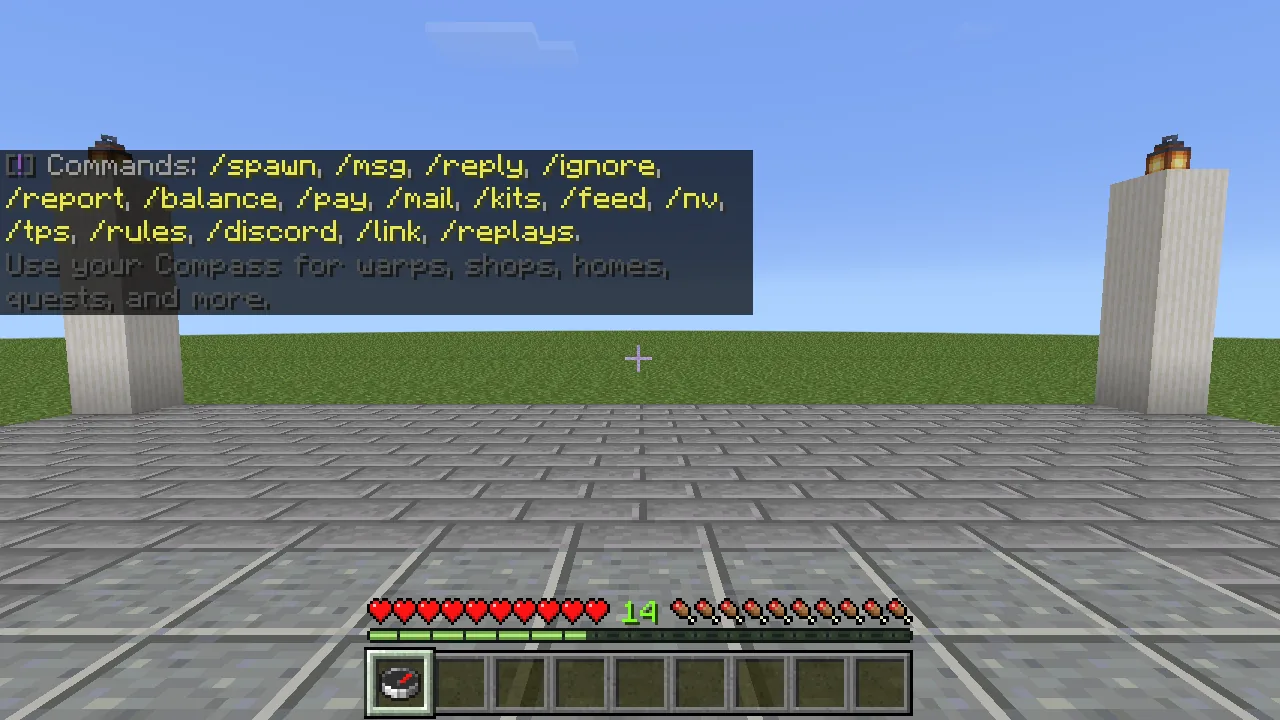
Render: the /help command list as the Hub prints it. 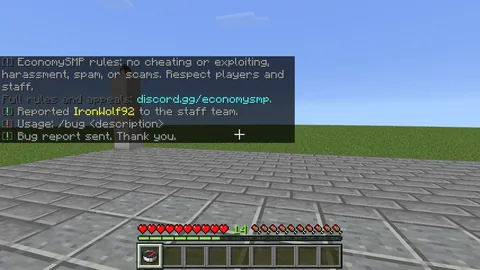
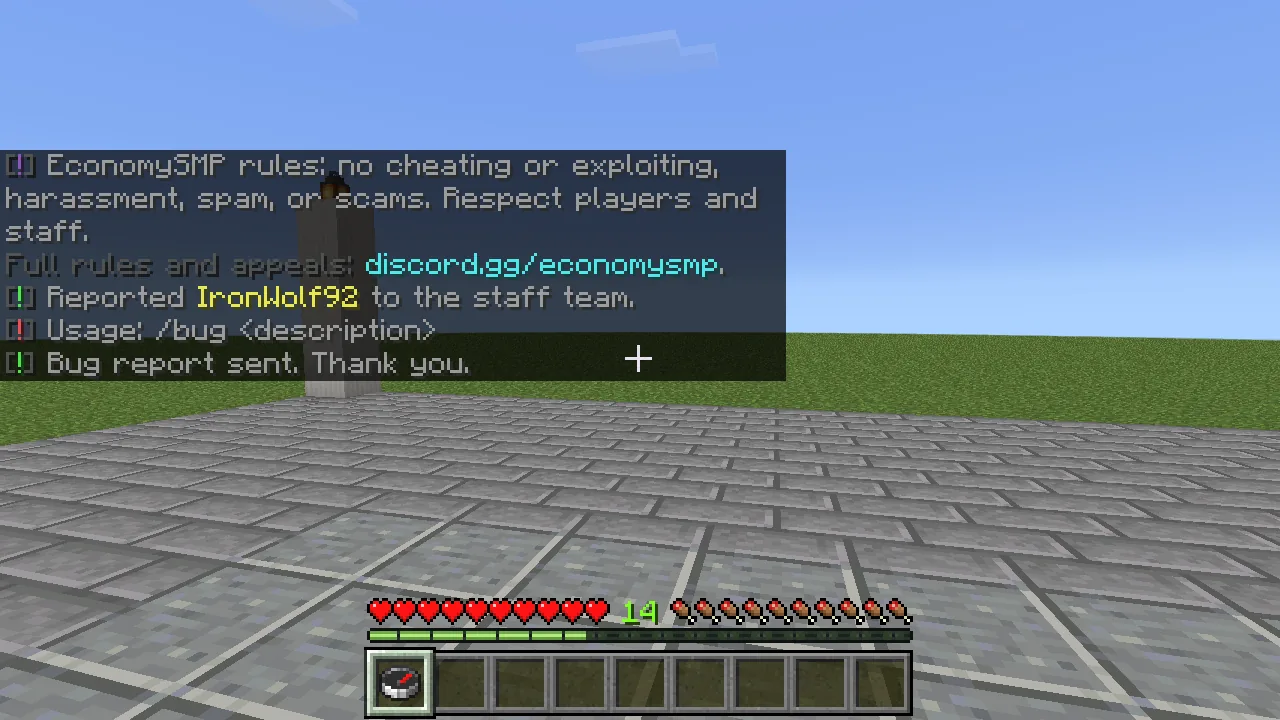
Render: /rules, a /report confirmation and the /bug usage and thank-you lines.
Commands
/helpShow Hub commandsWho: Everyone/rulesShow the server rulesWho: Everyone/faqOpen Help & RulesWho: Everyone/discordShow the EconomySMP Discord inviteWho: Everyone/report <player>Report a player to staffWho: Everyone/bug <text>Send a private bug report to staffWho: Everyone/joinShow how to join back anytimeWho: Everyone
Questions
- How do I report a bug on EconomySMP?
- Type /bug followed by what went wrong. It goes privately to staff.
- Where are the server rules?
- Type /rules in game, or /faq to open Help and Rules.
- How do I report a player for cheating or griefing?
- Type /report <player> with the exact name. Chat confirms: Reported <name> to the staff team.
- How long can a bug report be?
- Under 1,000 bytes. Longer text is refused. You can send one every 30 seconds.
- Why does /bug say wait 30 seconds?
- Bug reports have a 30 second cooldown. Wait and send again.
- Can I report myself?
- No. The game answers: You cannot report yourself.
- How do I get the Discord invite?
- Type /discord in game.