
Discord
Linking your Minecraft account to Discord unlocks the Discord commands and pays a one-time reward. Type /link in game and follow the steps. Use /discord to get the invite.
How to
- Join the EconomySMP Discord.
- In game, type /link. It shows a 6-digit code.
- In the Discord, run /link and enter the code. Then use the commands.
Gallery
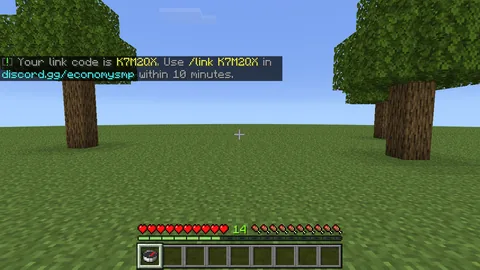
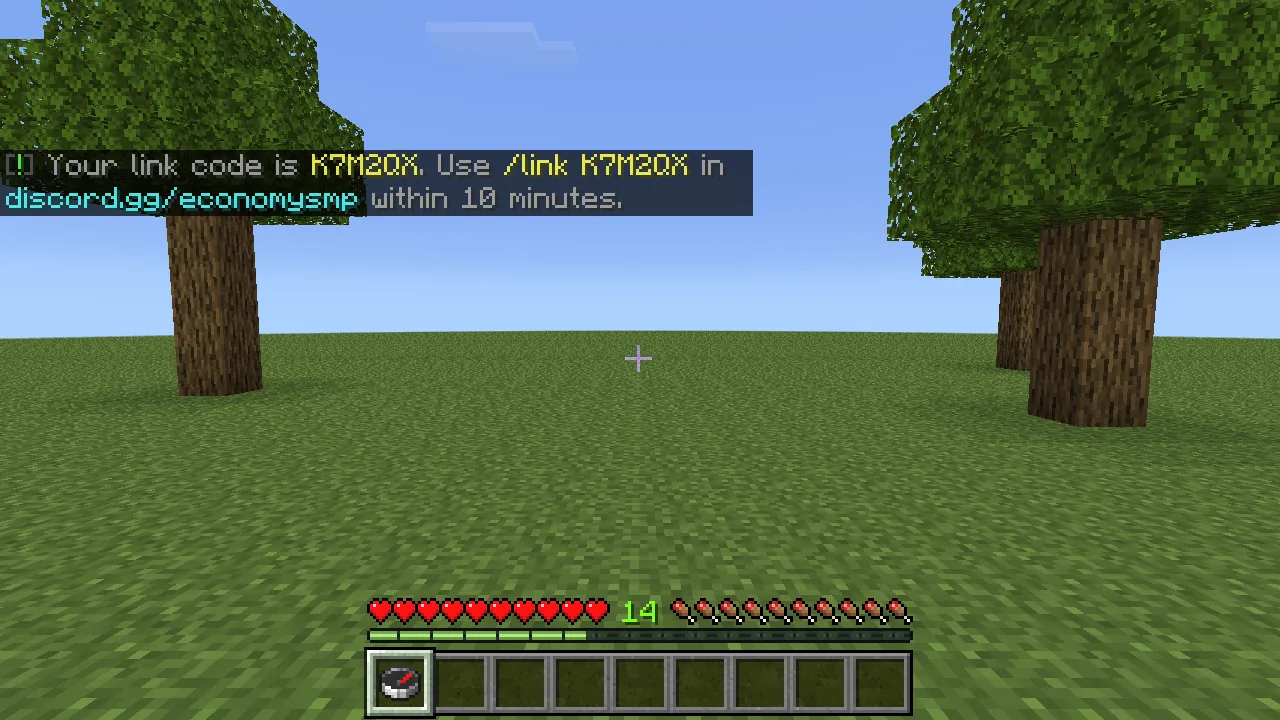
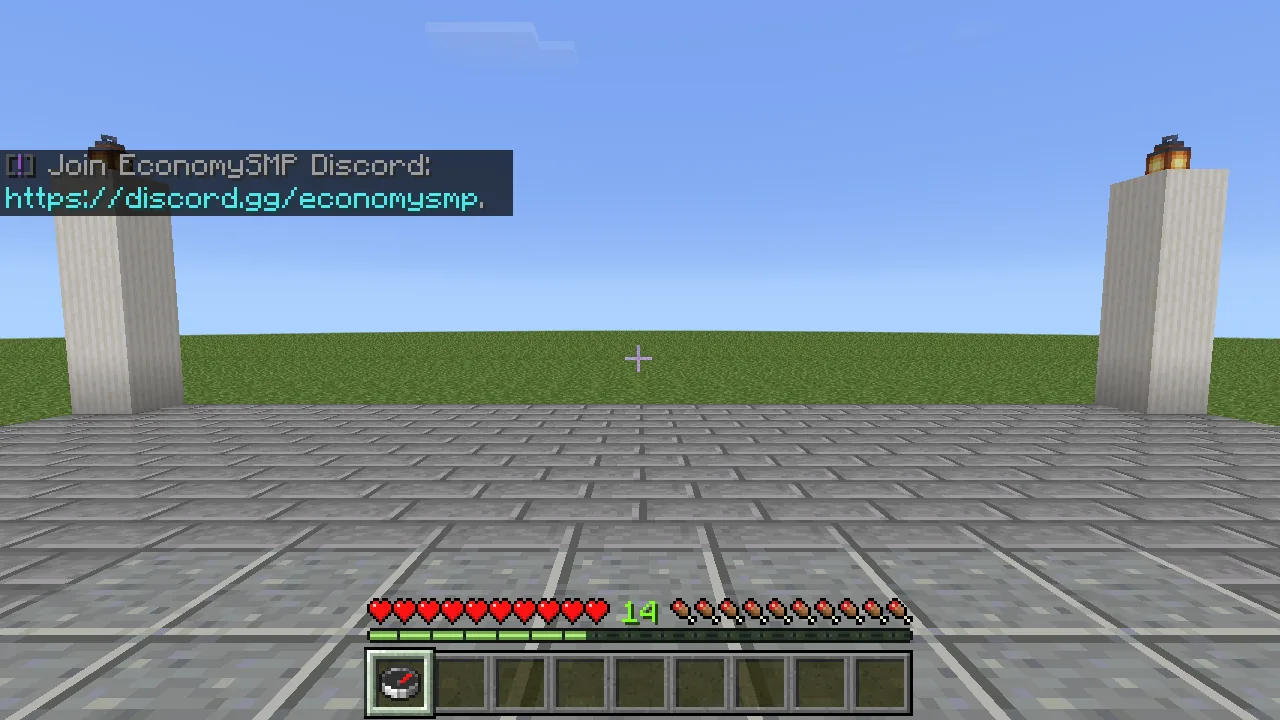
Render: the /link line with a sample code and the Discord to use it in. 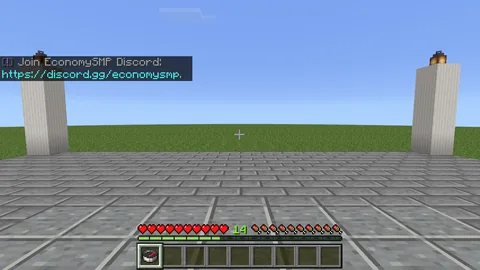
the /discord invite line: a render of the real in-game model, from EconomySMP. 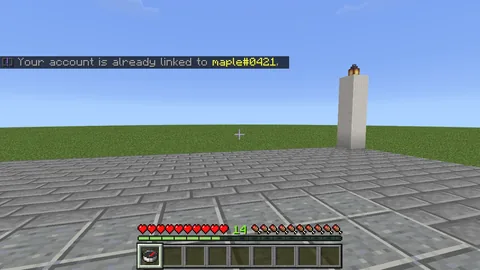
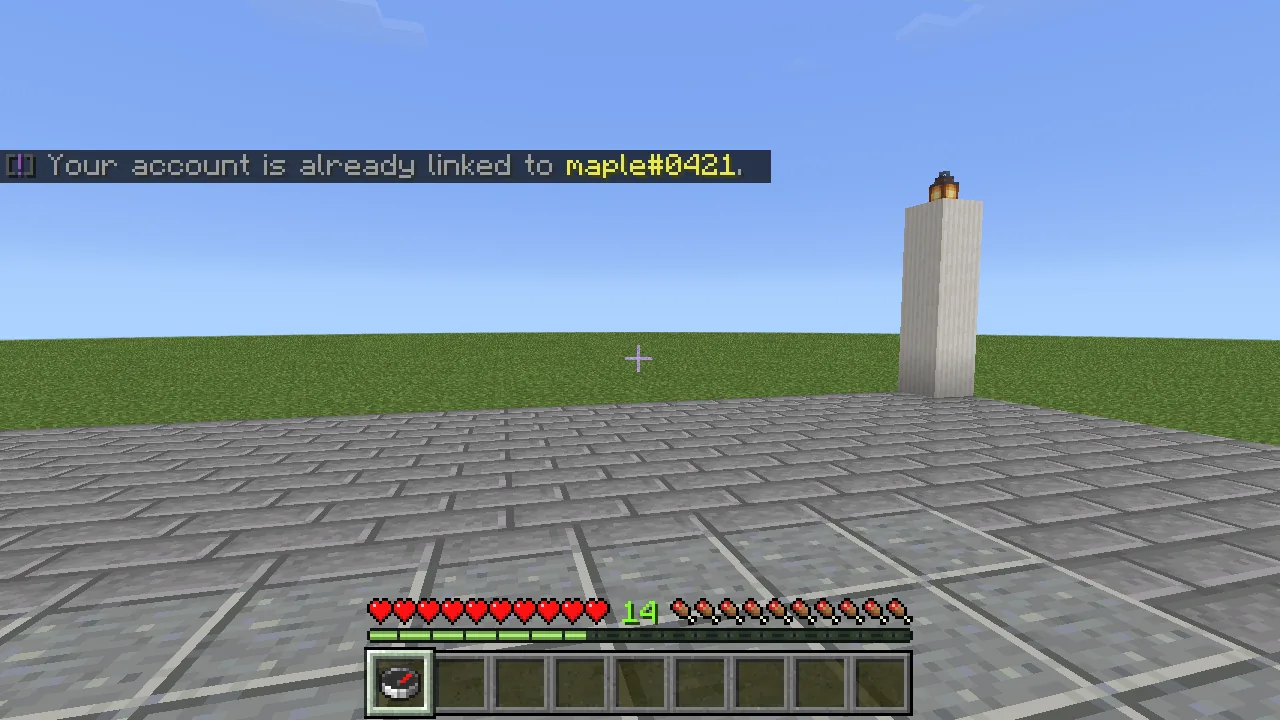
Render: the line when /link is used on an account that is already linked.
Commands
/linkLink your Discord account (or your Java account with a code)Who: Everyone/discordShow the EconomySMP Discord inviteWho: Everyone
Questions
- How do I link Discord to my EconomySMP account?
- Type /link in game and follow the steps. Then use /stats, /auction and /orders in Discord.
- What do I get for linking Discord?
- $1,000 and a Wumpus Plushie, an Epic exclusive.
- How long does the link code last?
- A few minutes. If it expired, type /link in game again for a new 6-digit code.
- Can I get the link reward twice?
- No. The reward is paid once per Minecraft account and once per Discord account. Unlinking and relinking does not pay again.
- Where do I type the code?
- In the EconomySMP Discord, as /link and then the 6-digit code. The game /link command only shows it.
- Can I link two Minecraft accounts to one Discord account?
- No. A Discord account that is already linked to another account is refused.
- How do I unlink my Discord?
- Run /unlink in the Discord server.
See also
Discord commands
Player slash commands in the EconomySMP Discord: /stats, /leaderboard, /auction, /orders, /vault and more.
Auction house
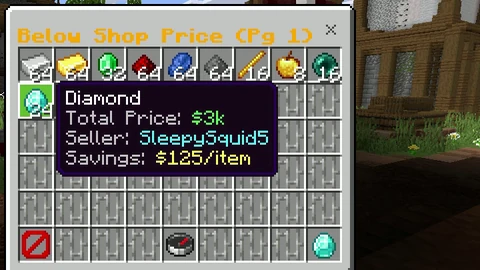
List items for money or Gems. Any player can buy them. Search it from Discord too.
Order board
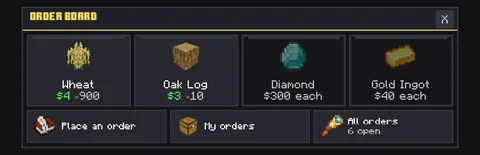
Corporations post buy orders at a fixed price per item. Any player can fill them.
Vote Crate
Vote on nine sites for $1,000 and a Vote Key each. Keys open the Vote Crate at Hub spawn.
Chat and private messages
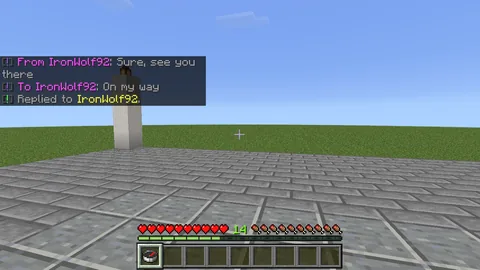
Global chat, /msg, /reply, /ignore, chat tags and VIP badges.
Help, rules and reporting
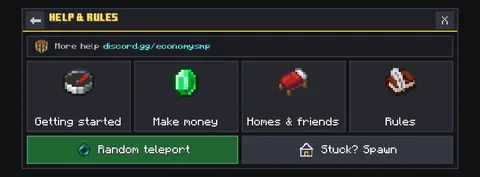
/help, /rules, /faq, /discord, /report and /bug.
Leaderboards and stats
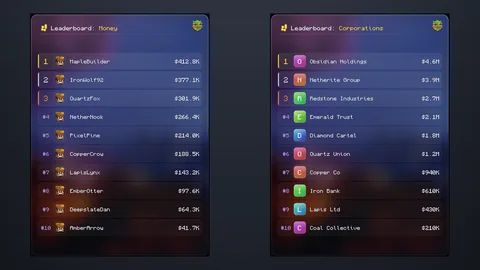
Hub boards for balances, Elo, corporations, market sales and Deepcore mining, plus /stats and /leaderboard in Discord.