
Discord commands
The EconomySMP Discord bot answers slash commands about your game account. Most need a linked account: run /link in game, then use the code with /link in Discord. Staff-only commands are not listed here.
How to
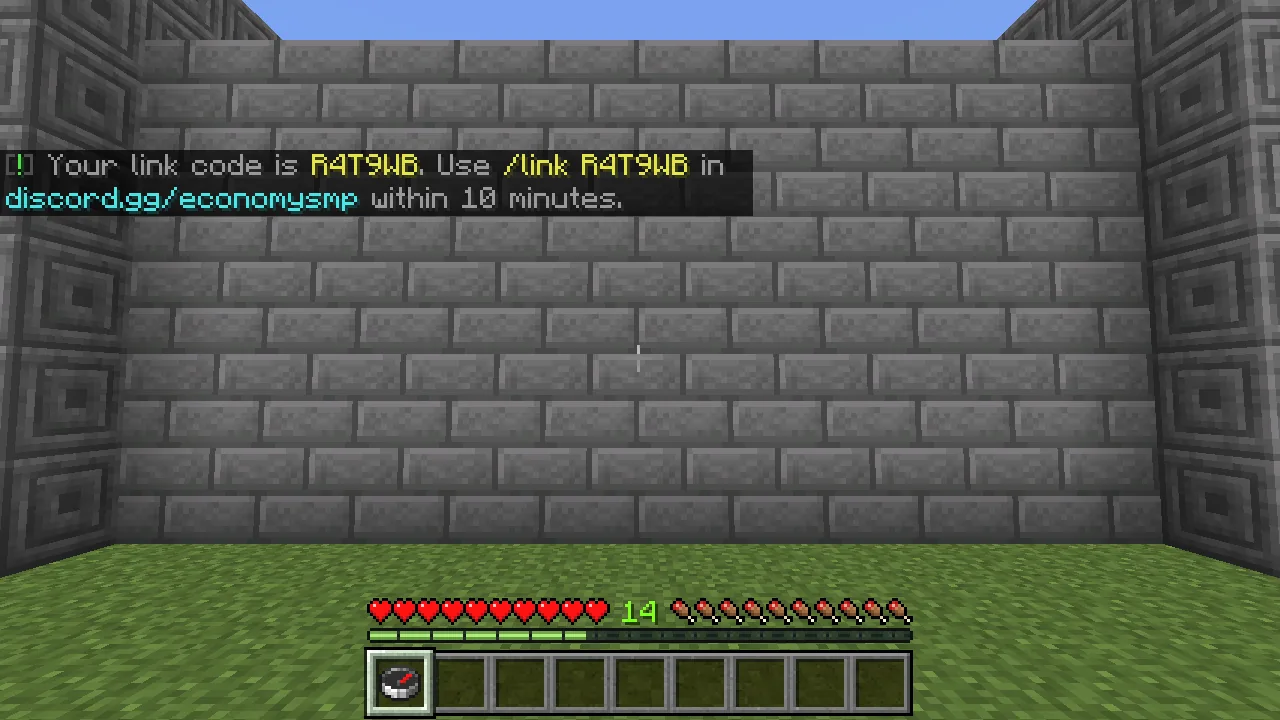
- Type /link in game and follow the steps, then use the code with /link in Discord.
- Type a command in any channel where the bot answers.
- Use /unlink if you want to remove the link.
Gallery
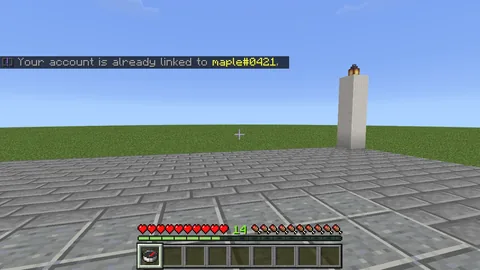
Render: the line when /link is run on an account that is already linked. 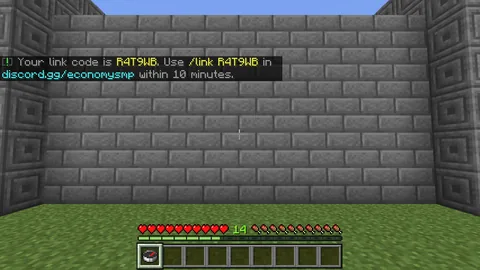
Render: the in-game /link line; the code goes into /link in Discord. 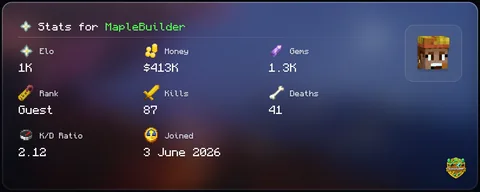
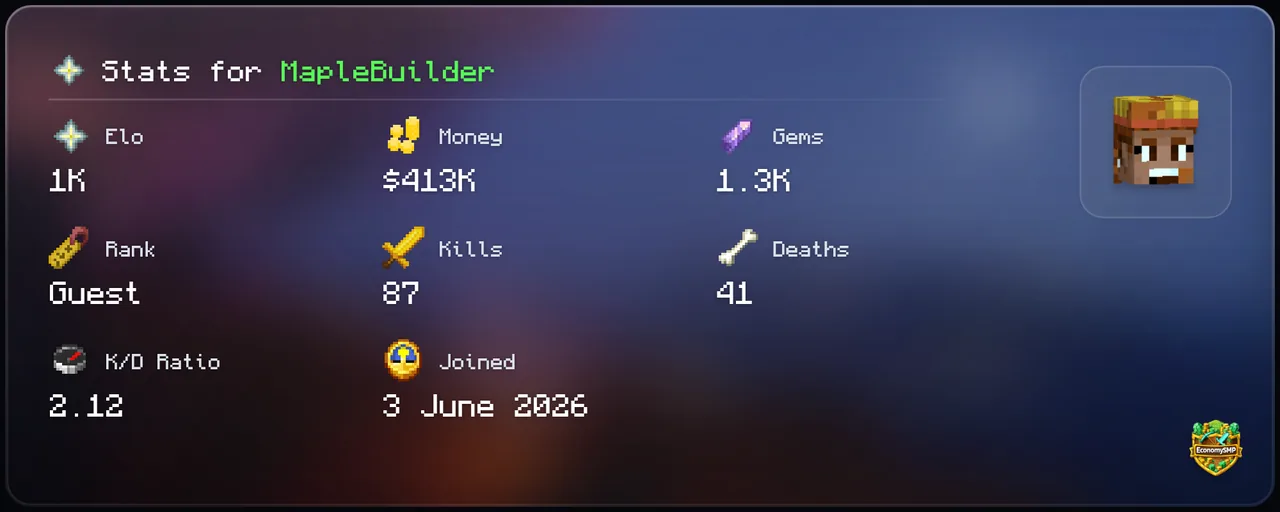
Render: the /stats card the Discord bot answers with, rendered by the bot's own card code with sample numbers.
Commands
/statsDiscord: stats cardWho: Everyone/leaderboardDiscord: top 10 rankingWho: Everyone/vaultDiscord: your vault contentsWho: Everyone/corporationDiscord: your corporationWho: Everyone/emporiumDiscord: your purchase historyWho: Everyone/serverlistDiscord: online players per serverWho: Everyone/unlinkDiscord: unlink your accountWho: Everyone
Questions
- What Discord commands does EconomySMP have?
- /stats, /leaderboard, /auction, /orders, /vault, /corporation, /corporation-computers, /uplink, /emporium, /serverlist, /link and /unlink. Most need a linked account.
- How do I earn money from Discord on EconomySMP?
- Link your account, then bump the server in the bump channel with DISBOARD. Each successful bump adds $1,000 to your balance, once every 2 hours.
- Can I see my vault from Discord?
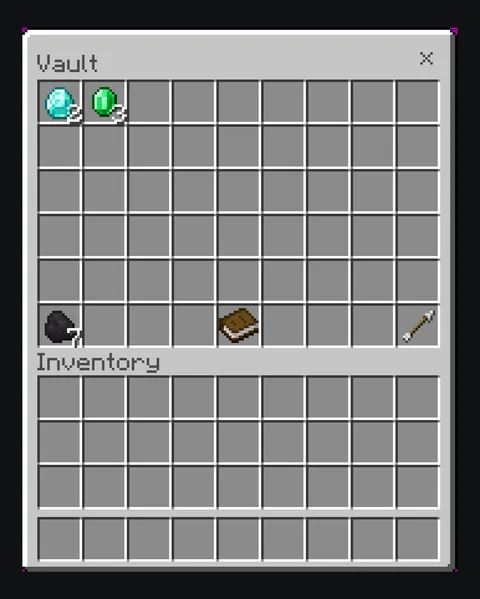
- Yes. Type /vault after linking. Only you see the reply.
See also
Discord
Link your account to use stats, auction and order commands from Discord.
Leaderboards and stats
Hub boards for balances, Elo, corporations, market sales and Deepcore mining, plus /stats and /leaderboard in Discord.
Auction house
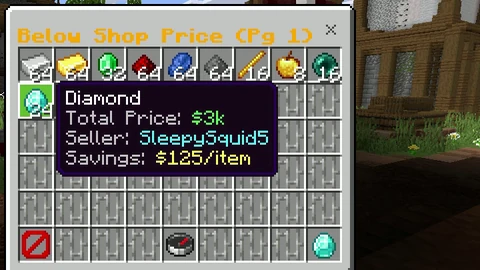
List items for money or Gems. Any player can buy them. Search it from Discord too.
Order board
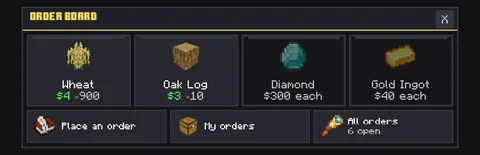
Corporations post buy orders at a fixed price per item. Any player can fill them.
Vault
Personal item storage you reach from any server with /vault.
Satellite Uplink
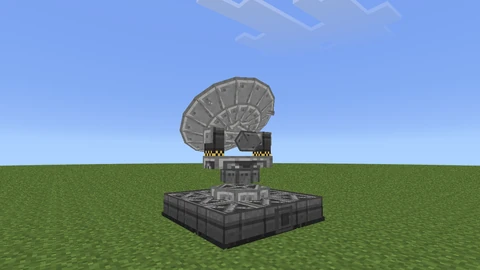
Corporation radar: orbital map, raid alerts, seismic scan and Discord posts. Four tiers, 3 to 16 W.