
Satellite Uplink
The Satellite Uplink is a corporation machine with a dish that needs open sky and 3 to 16 W of power. Tier 1 draws an orbital map of your base. Higher tiers add a raid radar and a seismic ore scan.
How to
- Buy or craft a Satellite Uplink and place it under open sky in your corporation base.
- Connect power. It is online only while fully powered with open sky over the dish.
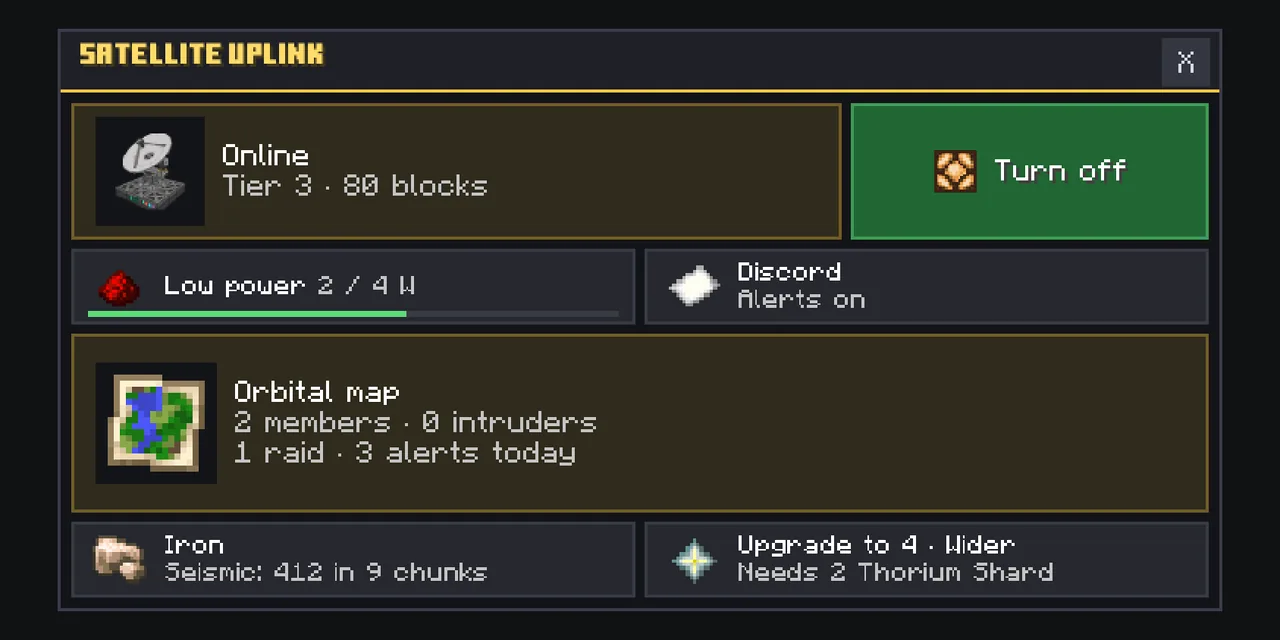
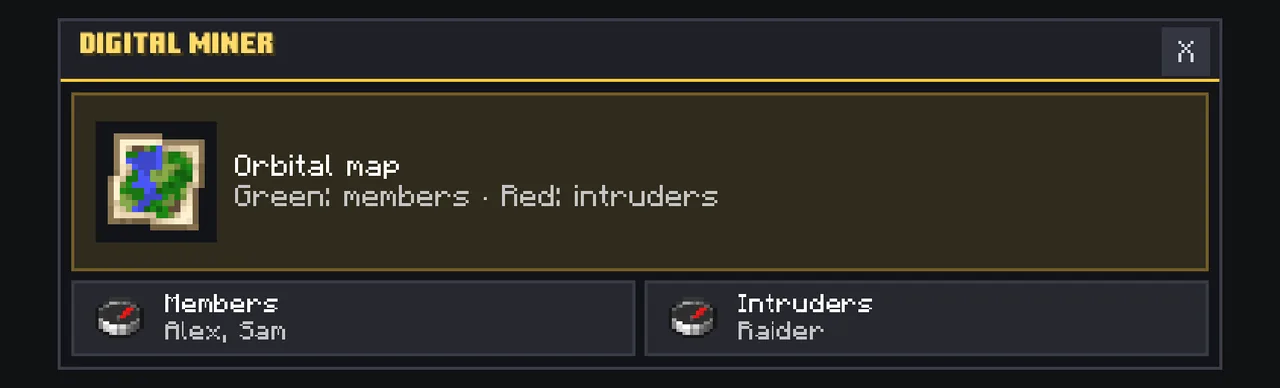
- Open its panel to see the orbital map and, from tier 2, intruder alerts.
- Upgrade the tier from the panel with Thorium items.
- In Discord, run /uplink link to connect your corporation channel for alerts.
Gallery
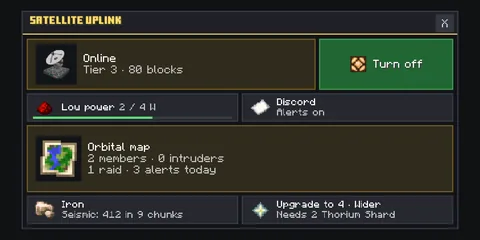
Satellite Uplink online at tier 3 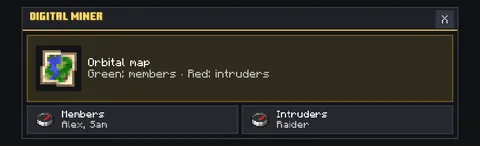
Satellite Uplink orbital map 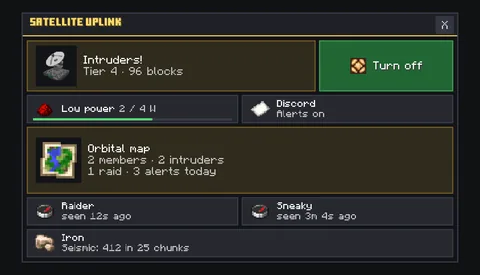
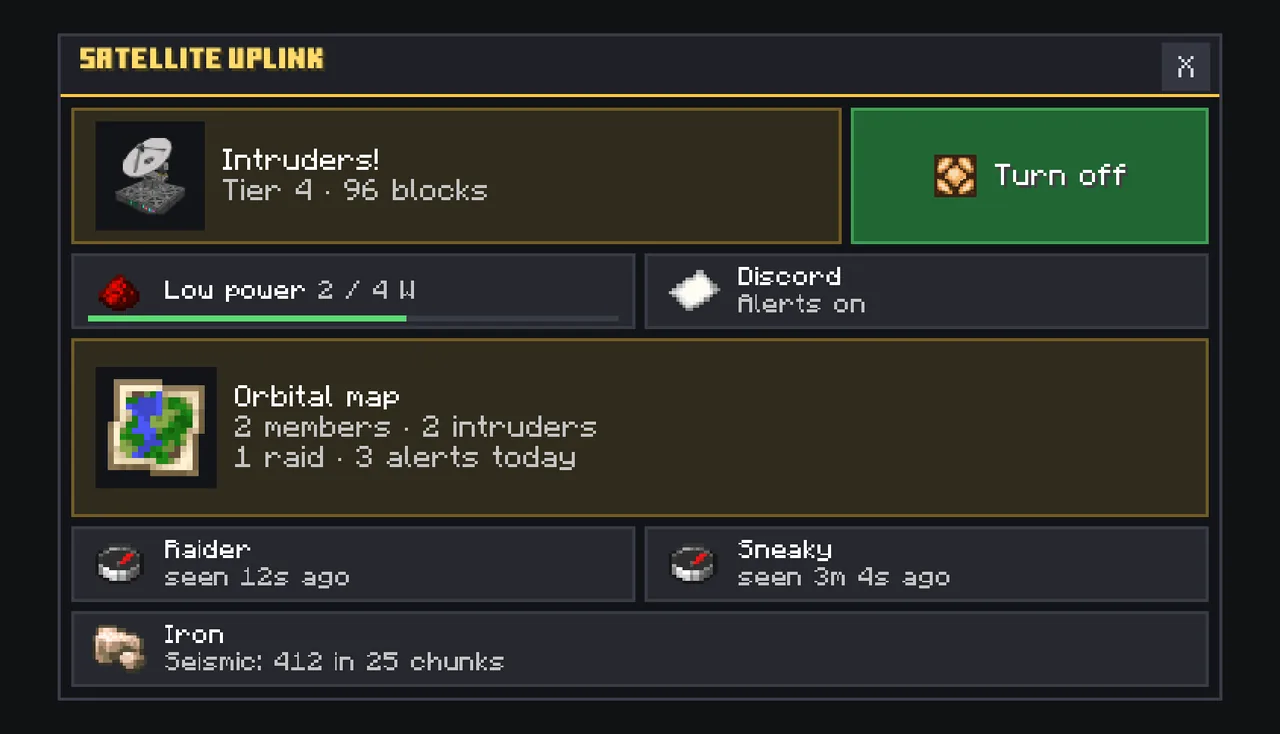
Satellite Uplink alert for intruders 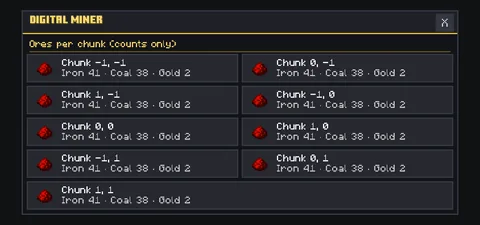
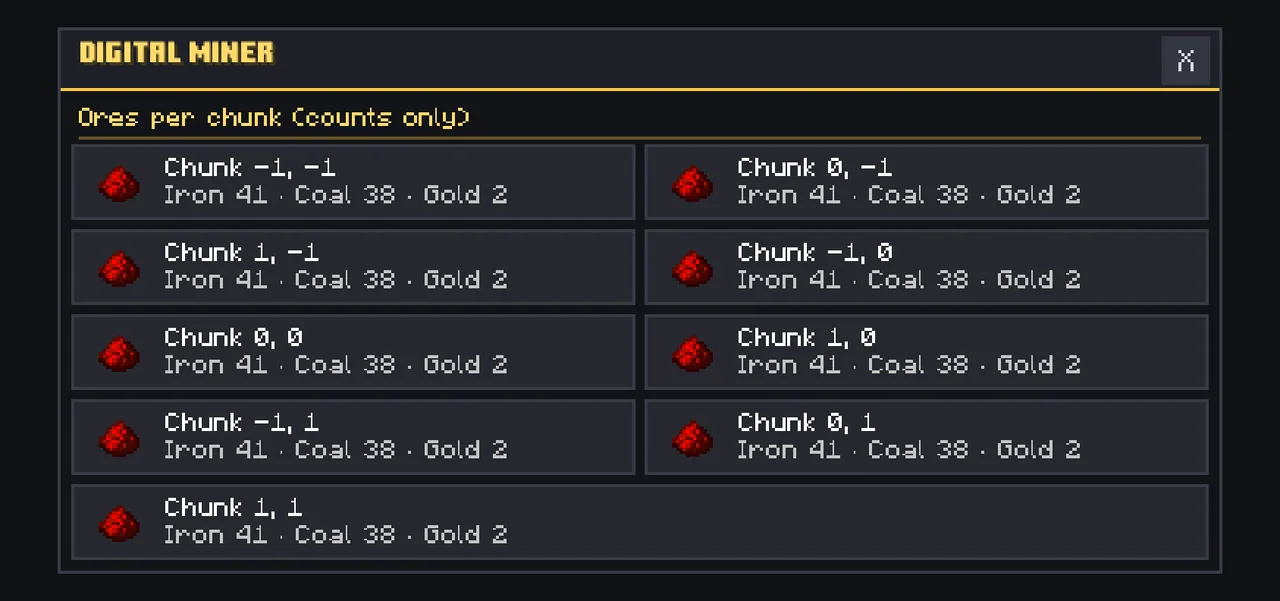
Satellite Uplink seismic scan by chunk 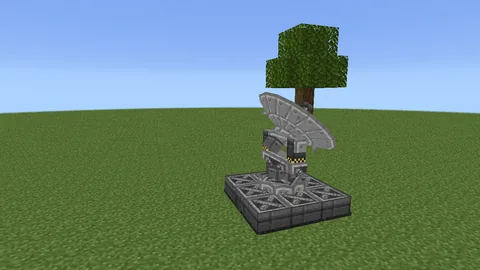
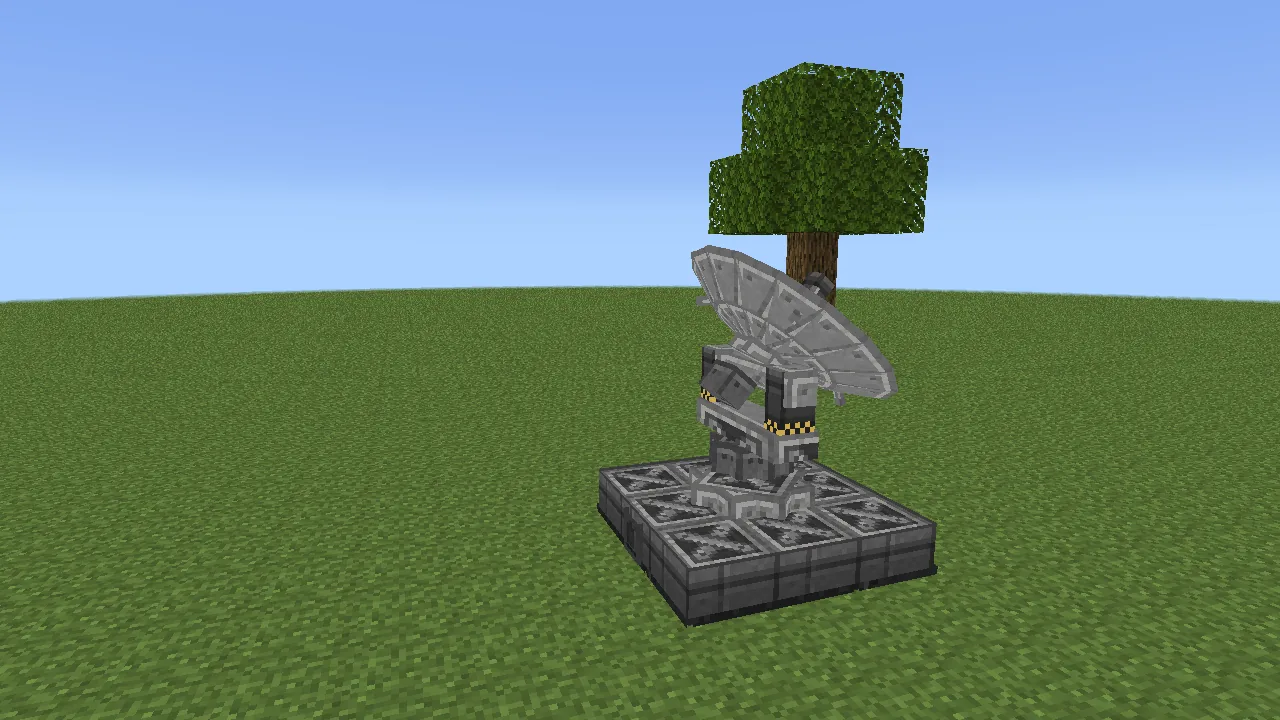
Render: Satellite Uplink, from another angle (view 1). 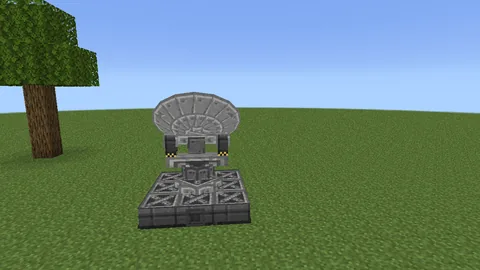
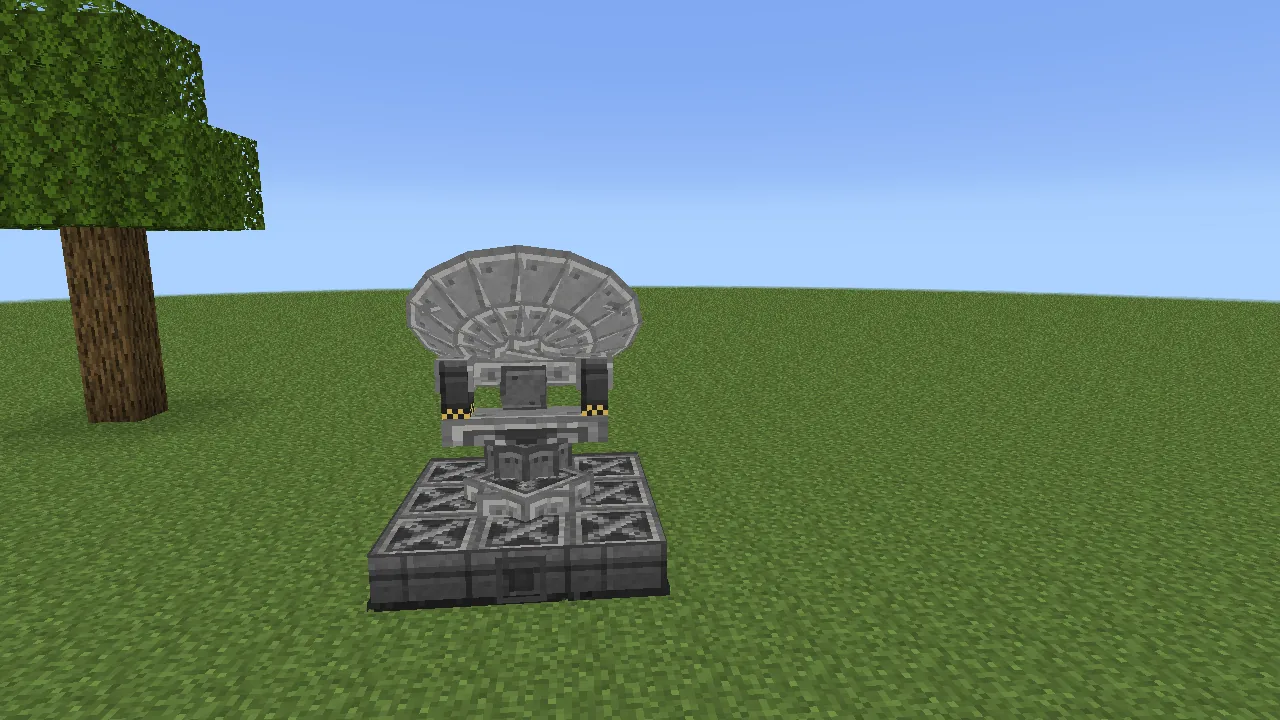
Render: Satellite Uplink, from another angle (view 2).
Questions
- Does the Satellite Uplink alert me about raids?
- From tier 2 it alerts online corporation members in game when a non-member enters its radius, and posts raid, status and all-clear messages to the linked Discord channel.
- Why is my Satellite Uplink offline?
- It is online only while turned on, fully powered and with open sky over the dish. Any missing condition takes it offline.
See also
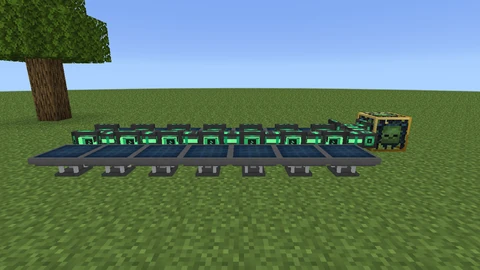
Power grid, solar panels and cables
Wire solar panels to spawners with cables for up to +50% spawner output. Power never pays money.
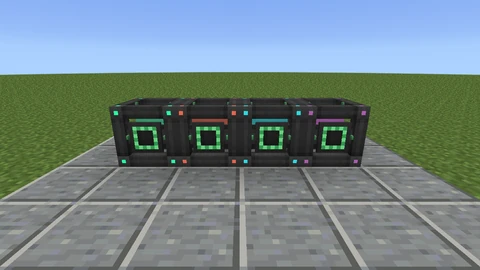
Energy Cubes
Four tiers of battery blocks that store spare power for the night.
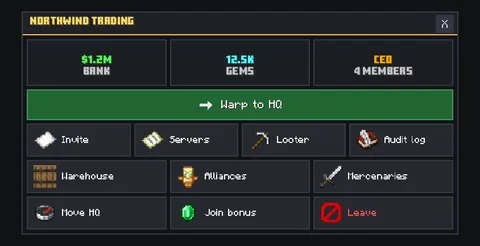
Create and run a corporation
A corporation is a player company with ranks, a shared bank and a warehouse.
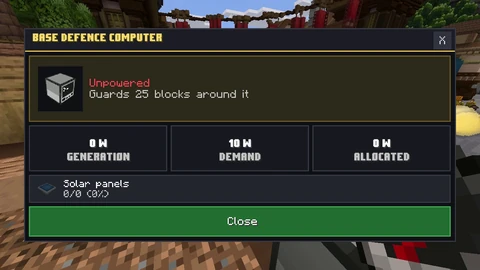
Security Computer
One block that protects a sphere of land and its chests from non-members.

Lag clear (dropped item cleanup)
Every 15 minutes dropped items are cleared after a 5 second warning. Valuable items are kept.
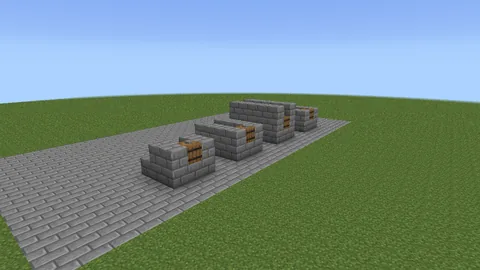
Raid machines: cannons and bombers
Ten buy-only redstone machines from the Raiding shop: five cannon tiers, two flying bombers, a Wall Breaker and three specialty cannons.