Minecraft 26.1, 26.2 and 26.3 server: join EconomySMP on Java
EconomySMP at play.esmp.me runs for Java Edition 26.1, 26.2 and 26.3. You add the address in Multiplayer, no port needed, and arrive in the Hub. Java players share the worlds, economy and chat with Bedrock players.
Join on Java 26.x
Java uses the default port 25565, so the address alone is enough.
- Start Minecraft Java Edition 26.1, 26.2 or 26.3.
- Open Multiplayer and choose Add Server.
- Enter the name EconomySMP and the address play.esmp.me.
- Join and follow the Starter Path boss bar.
What a Java player sees
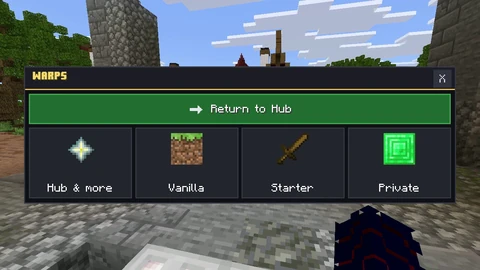
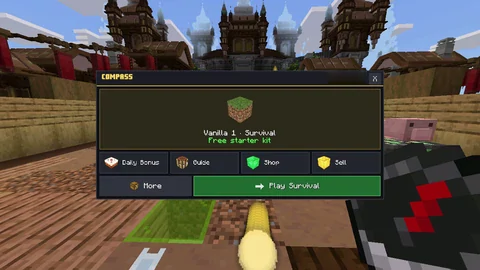
Java players always get chest-style menus for the shop, auction house, Compass and the rest. Everything else is the same as on Bedrock: the Hub, Starter worlds, Vanilla, Deepcore, corporations and the PvP Arena.
Which 26.x version to pick
Any of the three works. Pick the one your launcher profile already has, or the newest of the three. A version outside the range is refused at the door, not after you load in.
Use your Bedrock progress on Java
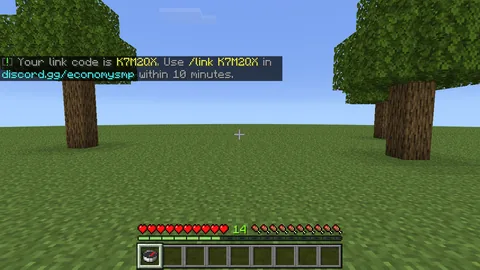
If you already play on Bedrock, type /link on Java to get a code, then type /link with that code on Bedrock. This links the two accounts.
Questions
Is there a Minecraft 26.1 server I can join?
Yes. EconomySMP at play.esmp.me accepts Java Edition 26.1, 26.2 and 26.3.
Does EconomySMP support Minecraft 26.3?
Yes. Java 26.1, 26.2 and 26.3 can all join.
Do I need a port for Java?
No. Java uses 25565, the default. Only Bedrock needs the port 19132 typed in.
Can Java and Bedrock friends play together?
Yes. Both editions join the same server and share worlds, shops and chat.