How to report a player or a bug on a Minecraft server: EconomySMP
In game, type /report <player> to send a report to staff and /bug <text> to send a private bug report. For anything longer, open a ticket in the EconomySMP Discord (/discord shows the invite).
Reporting a player
Reports go to the staff team. You cannot report yourself.
- Type /report followed by the exact gamertag.
- Chat confirms with Reported <name> to the staff team.
- If you have more detail (time, world, what happened), add it in a Discord ticket.
Reporting a bug
Bug reports are private and go to staff.
- Type /bug followed by what happened. Without text it shows Usage: /bug <description>.
- Keep it under 1,000 characters.
- There is a 30 second cooldown between bug reports.
- Say what you did, what you expected and what happened instead.
What the server handles itself
Some things need no report because the game acts on them.
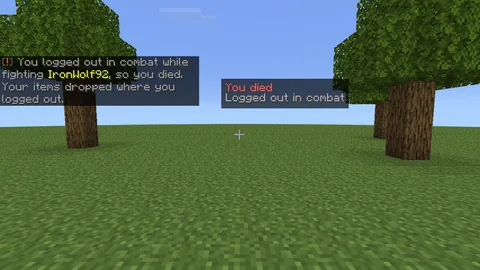
- Combat logging: a player who quits within 15 seconds of PvP damage dies and drops items. The opponent gets the kill.
- Elytra with Mending or Unbreaking: the enchant is removed and returned as a book.
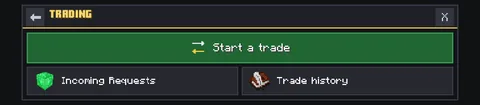
- Trades that go through the Safe-Trade Broker keep a history of the last 10 trades, so you can see exactly what was exchanged.
Questions
How do I report a hacker on EconomySMP?
Type /report <player> in game. Staff get it, and you can add detail in a Discord ticket.
How do I send a bug report?
Type /bug <description>. It is private, under 1,000 characters, with a 30 second cooldown.
Where do I find the rules?
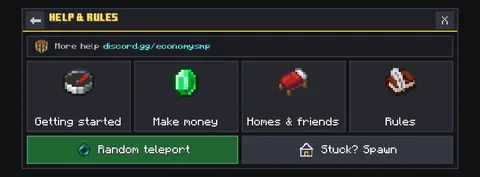
Type /rules or /faq in game.
How do I get to the Discord?
Type /discord for the invite. Tickets and announcements are there.