
Post office
The post office lets you send items, money and postcards to any player, even when they are offline. Open it at any mailbox block in the Hub (VIP+ can also type /mail from anywhere). Received items, Vote Keys and some rewards arrive in your inbox.
How to
- Use any mailbox block in the Hub.
- Choose Send Package, Send Money or Send Postcard, then pick the player.
- Check My Deliveries for the delivery stage.
- Open Inbox to claim what you received. Vote Keys and some rewards arrive here too.
- For Send Package, put one stack onto the empty slot in the menu. Items that cannot be mailed are rejected before any payment.
- In Inbox, click an entry to claim it. Items go to empty slots in your inventory, money and Gems go to your balance. Postcards open as a note you can mark as read.
In game
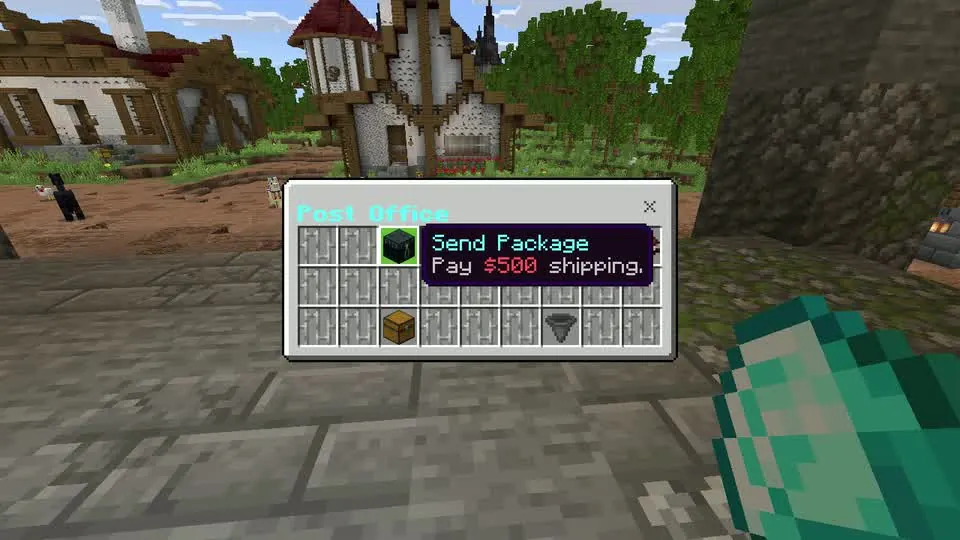
Walking up to a mailbox and opening the Post Office
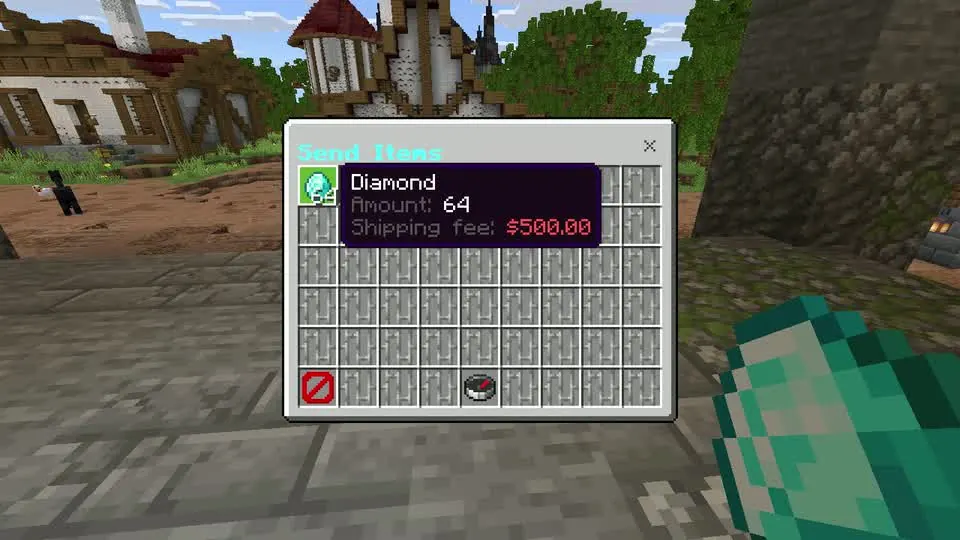
Choosing the items to send as a package
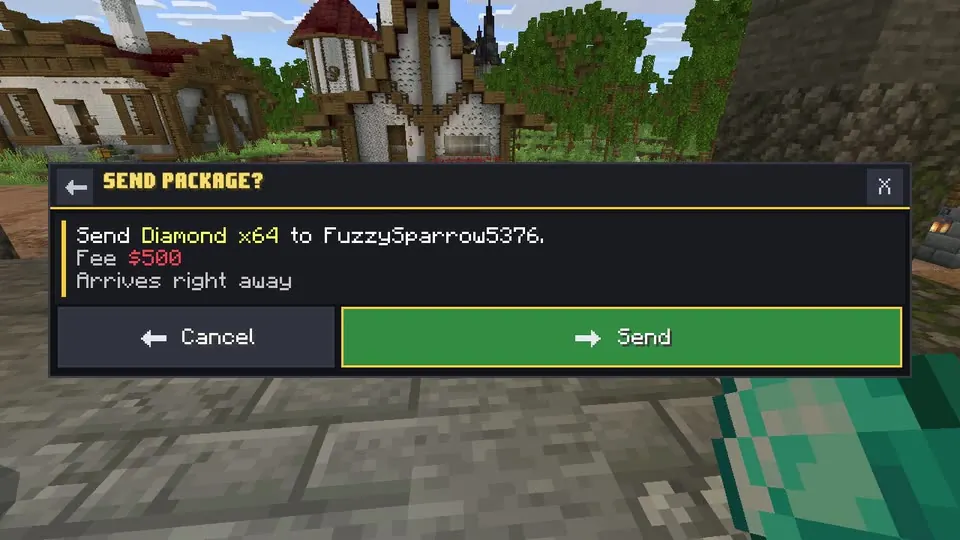
Confirming and sending the package
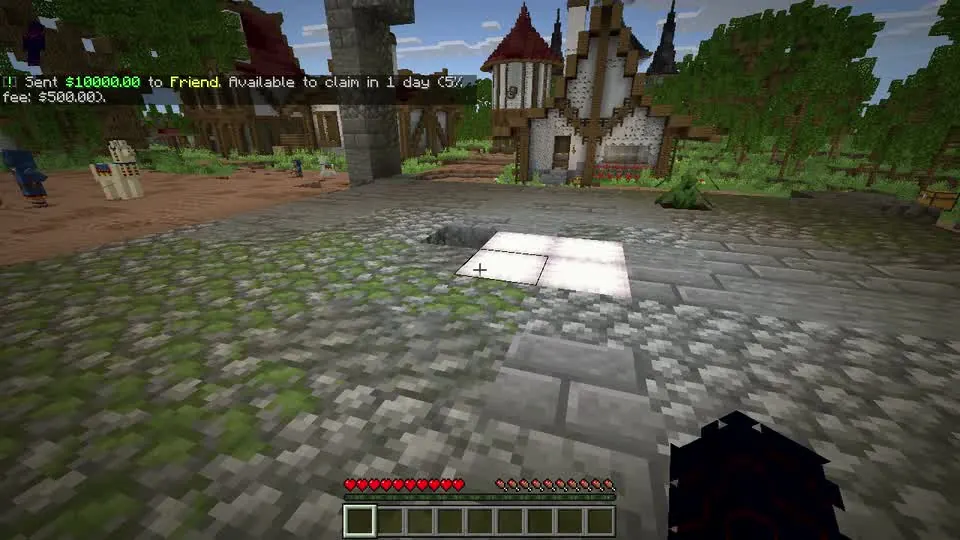
Sending money to a friend from the Post Office: type the amount, confirm the fee, press Send
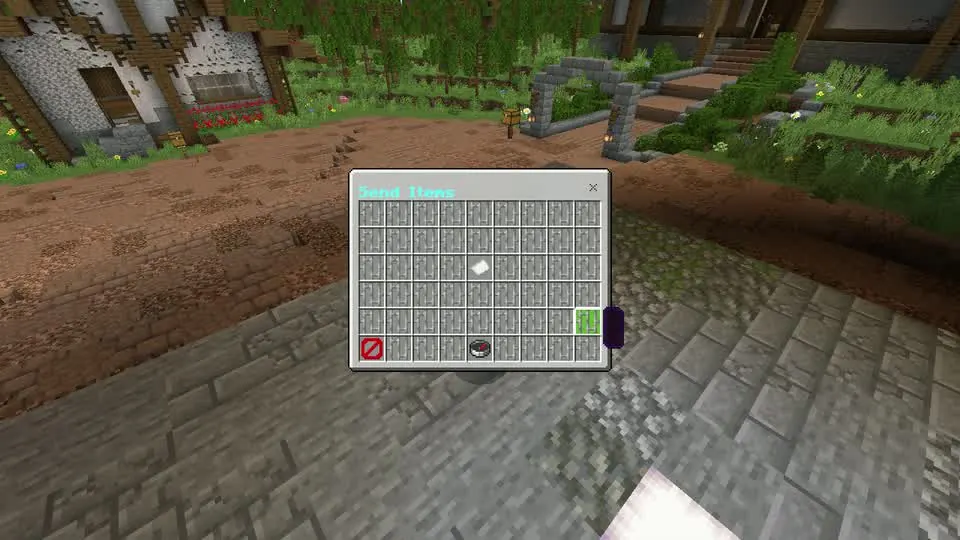
Sending a package from the Post Office: pick the diamonds, type the recipient and confirm
Gallery
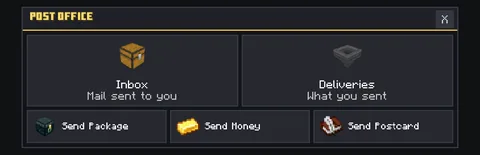
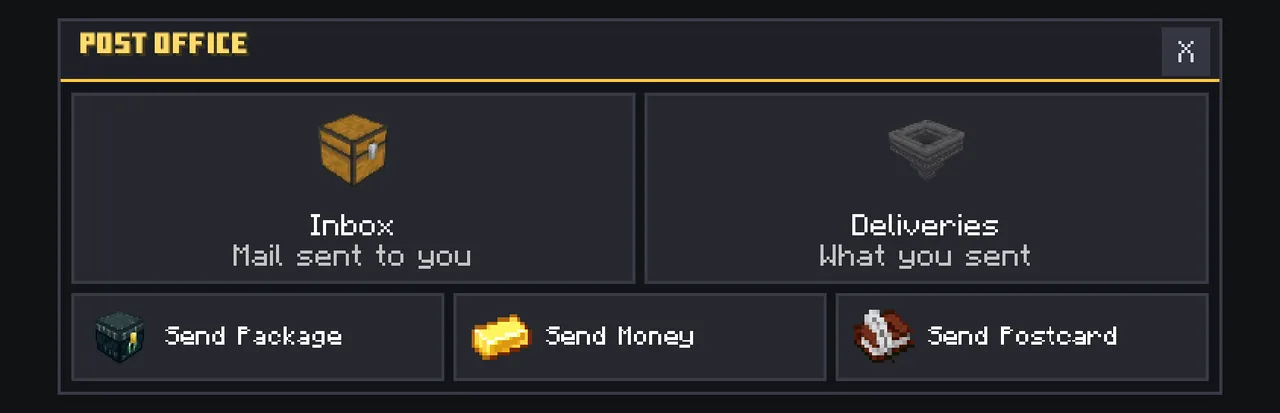
Post Office main menu: Inbox, Deliveries, Send Package, Send Money, Send Postcard 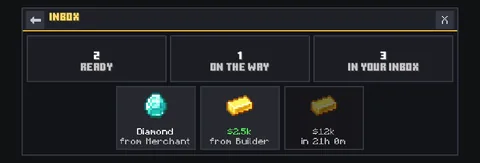
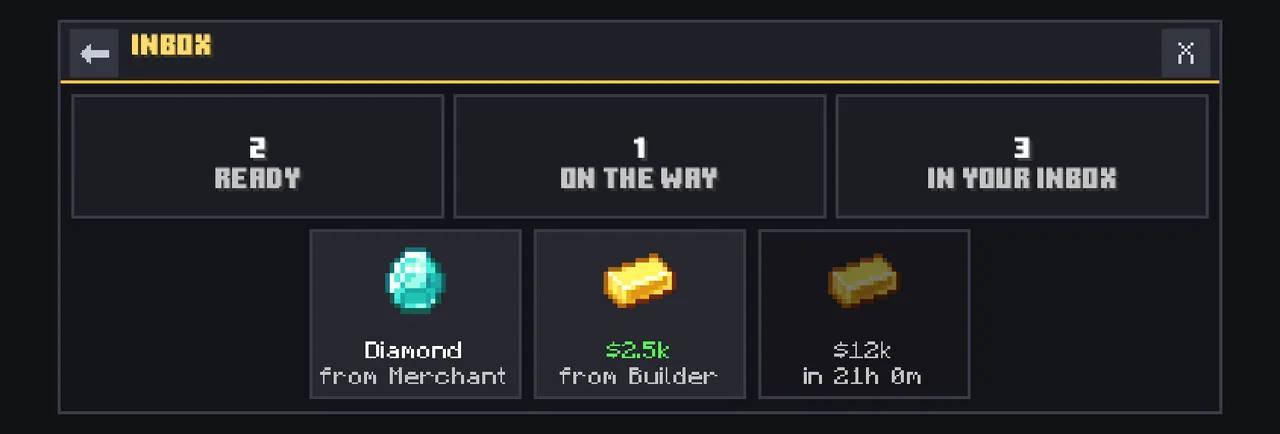
Inbox: what is ready, on the way and in your inbox 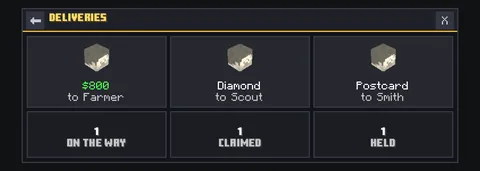
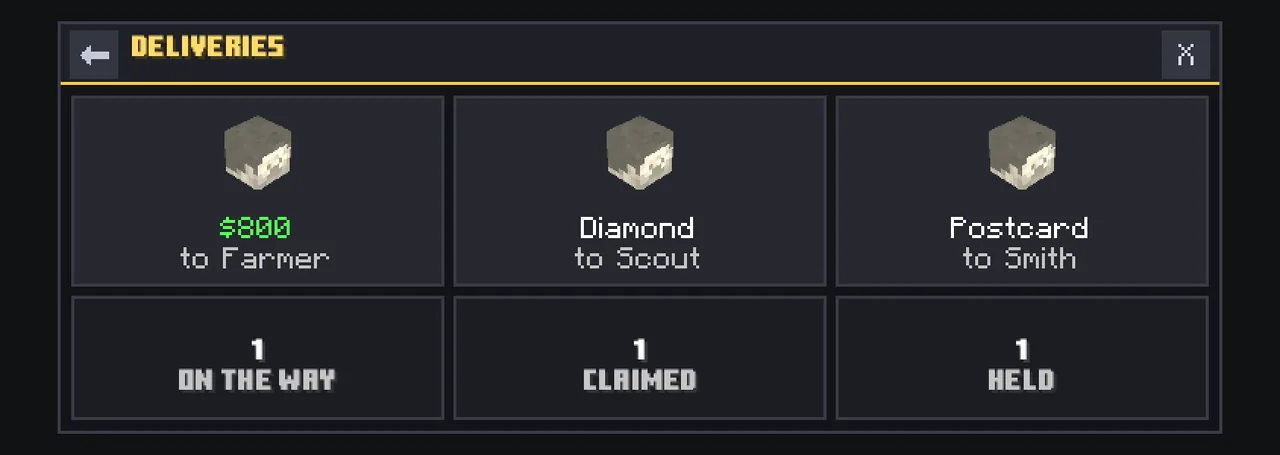
Deliveries: what you sent and its status 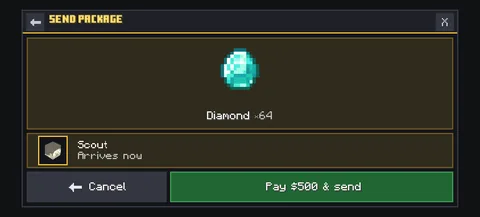
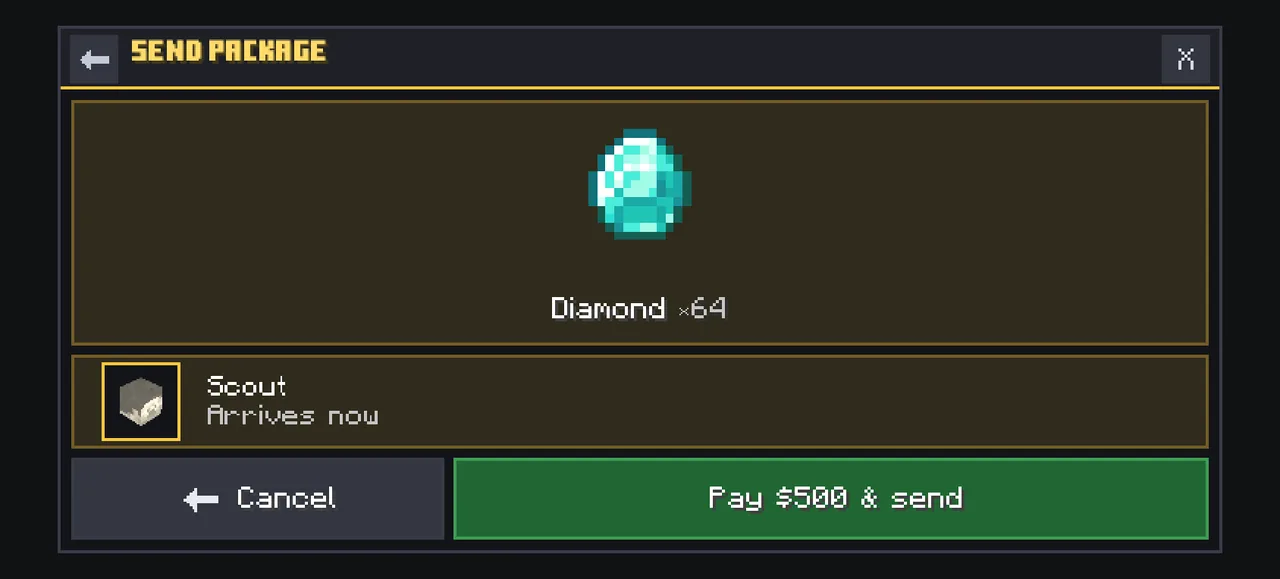
Send Package: confirm the item and the fee 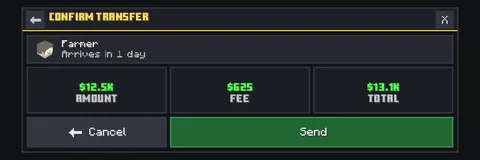
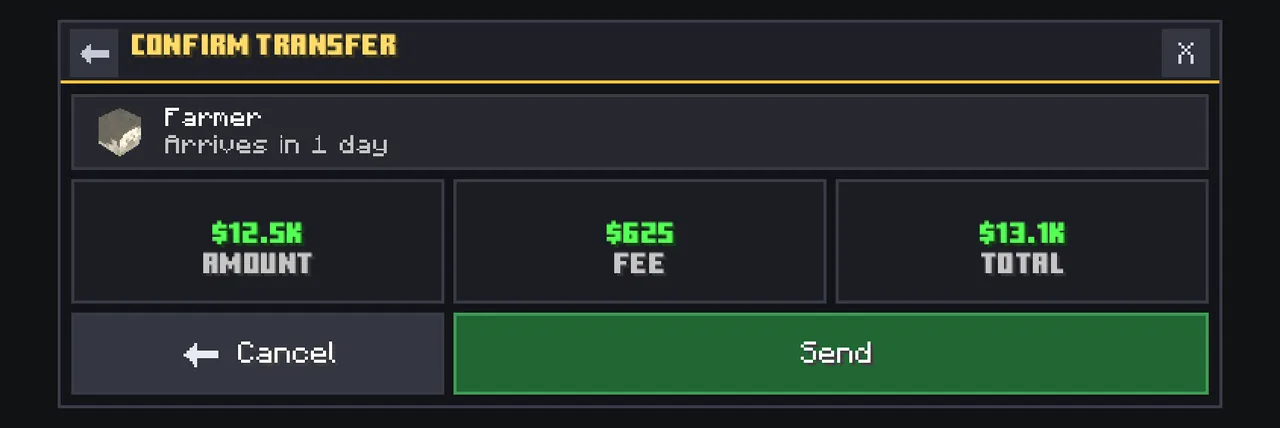
Send Money: amount, fee and total 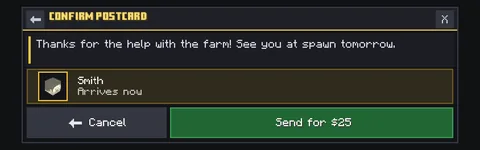
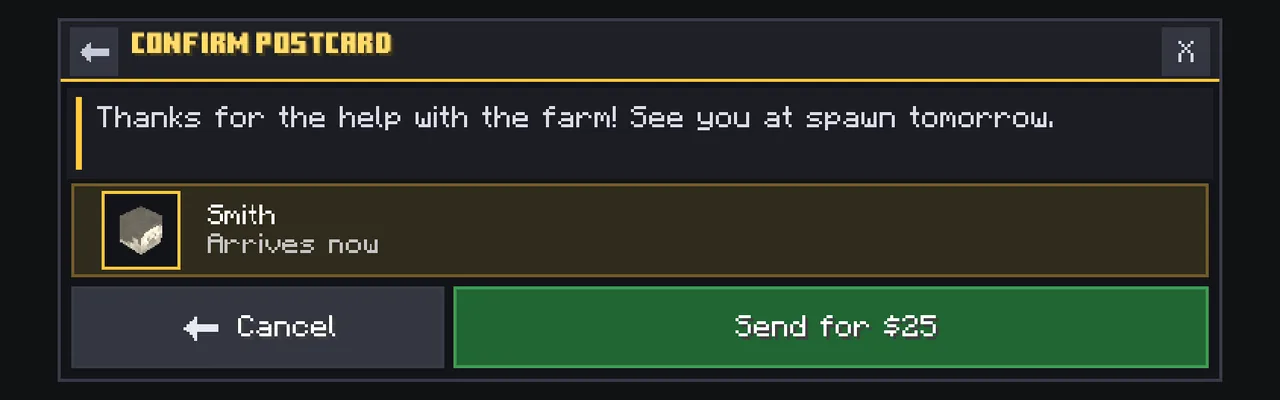
Send Postcard: confirm the message and the fee 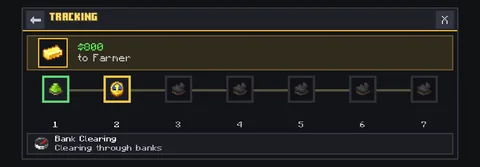
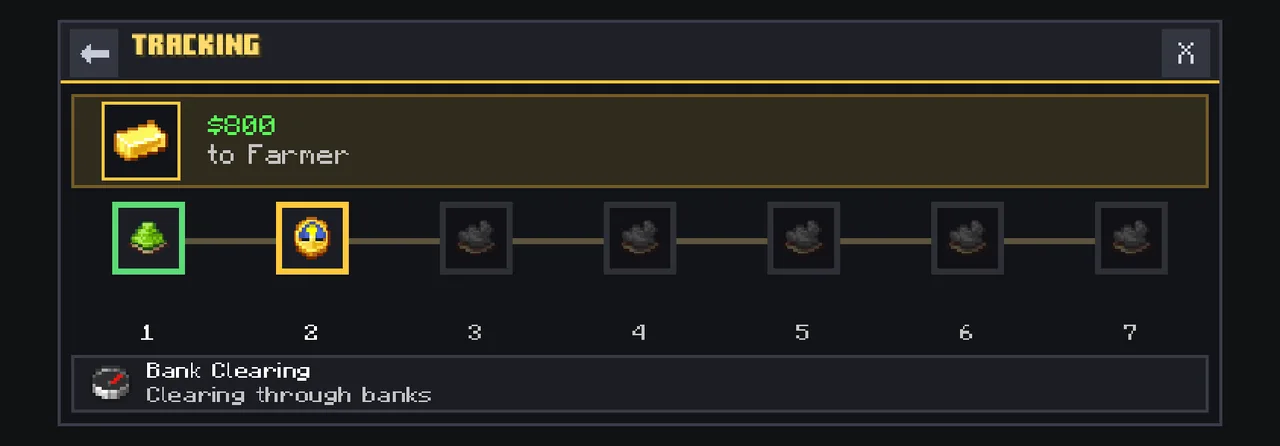
Tracking a delivery through its stages 
Postmaster Goblin: a render of the real in-game model, from EconomySMP. 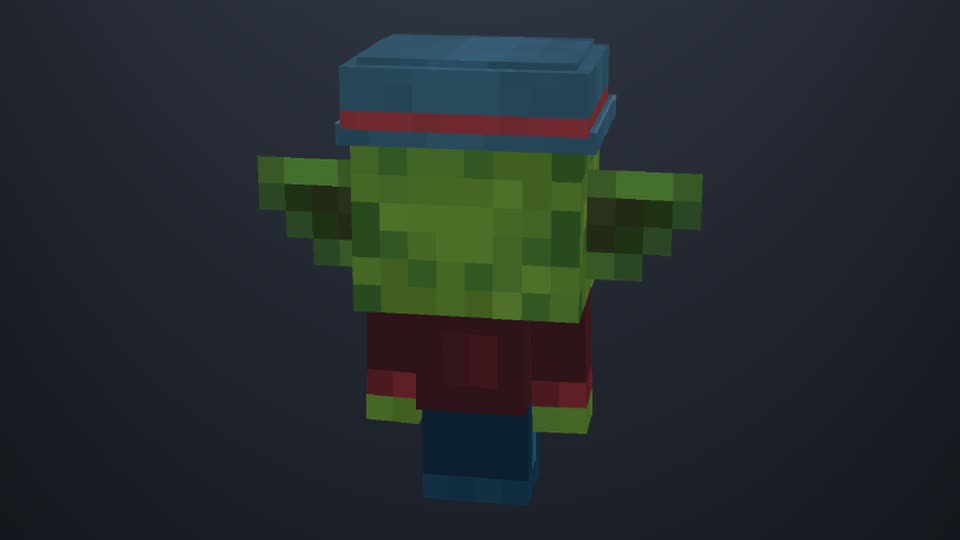
Postmaster Goblin, turning around: a render of the real in-game model, from EconomySMP.

Commands
/mailOpen the Post Office from anywhereWho: VIP+/pay <player> <amount>Pay another player through their mailboxWho: Everyone
Questions
- How do I send money to another player on EconomySMP?
- Use /pay or the Post Office Send Money option. There is a 5% fee and the money arrives after 24 hours.
- How much does it cost to mail items?
- A package costs $500 shipping and arrives at once. A postcard costs $25 and holds up to 220 characters.
- How do I check if my mail arrived?
- Open the mailbox and choose Check Delivery Status. It lists your sent mail with a progress bar for each delivery.
- Do mailed items keep their enchantments?
- Yes. Items are delivered exactly as sent, with names and enchantments.
- Can I send Gems by mail?
- No. You can send items, money and postcards by mail. Use /gift to send Gems.
Tips
- Use a package for items and money for payments. Money takes 24 hours, a package arrives at once.
See also
Auction house
List items for money or Gems. Any player can buy them. Search it from Discord too.
Vote Crate
Vote on nine sites for $1,000 and a Vote Key each. Keys open the Vote Crate at Hub spawn.
Daily reward
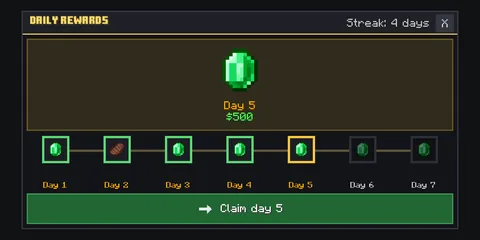
Claim one reward a day at the Hub. A 180-day calendar with money, keys and gear.
Safe trading
Trade items with another player through the Safe-Trade Broker Goblin, with counter offers and a history.
Builder Goblin
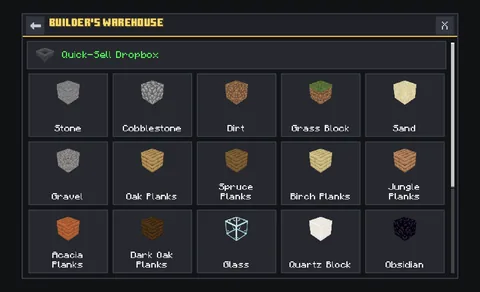
Builder's Warehouse: buy and sell building blocks. $150,000 daily payout limit.

Monthly Prizes
The three richest players each month win a gold, silver or bronze present by mail.