
Send items to other players: the post office on video
Three clips: walking up to a mailbox, picking an item and sending the package. The post office works for players who are offline, and the steps are below the clips.
Post office
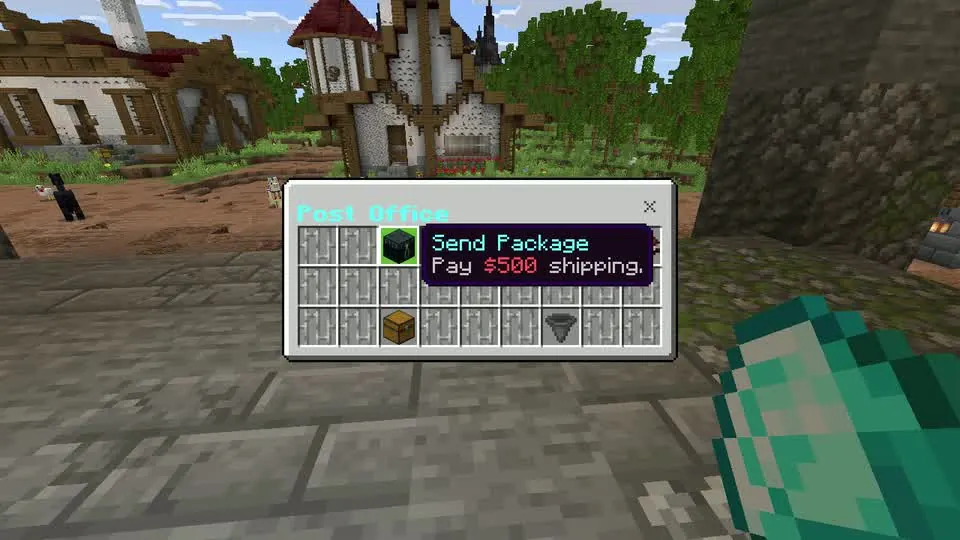
Walking up to a mailbox and opening the Post Office
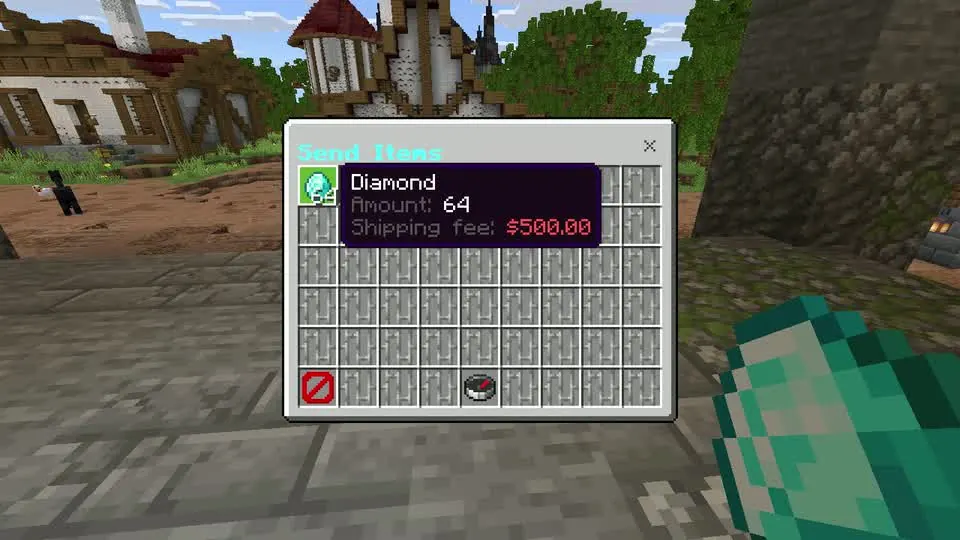
Choosing the items to send as a package
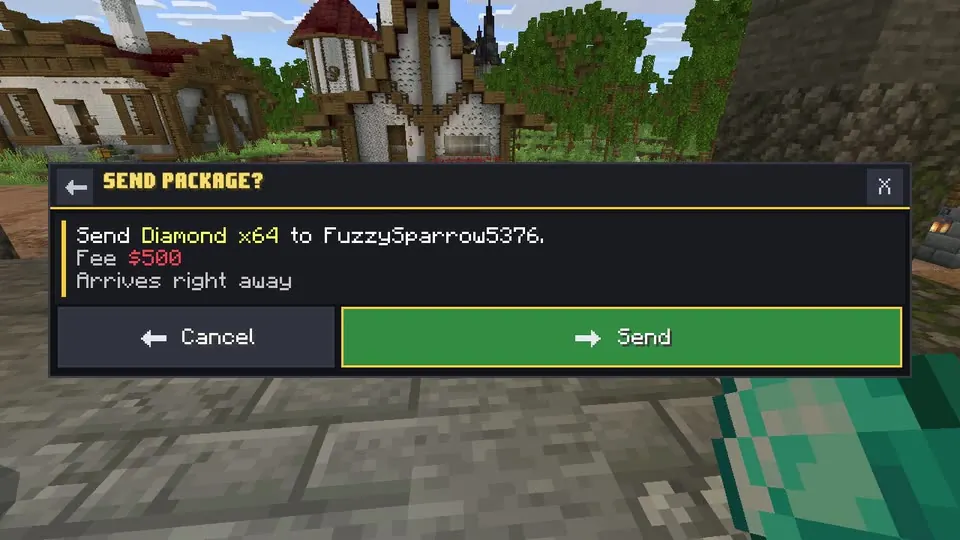
Confirming and sending the package
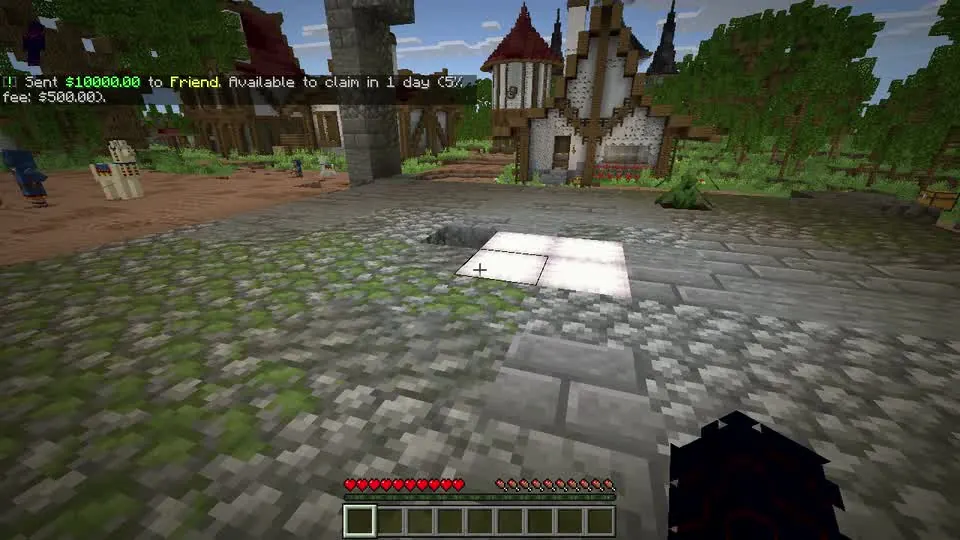
Sending money to a friend from the Post Office: type the amount, confirm the fee, press Send
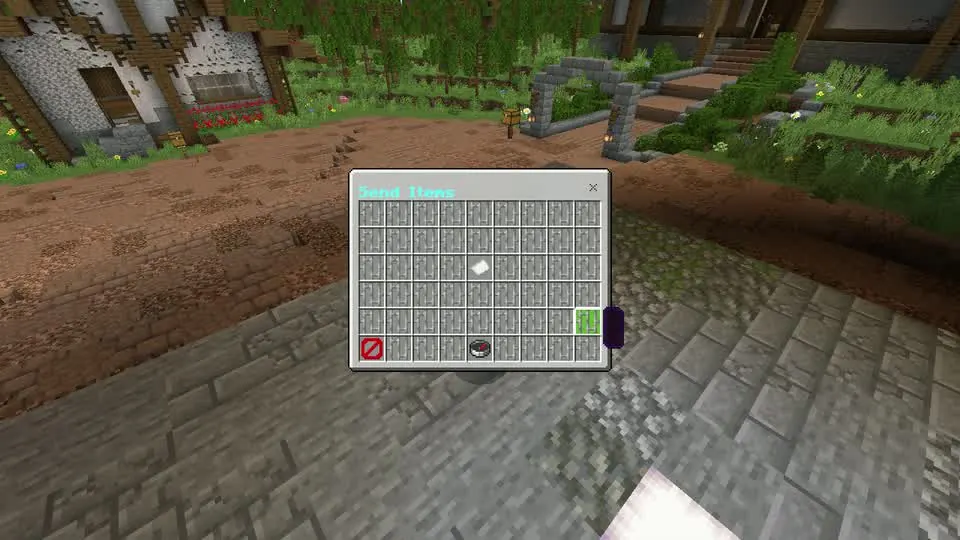
Sending a package from the Post Office: pick the diamonds, type the recipient and confirm
The post office lets you send items, money and postcards to any player, even when they are offline. Open it at any mailbox block in the Hub (VIP+ can also type /mail from anywhere). Received items, Vote Keys and some rewards arrive in your inbox.
How it works
- Use any mailbox block in the Hub.
- Choose Send Package, Send Money or Send Postcard, then pick the player.
- Check My Deliveries for the delivery stage.
- Open Inbox to claim what you received. Vote Keys and some rewards arrive here too.
- For Send Package, put one stack onto the empty slot in the menu. Items that cannot be mailed are rejected before any payment.
- In Inbox, click an entry to claim it. Items go to empty slots in your inventory, money and Gems go to your balance. Postcards open as a note you can mark as read.
Commands
/mail: Open the Post Office from anywhere/pay <player> <amount>: Pay another player through their mailbox
Key facts
- Package: $500 shipping per package, delivered at once
- Money: 5% fee, delivered after 24 hours
- Postcard: $25 stamp, up to 220 characters, delivered at once
- Blocked items: Some items cannot be mailed. The menu tells you before you pay
- Menu: Send Package, Send Money, Send Postcard, Inbox, Check Delivery Status
- Where: Every mailbox block in the Hub opens the post office. VIP+ can also type /mail from anywhere