
Minecraft vault storage on video: /vault
Four clips: opening the vault, withdrawing an item, depositing items and withdrawing again. The vault is personal storage you reach from any server with /vault.
Vault
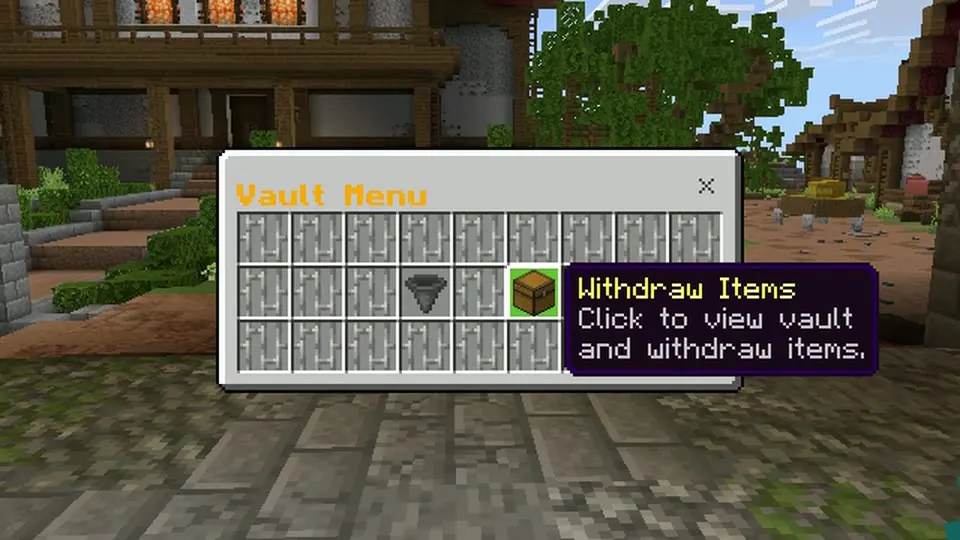
Opening the vault with /vault
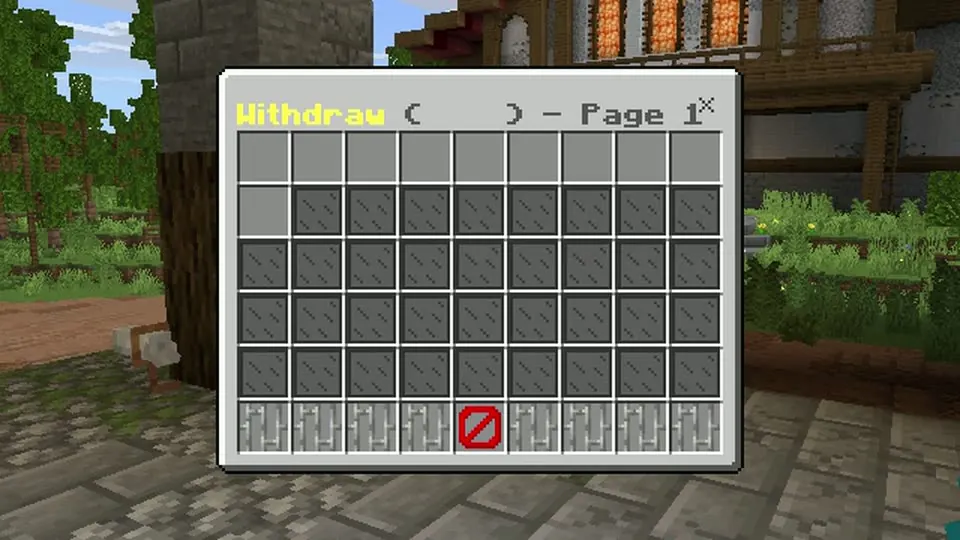
The vault withdraw page, with its locked slots
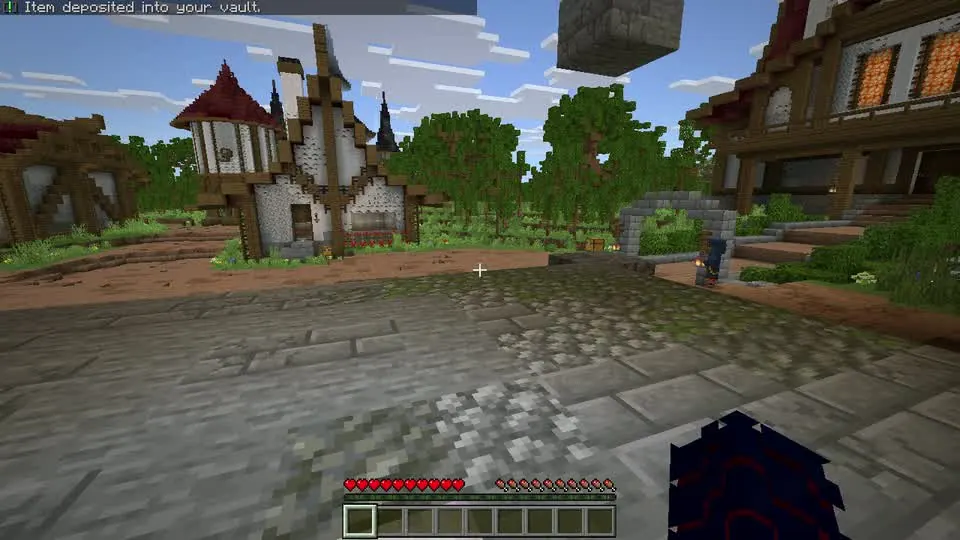
Depositing a stack of diamonds into your vault: it leaves your inventory and is stored
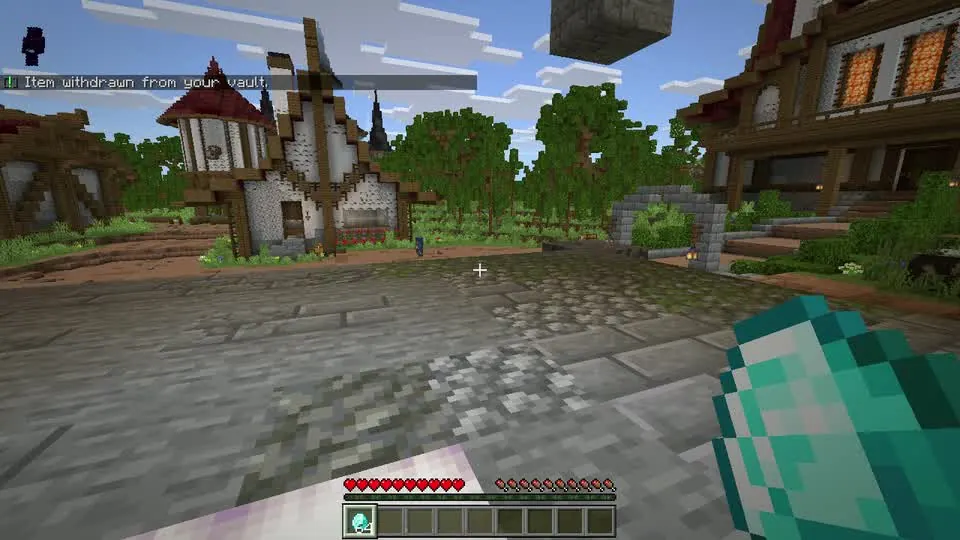
Withdrawing the stored diamonds from your vault: they come back to your hotbar
The vault is personal item storage tied to your account, not to one world. Open it with /vault or at the Vaultkeeper goblin in the Hub. You can expand it with Vault Space Upgrades from the Gem shop.
How it works
- Type /vault, or visit the Vaultkeeper goblin in the Hub.
- Move items between your inventory and the vault page.
- To store more, buy a Vault Space Upgrade in the Emporium.
Commands
/vault: Open your Vault/ec: Same as /vault on survival servers
Key facts
- Command: /vault
- Starting size: 10 slots (stacks)
- Maximum size: 64 slots
- Upgrade: Vault Space Upgrade, +1 slot, permanent
- Upgrade price: 100 Gems each while you own fewer than 32 slots, 250 Gems each once you own 32 or more
- Cost to reach 64: 10,200 Gems in total: 22 slots at 100 Gems, then 32 slots at 250 Gems