
Minecraft auction house: listing and buying on video
Three clips: choosing an item to list, setting your own price for diamonds, and buying a listing. A bought item goes to your mailbox, so the mailbox page is linked below.
Auction house
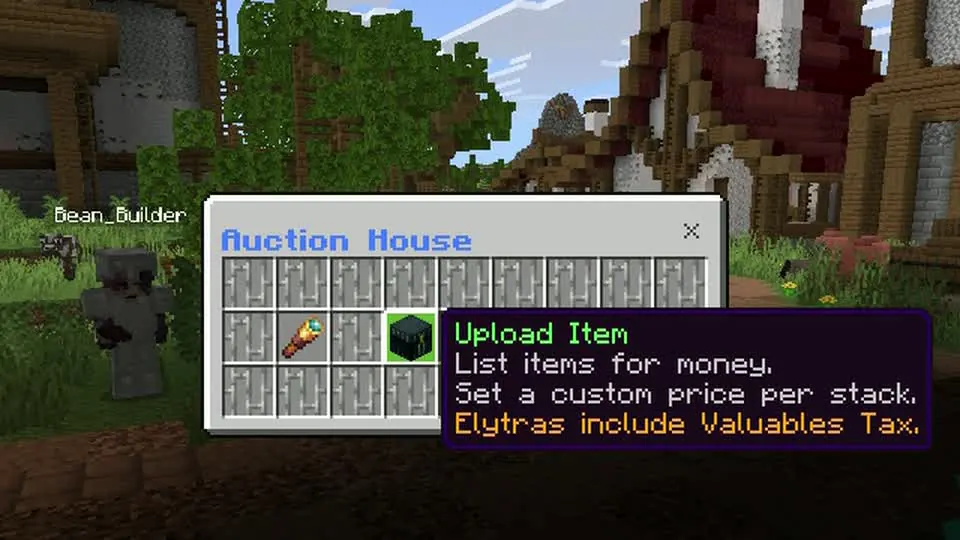
Choosing an item to list in the Auction House
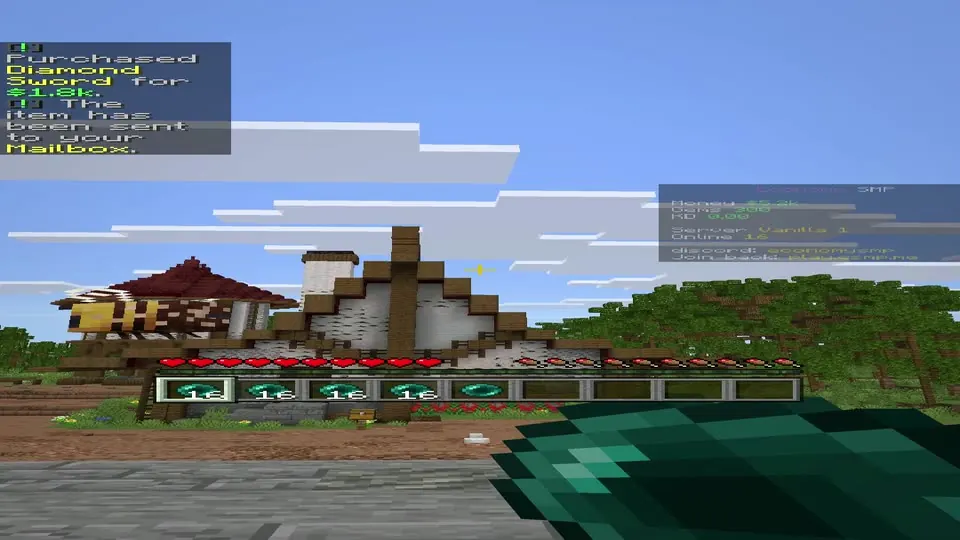
Buying a listing: confirm the price, and the item goes to your mailbox
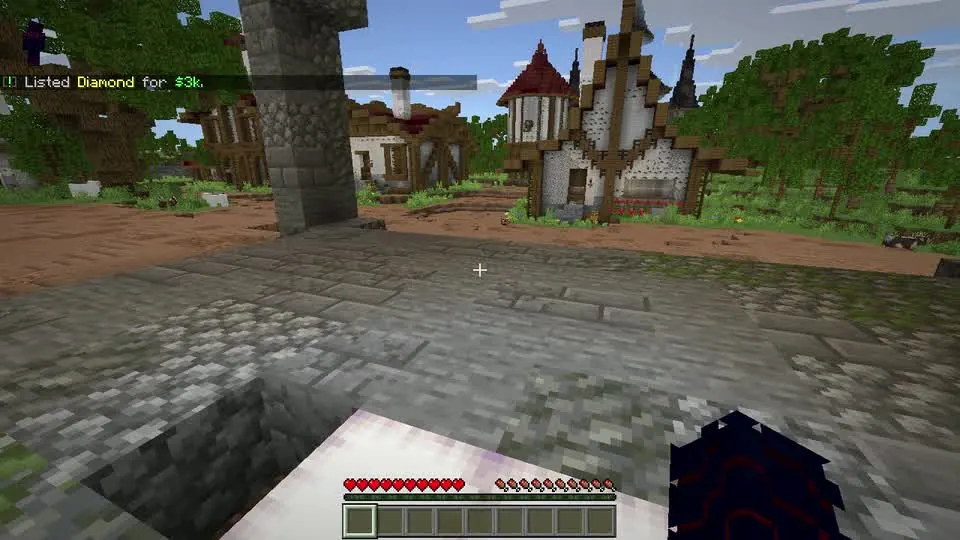
Listing diamonds for sale at your own price
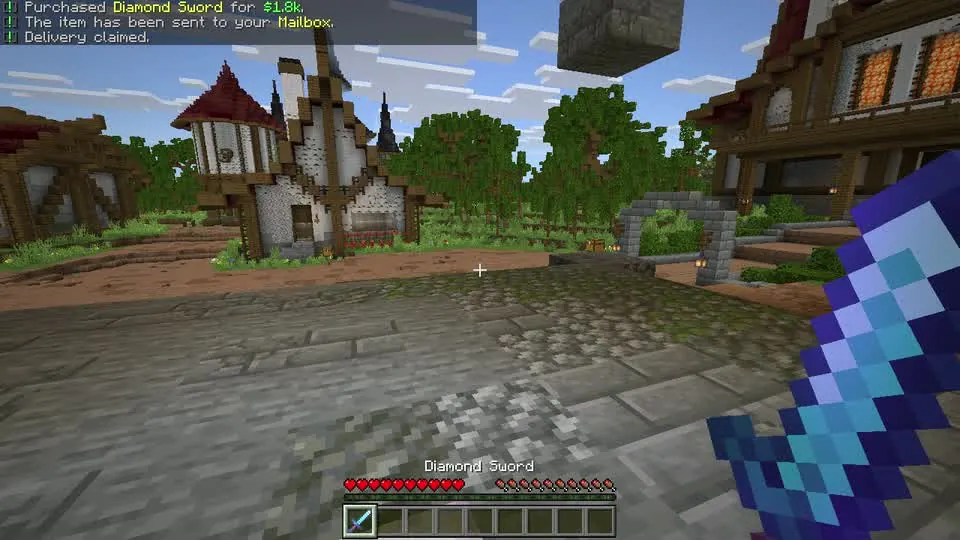
Buying a diamond sword from the auction house, then claiming it at the Post Office: it is in your hand
The auction house is the player market on EconomySMP. Any player can list items for money or Gems and any player can buy them. Open it at the Hub (VIP+ can also type /ah from anywhere), and search it from Discord with /auction after linking.
How it works
- Use the Auction House in the Hub. VIP+ can type /ah from anywhere.
- Browse listings, or search by item name.
- To sell, choose a listing slot, set the price and the currency (money or Gems), and confirm.
- Cancel a listing from your own listings page.
- Listings show a fair price per item when there are enough recent sales. Overpriced listings are sorted last.
- Use the Below shop browse mode to see only listings cheaper than the shop price.
Commands
/ah: Open the Auction House from anywhere/auction: Search listings from Discord (linked account)
Key facts
- Listings at once: 3 for free players, 6 with VIP, plus extra slots bought for 100 Gems each
- Price range: $0.01 to $1,000,000,000
- Currencies: Money or Gems
- Elytra minimum: $50,000 in money
- Discord: /auction searches by item, enchantment, lore or seller
- Command: /ah (VIP+ only). Everyone can use the Hub Auction House
Bounties
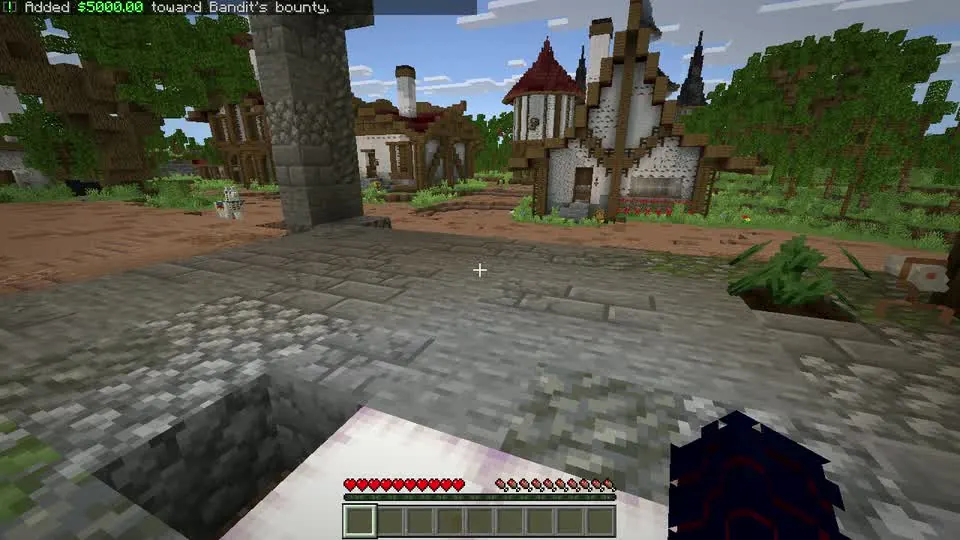
Placing a bounty with /bounty: type the player, the amount and a reason, then press Place bounty
A bounty is a pile of money other players add on a named player. The Bounty Goblin in the Hub lets you post a bounty, add to one or browse the active list. Whoever defeats the target in the PvP Arena is paid.
How it works
- Walk to the Bounty Goblin (Compass, Adventure, Bounty Goblin).
- Choose Post a Reward and type the exact gamertag.
- Enter an amount between $0.01 and $1,000,000 and an optional reason.
- To add to an existing bounty, choose it in Bounties and use Add to Reward.
- To collect, defeat the wanted player in the PvP Arena. You get a [Bounty] message and the kill is announced in chat.
Key facts
- Contribution: $0.01 to $1,000,000 per contribution
- Reason: Optional text shown on the bounty
- Where it is paid: PvP Arena kills at the Hub
- Failed post: The balance is not changed
- When you pay: The amount leaves your balance the moment you post or add to a bounty
- Adding more: Anyone can add to an active bounty on a player. The contributions add up into one reward