
Set a home and teleport: homes and /rtp on video
Three clips: setting a home, going back to it, and using a random teleport. Commands and cooldowns are listed below the clips.
Homes and teleport
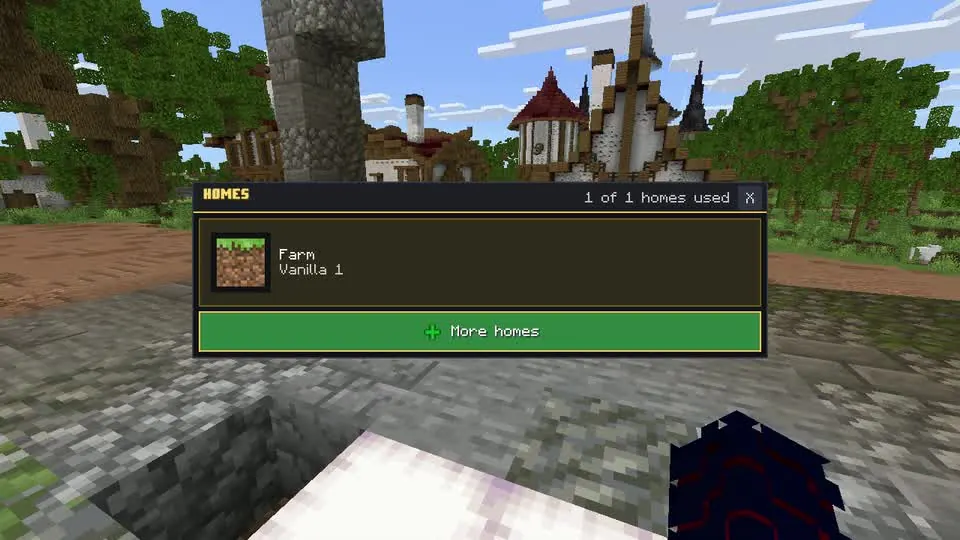
Typing /sethome, naming the home Farm and saving it: it appears in your homes list
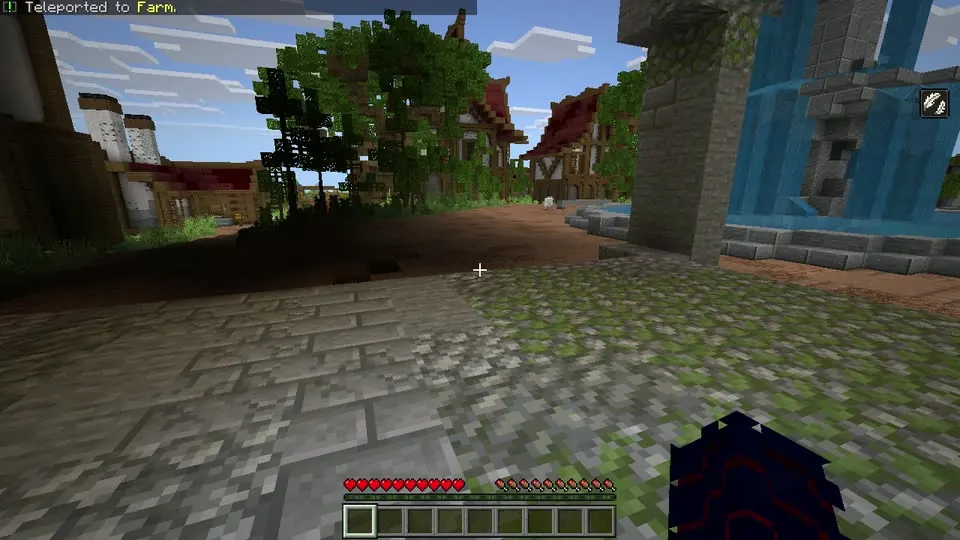
Typing /home, opening Farm and pressing Teleport: you are carried back to your saved spot
Homes save a spot on a survival world so you can return to it, even on another shard. /tpa sends another player a request to teleport to them. Both are blocked in combat and both have limits that VIP raises.
How it works
- Type /home to open your Homes menu. It shows your rank and homes used, for example 1/3.
- Choose Create. Type a name of up to 16 characters, or leave it blank to get 'Home 1', 'Home 2' and so on. The home is saved where you stand.
- Type /home <name> to go straight to a home, or pick it in the menu. A home on another world connects you to that world first.
- To remove a home, open it in the menu and choose Delete, then confirm. It cannot be undone.
- To ask to teleport to a player, type /tpa <player>. You see a Checking Safety screen first. Choose I Understand, Send.
- The other player types /tpaaccept (or /tpaccept) with your name, or opens their Compass to accept. You then teleport to them.
Commands
/home: Open your Homes menu/home <name>: Teleport to the named home/tpa <player>: Ask to teleport to a player/tpaaccept [player]: Accept a teleport request. Also works as /tpaccept
Key facts
- Homes: 1 free, 3 with VIP, plus Home Upgrades at 350 Gems each
- Home Upgrade: +1 home slot, permanent, bought in the Emporium
- Home name: Up to 16 characters. A name you already use is refused. Delete the old home first to reuse it
- Where you can set a home: Survival worlds. Not in the Hub and not on the Events server
- TPA cooldown: 5 minutes between requests for free players, none with VIP
- TPA request lifetime: A request can be accepted for 5 minutes. Then it expires
Random teleport (/rtp)
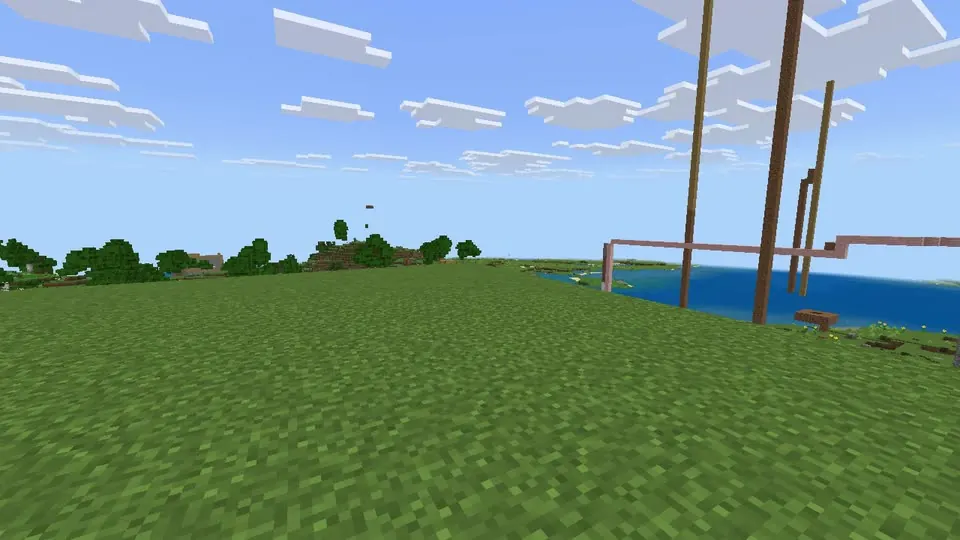
Typing /rtp: you are teleported to a random spot in the world
/rtp teleports you to a random safe spot in the world you are in. It works on the Hub and on Starter and Vanilla worlds. The cooldown is shared, so you cannot skip it by switching worlds.
How it works
- Type /rtp. You land on dry, loaded ground in your current dimension.
- VIP and VIP+ can choose a dimension: /rtp overworld or /rtp nether.
- Wait for the cooldown before the next use.
Commands
/rtp: Teleport to a random safe spot in your current dimension./rtp overworld: Random spot in the Overworld./rtp nether: Random spot in the Nether.
Key facts
- Cooldown: 3 hours for everyone
- VIP cooldown: 1 hour
- VIP+ cooldown: 15 minutes
- Combat: Refused for 30 seconds after taking damage
- Landing: Dry ground, never within 16 blocks of an active Security Computer zone
- Dimensions: Plain /rtp stays in your dimension. /rtp end is not available