
Homes and teleport
Homes save a spot on a survival world so you can return to it, even on another shard. /tpa sends another player a request to teleport to them. Both are blocked in combat and both have limits that VIP raises.
How to
- Type /home to open your Homes menu. It shows your rank and homes used, for example 1/3.
- Choose Create. Type a name of up to 16 characters, or leave it blank to get 'Home 1', 'Home 2' and so on. The home is saved where you stand.
- Type /home <name> to go straight to a home, or pick it in the menu. A home on another world connects you to that world first.
- To remove a home, open it in the menu and choose Delete, then confirm. It cannot be undone.
- To ask to teleport to a player, type /tpa <player>. You see a Checking Safety screen first. Choose I Understand, Send.
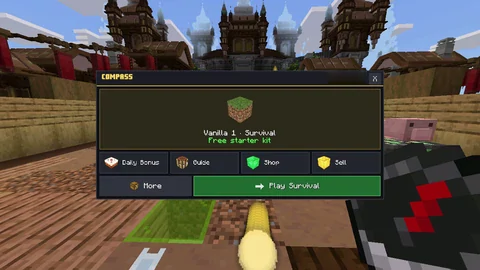
- The other player types /tpaaccept (or /tpaccept) with your name, or opens their Compass to accept. You then teleport to them.
In game
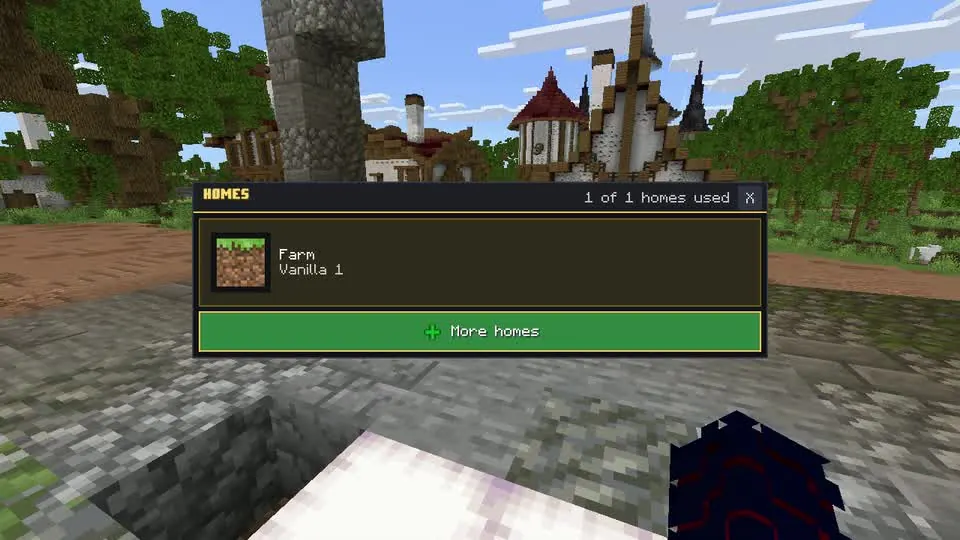
Typing /sethome, naming the home Farm and saving it: it appears in your homes list
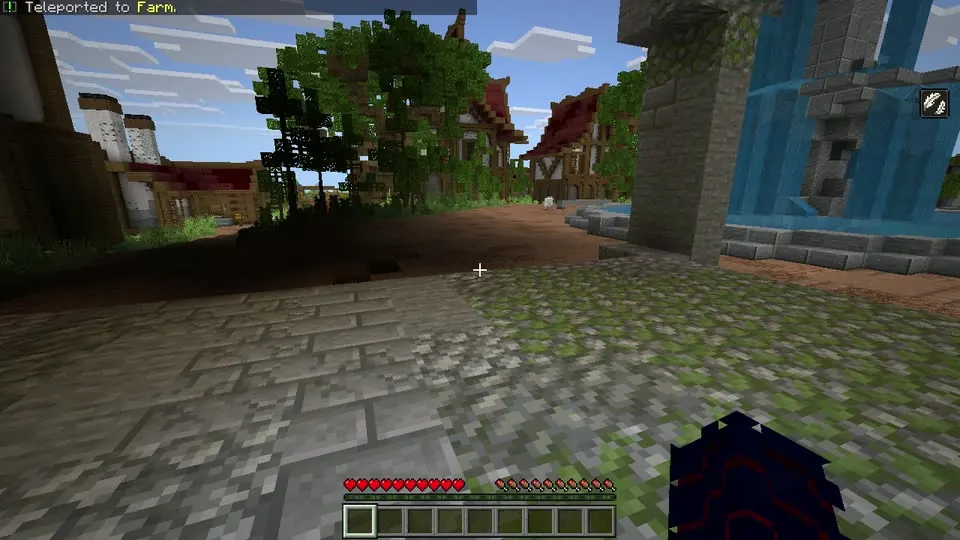
Typing /home, opening Farm and pressing Teleport: you are carried back to your saved spot
Gallery
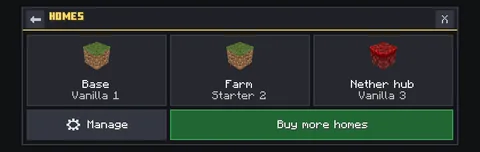
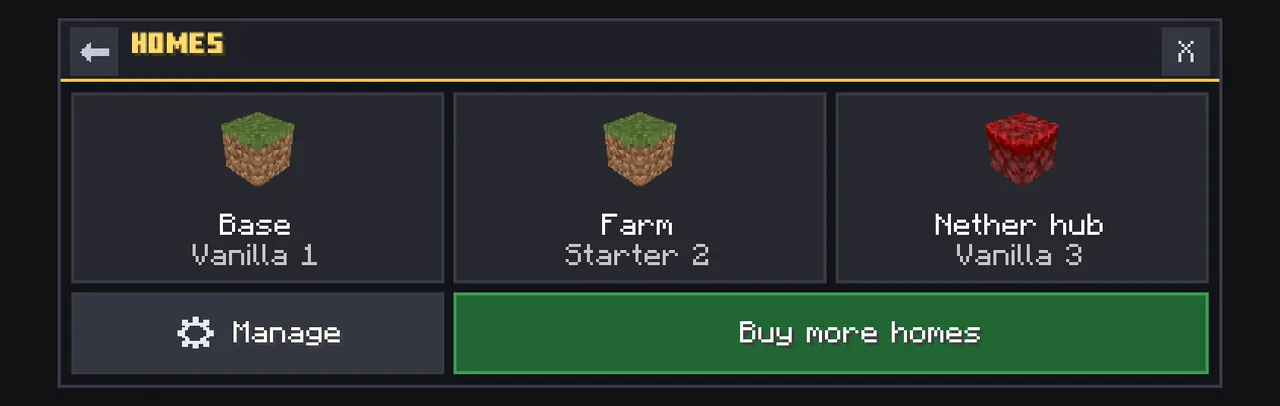
Homes menu: saved homes with Manage and Buy more homes 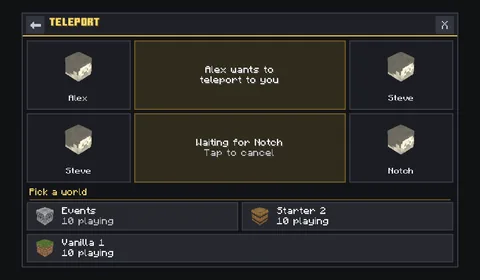
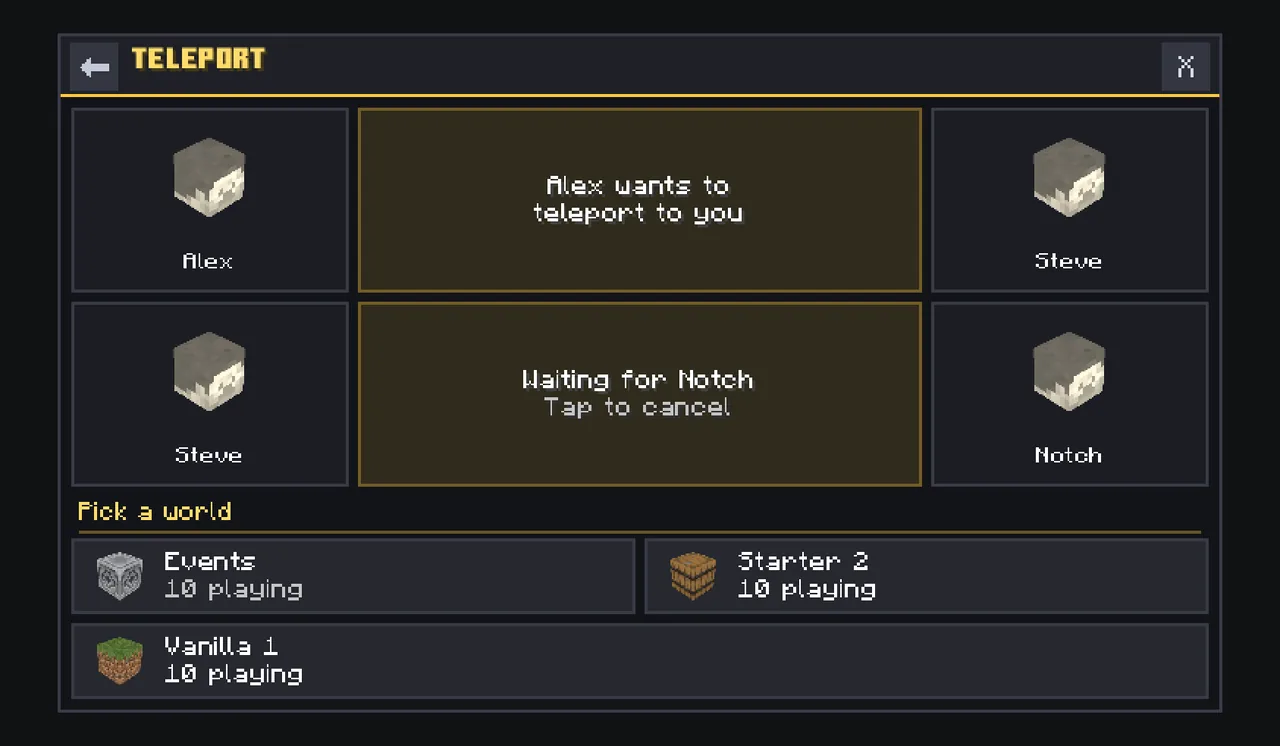
Teleport menu: TPA requests and worlds 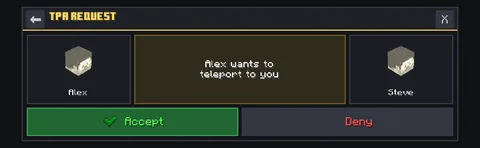
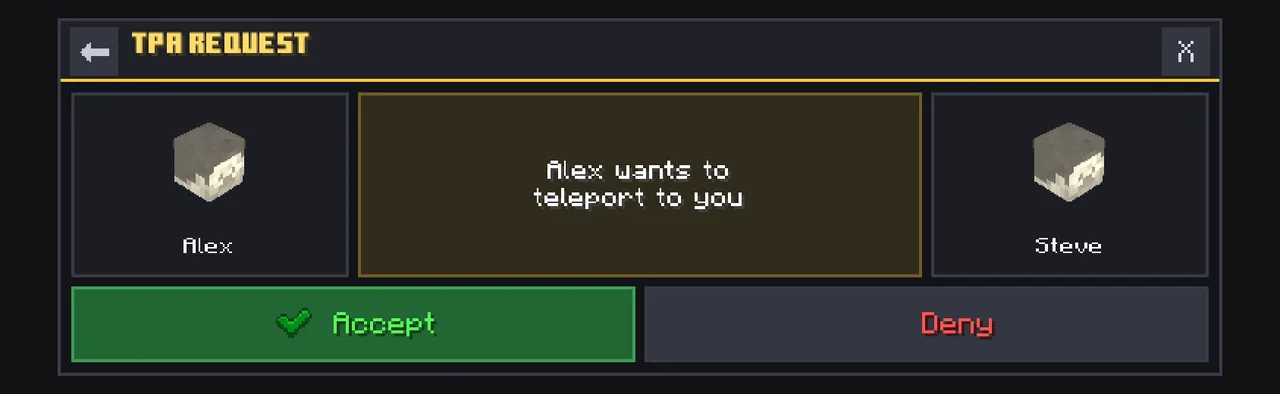
Compass > TPA: a teleport request with Accept and Deny
Commands
/homeOpen your Homes menuWho: Everyone/home <name>Teleport to the named homeWho: Everyone/tpa <player>Ask to teleport to a playerWho: Everyone/tpaaccept [player]Accept a teleport request. Also works as /tpacceptWho: Everyone
Questions
- How many homes can I set on EconomySMP?
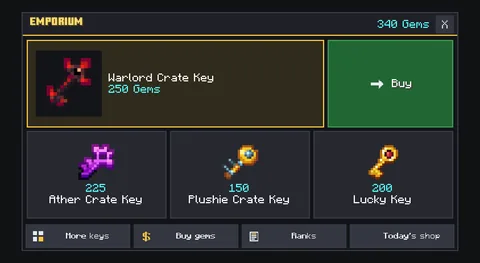
- 1 for free and 3 with VIP. Each Home Upgrade from the Emporium adds 1 more for 350 Gems and is permanent.
- Why can't I set a home in the Hub?
- Homes work on survival worlds only. The Hub and the Events server refuse it.
- How long is the TPA cooldown?
- 5 minutes for free players and none for VIP. The request itself stays open for 5 minutes.
- Why was I fined $1,000 for TPA?
- You sent more than 5 requests in your lifetime, fewer than 90% were accepted, and this one was not accepted within 5 minutes. Only send requests to players you know.
- Why does it say I'm in combat?
- Taking damage tags you for 30 seconds, 15 with VIP. Wait for it to end before going home or using TPA.
Tips
- Set a home before you explore far. It is the fastest way back to base.
- Name homes by purpose, such as Farm or Mine, since the menu lists names and coordinates.
- Check /warps for travel to spawn and other worlds.
See also
Hub and warps
Spawn area that connects every world, with the main counters and boards.
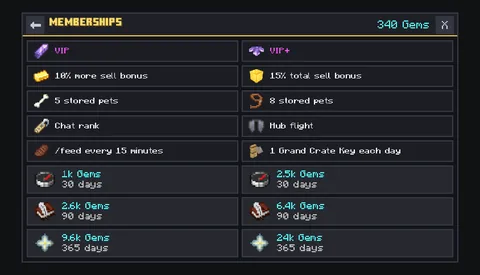
VIP and VIP+
Subscription ranks from the store that raise limits and unlock commands.
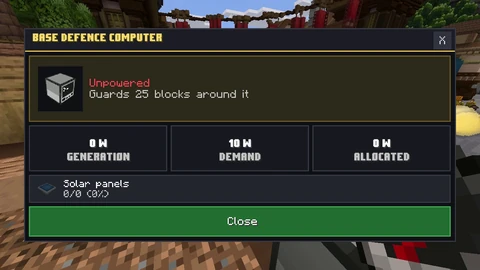
Security Computer
One block that protects a sphere of land and its chests from non-members.
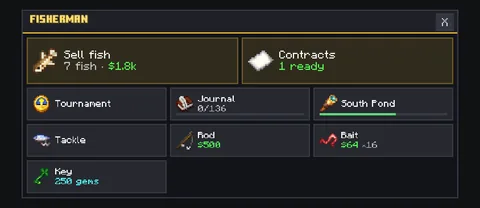
Fishing rods and tackle
17 rods with perks, lures that cut wait time and habitat hooks that favour fish, plus worm bait.
Emporium and Gems
Gems are the premium currency. Buy packs on the store, spend them on keys, kits and upgrades.