
Reset your progress (/reset)
/reset lets a player start over. It wipes your money, items and stats on every server, but only after two confirmations and a staff approval. You cannot undo it.
How to
- Type /reset. The first screen lists exactly what will be wiped.
- Confirm, then type RESET when asked.
- Staff review the request. You are told in game, and on Discord if linked.
- After you send it, /reset shows 'Reset requested' with the date. You can open /reset again to withdraw it while staff have not decided.
- If staff approve it, the reset runs as soon as you leave the game.
Gallery
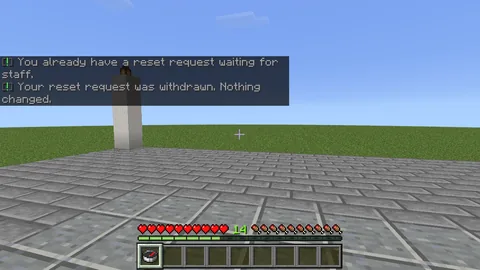
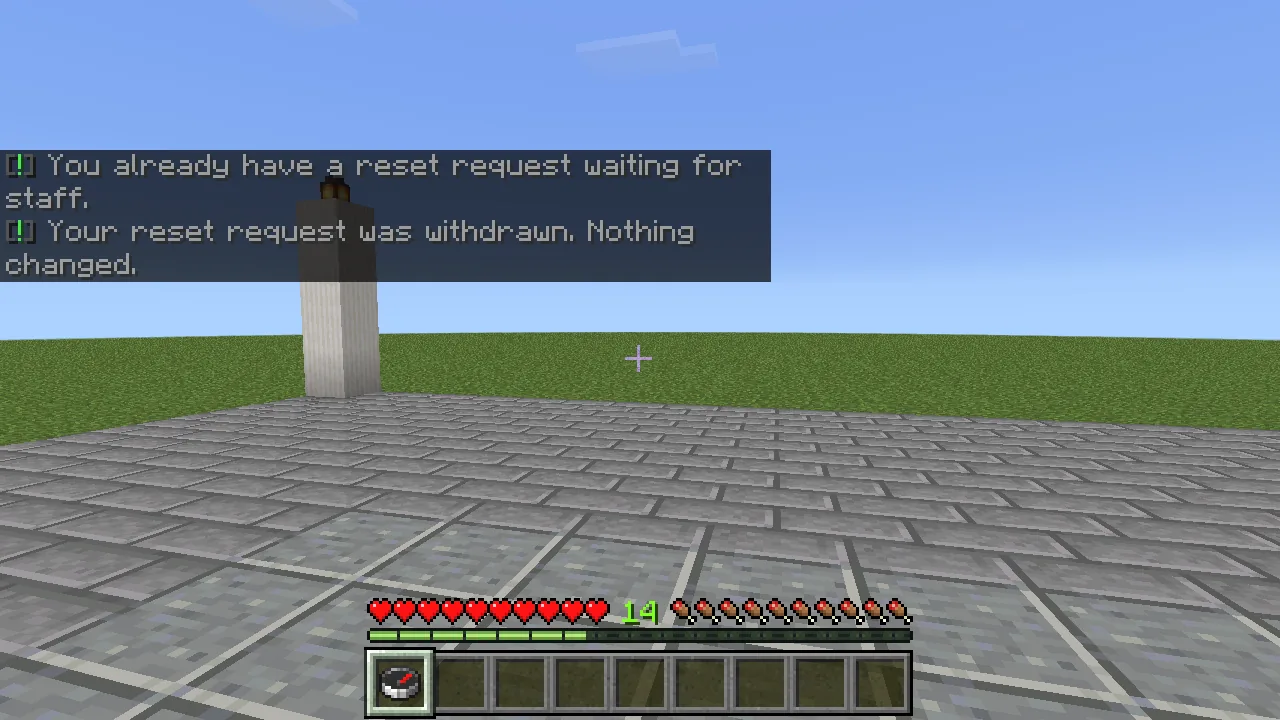
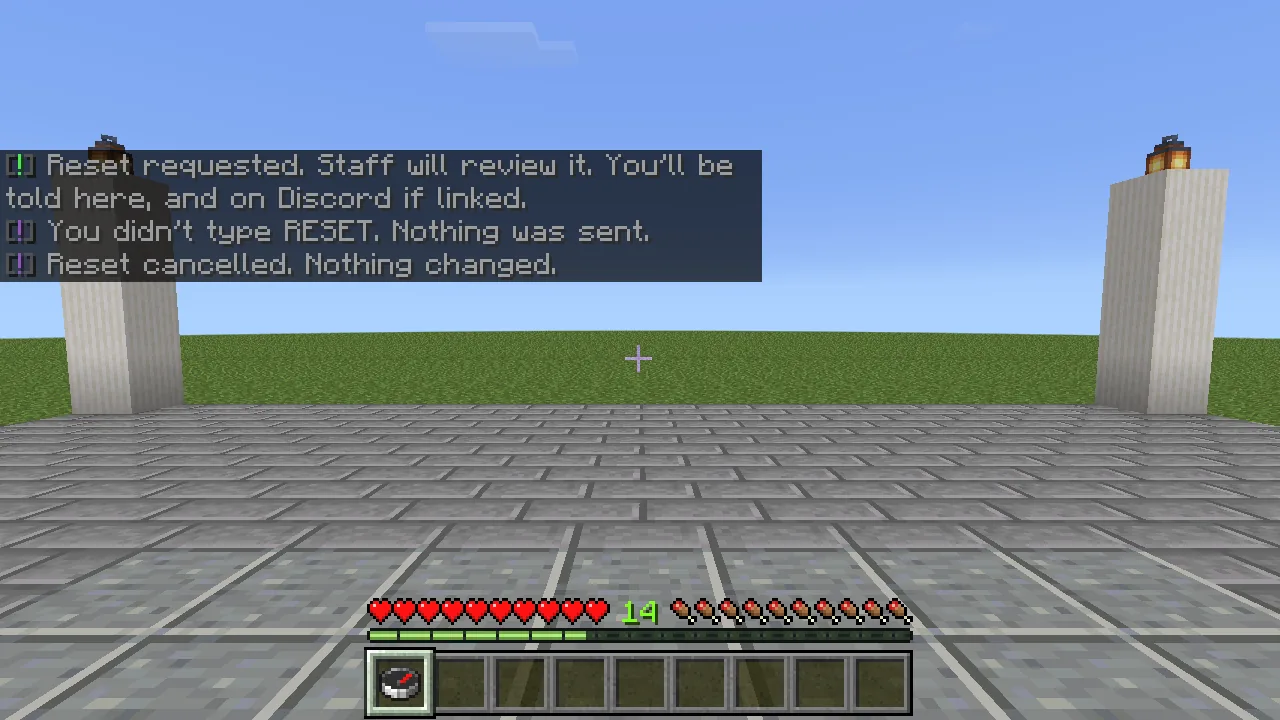
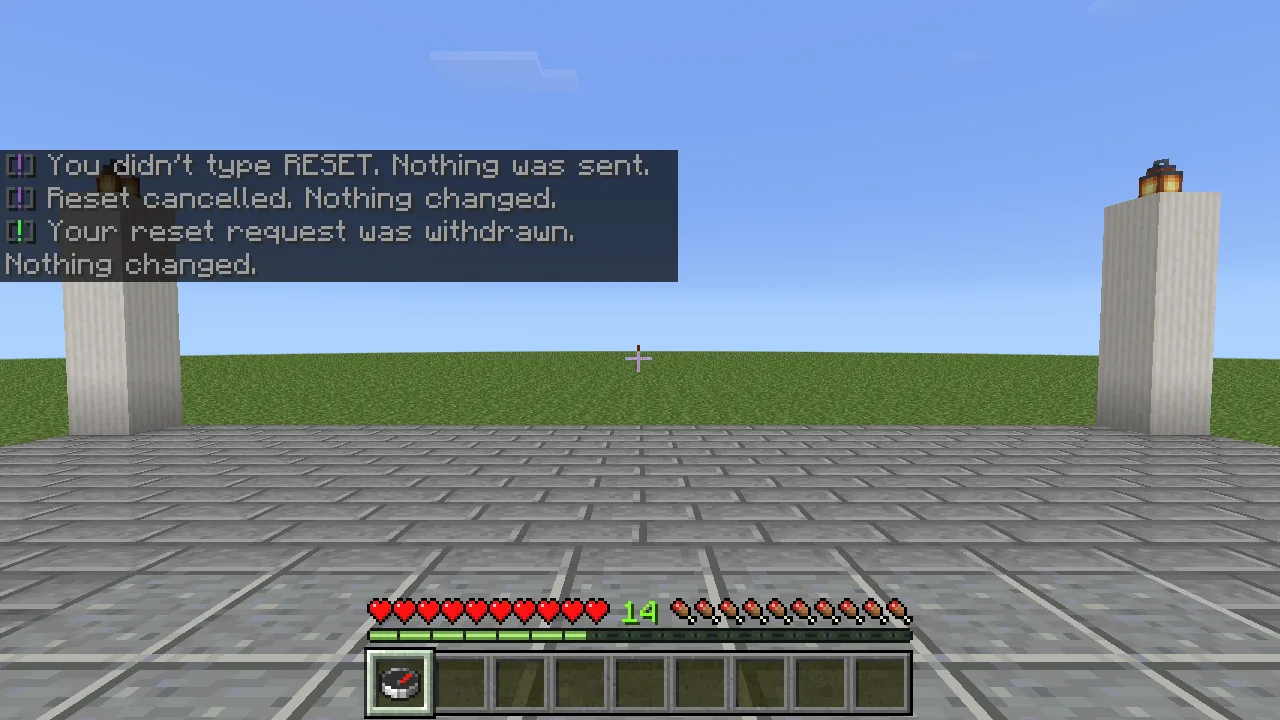
Render: the line when a reset is already waiting for staff, and the withdrawn-request line. 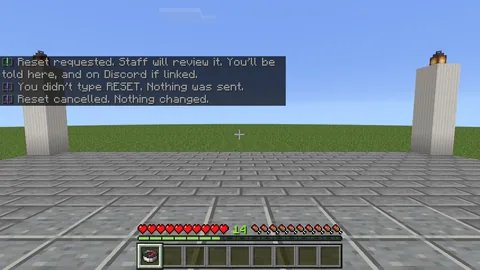
Render: the /reset lines: request sent to staff, nothing typed, and cancelled. 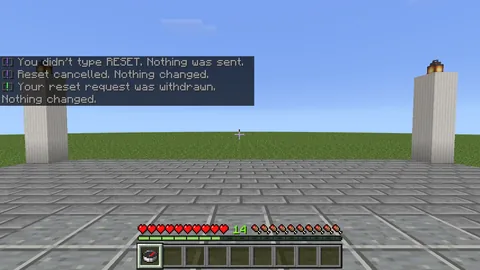
Render: the lines when you do not type RESET, cancel, or withdraw a request.
Commands
/resetAsk staff to reset all your progress.Who: Everyone
Questions
- Can I reset my EconomySMP account?
- Yes, with /reset. You confirm twice, staff approve it, and all progress is wiped. VIP, ranks and cosmetics are kept.
- Can I cancel a /reset request?
- Yes, while staff have not decided. Open /reset again and choose Withdraw request. Nothing changes if you cancel at either confirmation screen.
- When does my reset happen?
- After staff approve it, the reset runs as soon as you leave the game.
- What if I type something other than RESET?
- Nothing is sent and nothing changes.
See also
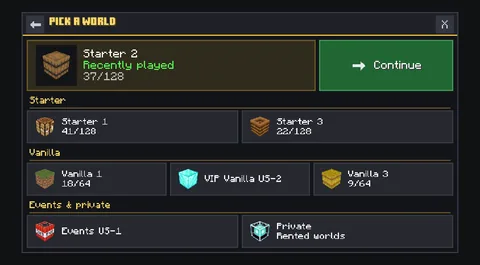
Survival worlds
Starter, Vanilla, VIP Vanilla, Golden Isles and corporation worlds, and the commands that move you between them.
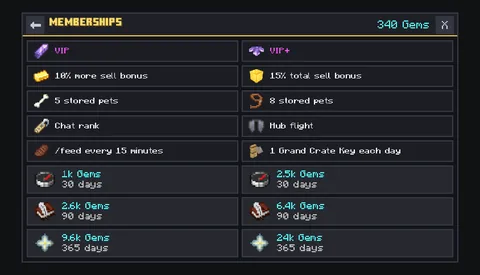
VIP and VIP+
Subscription ranks from the store that raise limits and unlock commands.
Battle Pass
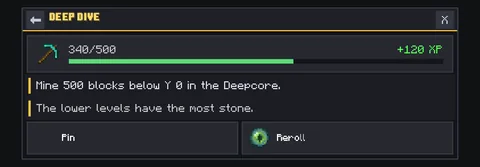
A 40 level track. XP comes only from quests. VIP adds a second reward track.
Settings
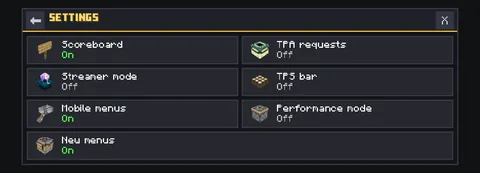
Turn the scoreboard, coordinates, warp messages, TPA popups and quest notices on or off with /settings.