Trash Can
The Trash Can is a block you place and tap to delete items you no longer want. You mark stacks from your inventory, confirm, and they are removed for good. Nothing can be taken back out of it afterwards. It drops from the Furniture Crate.
How to
- Win a Trash Can from the Furniture Crate and place it.
- Tap it. A menu shows your 36 inventory slots.
- Tap a stack to mark it for the trash. Tap again to take the mark off.
- Choose Delete N items, check the list and confirm.
In game
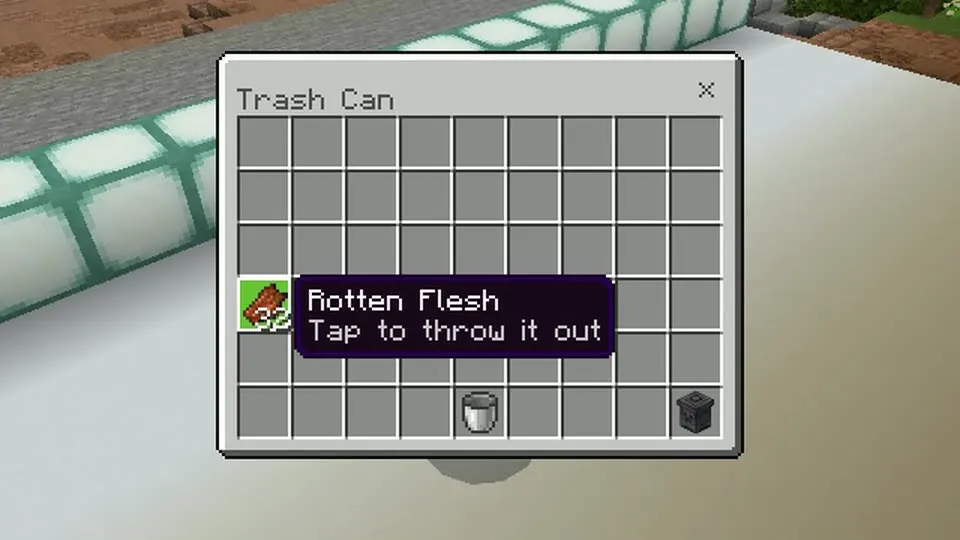
Walking up to a Trash Can with rotten flesh, throwing the stack in and deleting it
Gallery
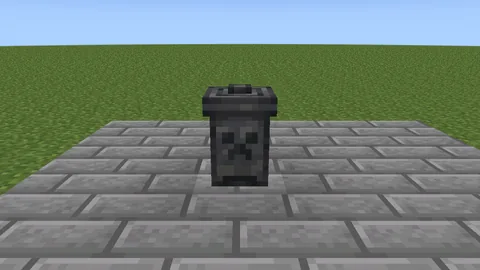
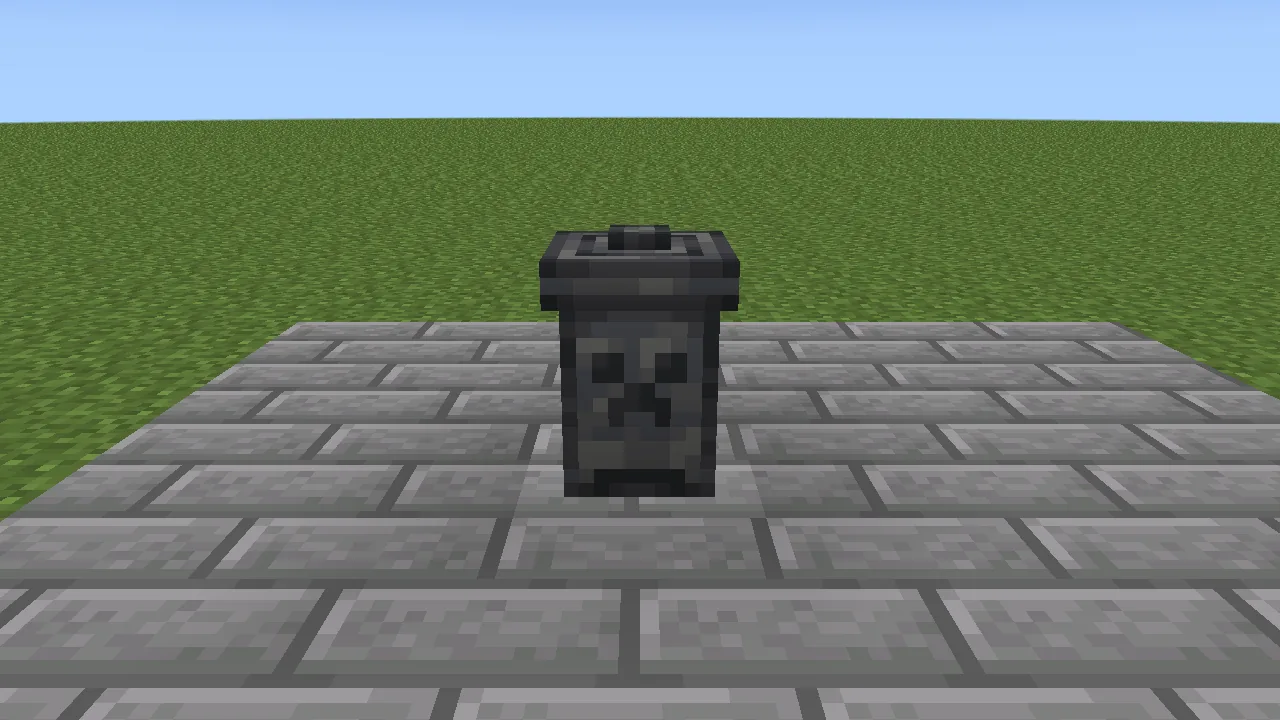
the Trash Can, front: a render of the real in-game model, from EconomySMP. 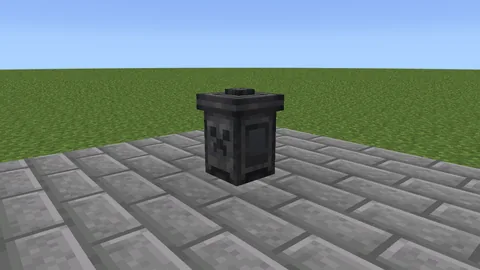
the Trash Can, side: a render of the real in-game model, from EconomySMP. 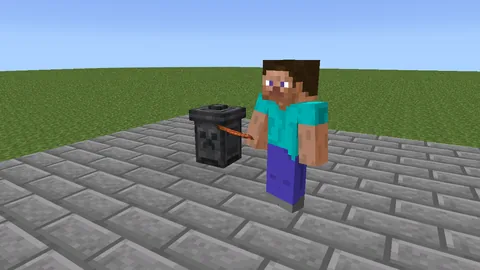
a player next to a placed Trash Can: a render of the real in-game model, from EconomySMP.
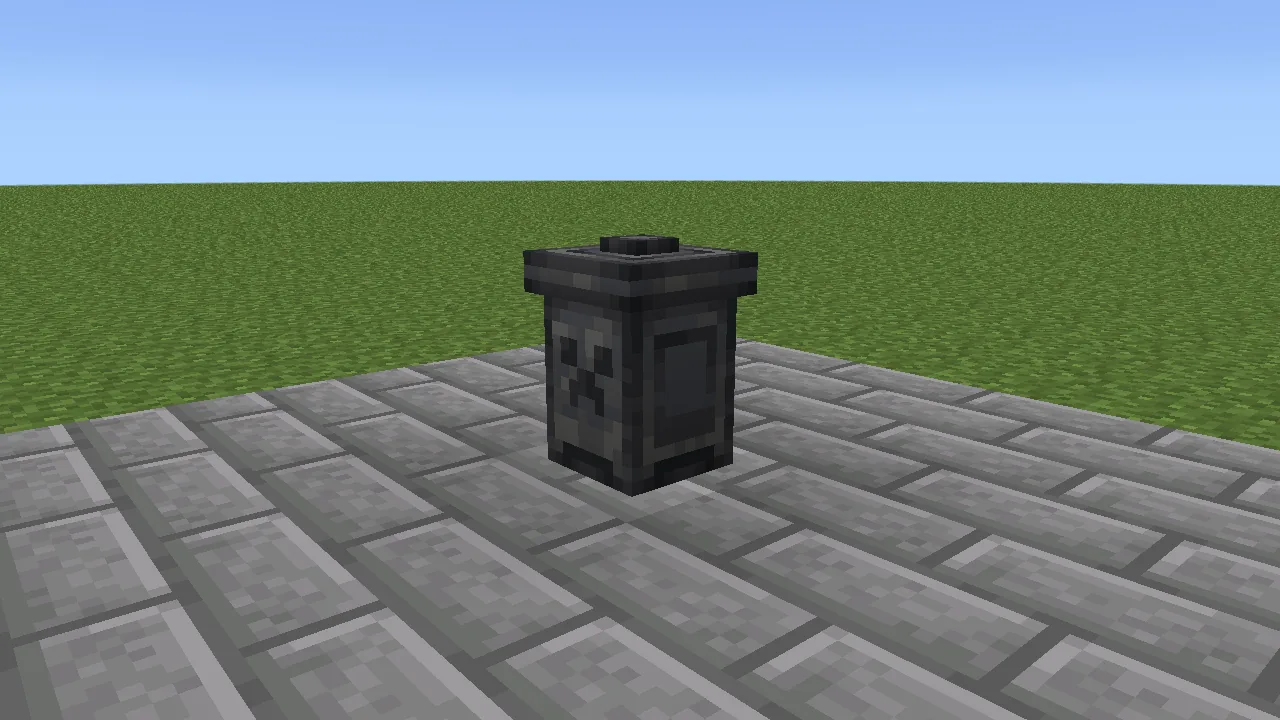
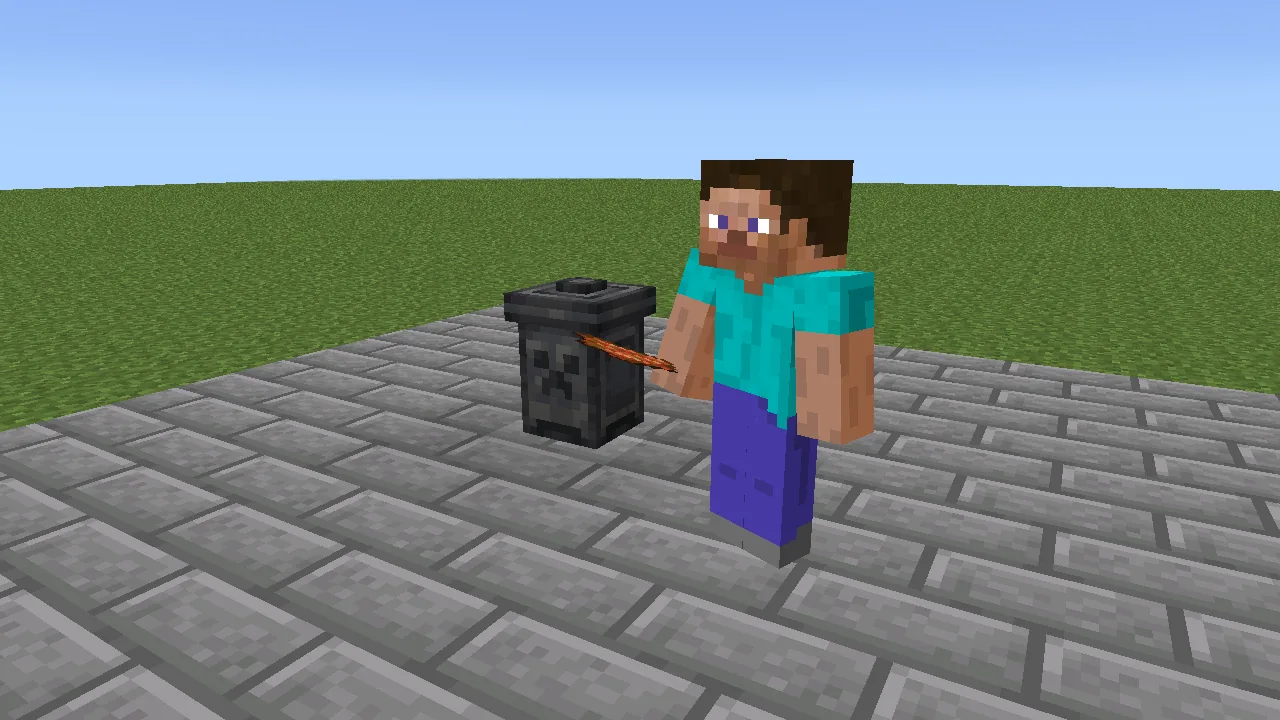
Questions
- How do I delete items on EconomySMP?
- Place a Trash Can, tap it, mark the stacks you want gone and press Delete. Closing the menu at any point deletes nothing.
- Can I get an item back from the Trash Can?
- Not after you confirm. Before you confirm, tap the marked stack again or use Take all back.
- How do I get a Trash Can?
- It is a Rare reward in the Furniture Crate, about 0.8% of a roll. A Furniture Crate key costs 150 Gems.
- Does the Trash Can store items?
- No. It holds nothing and has no hopper path. It only deletes the stacks you mark and confirm.
- Can I use a Trash Can inside someone's base?
- No. Inside another player's Security Computer zone the tap is cancelled.
- What if I mark a stack and then it changes?
- A stack that changed after you marked it is kept. Closing the menu deletes nothing.