Minecraft servers for Windows 10 and 11 (Bedrock Edition)
Minecraft for Windows 10 and 11 is Bedrock Edition. It joins Bedrock servers by address, so you add EconomySMP at play.esmp.me, port 19132. If you own Java Edition instead, the same server also takes Java 26.1 to 26.3 at the same address with no port.
Which edition do you have on PC
If you start Minecraft from the Microsoft Store or the Minecraft launcher in Bedrock mode, you have Bedrock. If you start Java Edition from the launcher, you have Java. EconomySMP supports both, so you do not need to buy anything new.
- Bedrock on Windows: Play, Servers, Add Server, address play.esmp.me, port 19132.
- Java on Windows: Multiplayer, Add Server, address play.esmp.me, no port. Versions 26.1, 26.2 and 26.3.
What changes between the two editions on EconomySMP
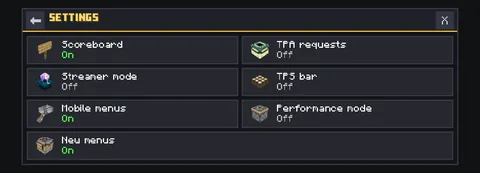
The world, economy, shops and other players are the same. The main difference is menus: Java players always get chest-style menus, and Bedrock players get the server's form and custom menus, with a toggle in /settings to switch back to classic menus if you use JSON UI.
Why Windows players pick it
- Free to play.
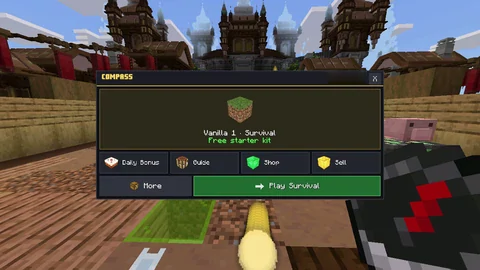
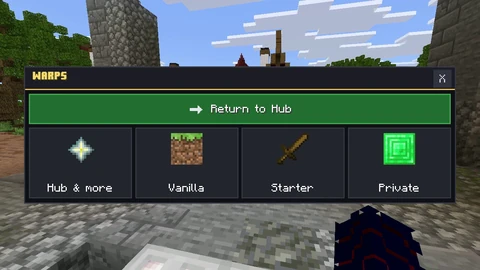
- Keyboard and mouse make typing commands easy. Commands such as /warps and /shop are quick to use.
- Play with friends on console or phone without any extra setup.
Join steps
Bedrock on Windows: /join/windows. Java: /join/java. Both editions are compared in /guides/java-bedrock-crossplay-server.
In game
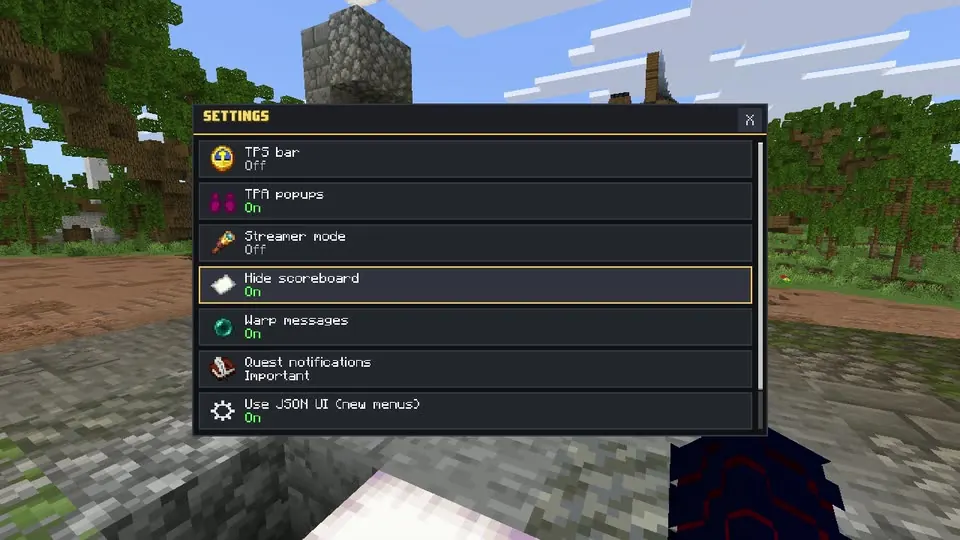
Typing /settings and switching Hide scoreboard on
Questions
Is Minecraft Windows 10 Edition Bedrock?
Yes. The Windows version is Bedrock Edition. Java Edition is a separate version for PC.
What is the EconomySMP address for Windows?
play.esmp.me. Use port 19132 on Bedrock. Java needs no port.
Can Windows Bedrock players play with Java players?
Yes. Both editions share one EconomySMP server.
Do I need the Java Edition to join EconomySMP on PC?
No. The Windows Bedrock version works. Java is supported too if you own it.