
Join EconomySMP on Windows
play.esmp.meSteps
- Open Minecraft and choose Play.
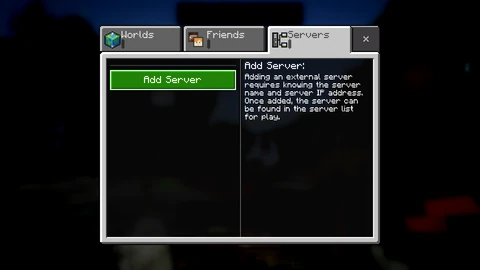
- Open the Servers tab and choose Add Server.
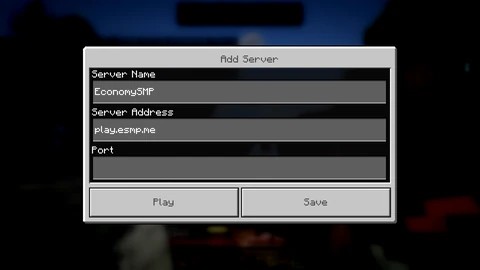
- Enter the name EconomySMP, the address play.esmp.me and the port 19132.
- Save, then select the server and join.
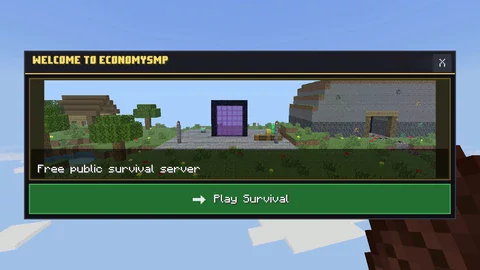
- You arrive in the Hub. Pick a world and start playing.
Using Java Edition?
Java Edition has its own guide. Use the Java page.
Choose your device
Updated