How to join a Minecraft server on iPhone, iPad and Android
On a phone or tablet, add the server by address. Open Play, then Servers, then Add Server, and enter play.esmp.me with the Bedrock port 19132. Or tap Open in Minecraft on the join page and the server is added for you.
Steps
The join page at /join/mobile also has an Open in Minecraft button that adds the server for you. Use it if you do not want to type the address.
- Open Minecraft and tap Play, then the Servers tab.
- Tap Add Server.
- Enter the name EconomySMP, the address play.esmp.me and the port 19132.
- Save, then tap the server to join.
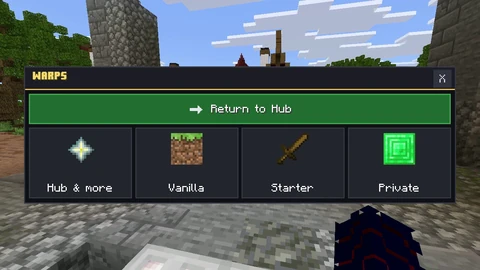
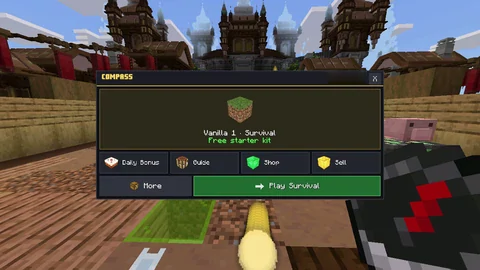
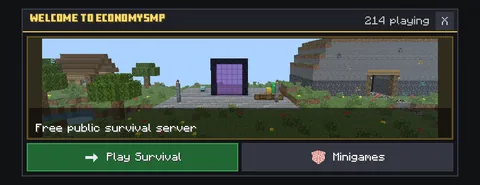
- You arrive in the Hub. Type /warps to pick a world.
The four fields on the Add Server screen
The screen has the same four fields on iPhone, iPad and Android tablets. Only the first one is yours to choose.
- Server Name: anything you like. EconomySMP keeps it easy to find in the list.
- Server Address: play.esmp.me, lowercase, no spaces, no https:// in front.
- Port: 19132. This is the default for Bedrock and is already filled in on most versions.
- Save: the server appears in the Servers list. If you leave a field empty, Save stays greyed out.
What you see after you tap the server
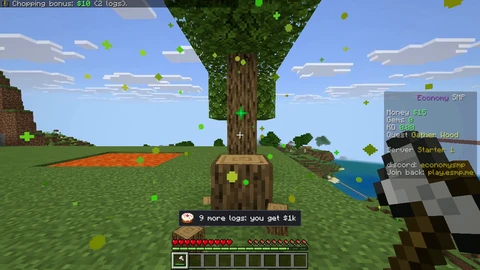
Minecraft shows Locating server, then Joining. New accounts land on a Starter world with the Starter Path boss bar, which starts at step 1 of 6 and pays $750 in total. You are protected for the first 10 minutes there: mob, arrow, creeper and fall damage is halved and cannot kill you.
Returning players spawn in the Hub. Use /warps to pick a world or /vanilla for your last Vanilla world.
If it will not connect
- Use the default port 19132. A typo such as 19123 or 1913 gives a timeout.
- Update Minecraft to the newest version from the App Store or Google Play. An old version can refuse the join.
- Check that you typed play.esmp.me with no spaces. A trailing space is easy to miss on a phone keyboard.
- Switch from Wi-Fi to mobile data, or the other way round. Some school and work networks block game traffic.
- If the server shows in the list but never joins, wait a minute and tap it again. The server may be busy.
- Ask in the Discord at discord.gg/economysmp.
Other devices
Windows uses the same steps. Java Edition uses the address play.esmp.me with no port. Consoles use the friend bot, see the console guide.
Questions
What is the EconomySMP server address for mobile?
play.esmp.me with the Bedrock port 19132.
Can iPhone and Android players play together?
Yes. All Bedrock devices and Java players share the same server.
Is it free on mobile?
Yes. Ranks and Gems are optional.
Do I need to type the address every time?
No. Once saved, the server stays in your Servers list. You can also tap Open in Minecraft on /join/mobile.