
Alliances and ally treasury
An alliance links two corporations. The CEO or COO of one corporation proposes and the other accepts. Allies can be given access to your corporation server, trusted visitors can warp to your HQ, and chosen members can draw a capped amount from your bank.
How to
- As CEO or COO, open the corporation menu and choose Alliances.
- Choose Propose Alliance and search for the other corporation by name.
- The other corporation's CEO or COO accepts or declines the proposal.
- Open the ally to set server access, tick trusted HQ visitors and set the treasury cap and period.
Gallery
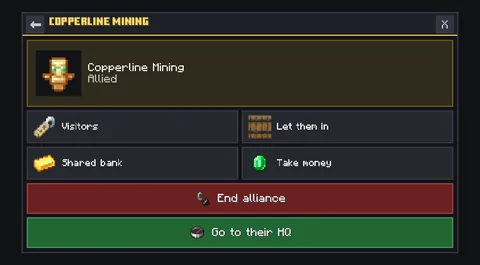
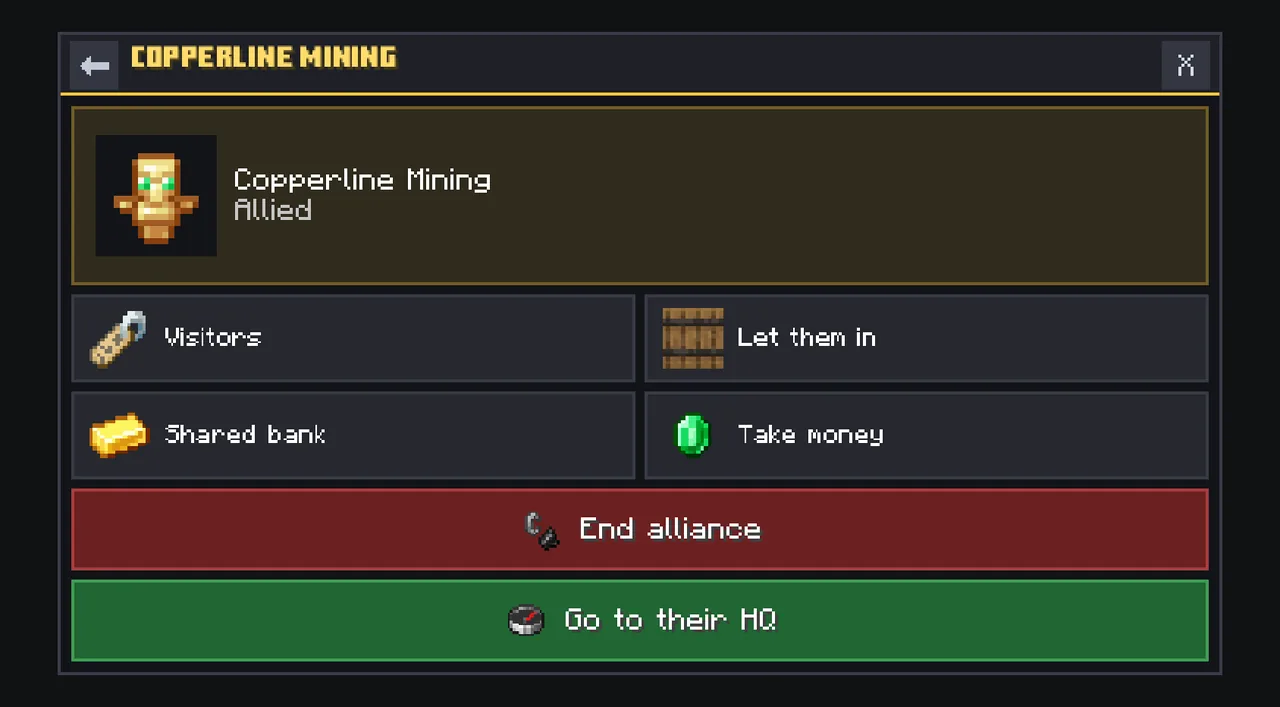
An allied corporation: visitors, shared bank and warp to their HQ 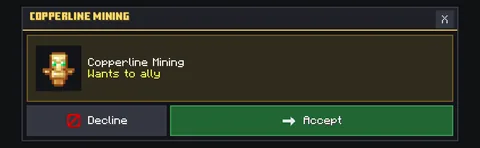
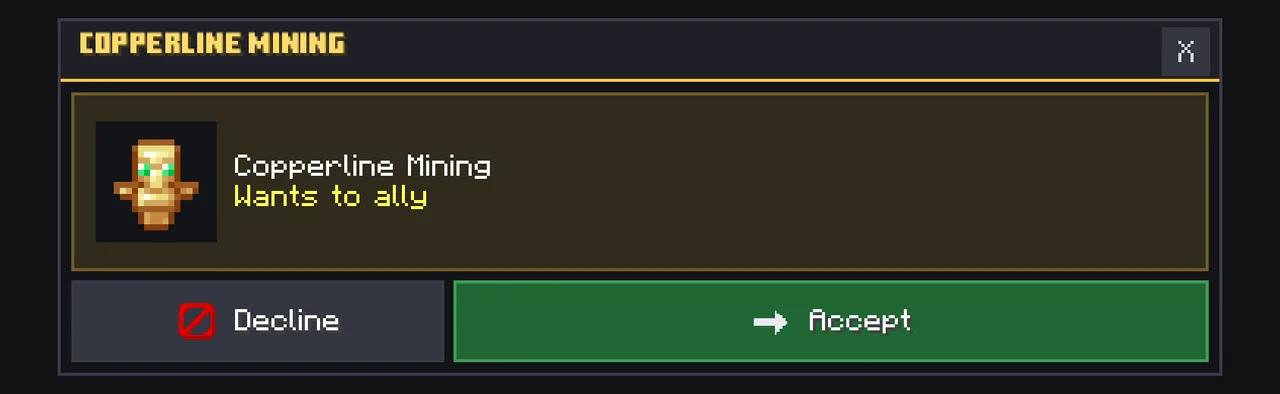
An alliance proposal from another corporation: Decline or Accept 
Alliances menu: up to two allies visit and share a bank

Questions
- How many allies can a corporation have?
- Two. A third alliance is refused for both corporations involved.
- Can an ally take money from my corporation bank?
- Only if your CEO or COO turns treasury access on, ticks that member and sets a cap. The member can then draw up to the cap per period, and the allowance resets after the period.
- Who can propose or accept an alliance?
- The CEO and COO. A Member or Executive can look at the Alliances screen but cannot change anything.
See also
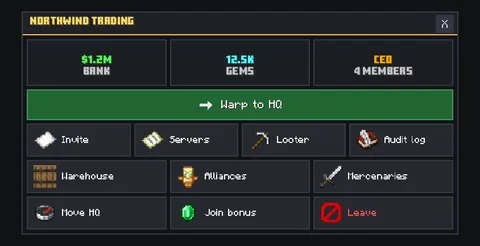
Create and run a corporation
A corporation is a player company with ranks, a shared bank and a warehouse.

Ranks and permissions
Recruit, Member, Executive, COO and CEO. What each rank can do.

Private servers and public warps
Lease a private world for your corporation, or list a public warp for others.
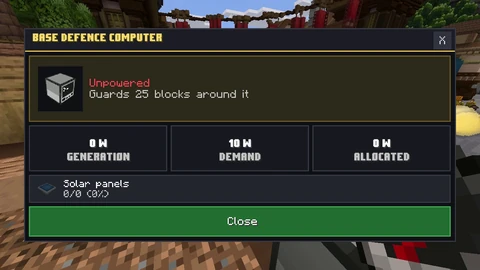
Security Computer
One block that protects a sphere of land and its chests from non-members.
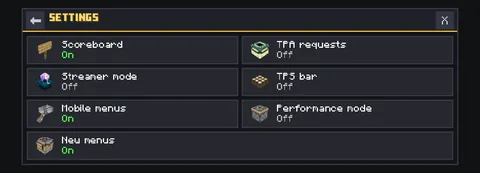
Settings
Turn the scoreboard, coordinates, warp messages, TPA popups and quest notices on or off with /settings.