Recorder and public clips
After a duel or practice match your recording shows up in Recorder. You can watch it again in private spectator mode, keep your best ones as favorites, and upload a recording as a public clip that other players can like and watch.
How to
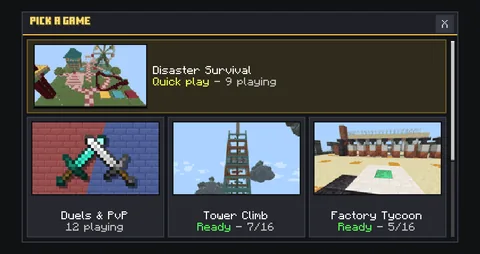
- Finish a duel or practice match. Open /minigames and choose Recorder.
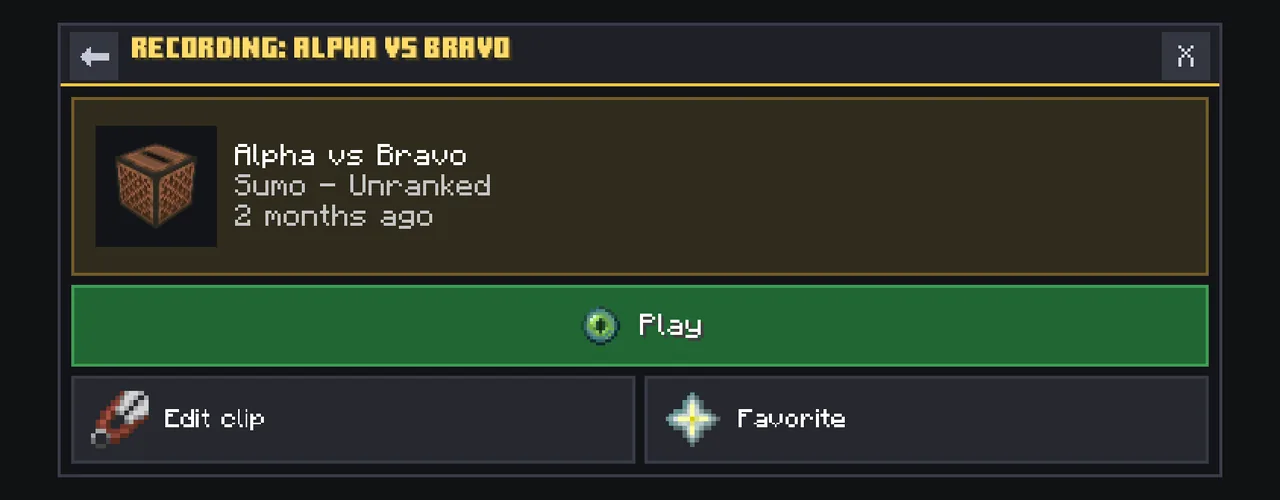
- Pick a recording and choose Play to watch it in private spectator mode.
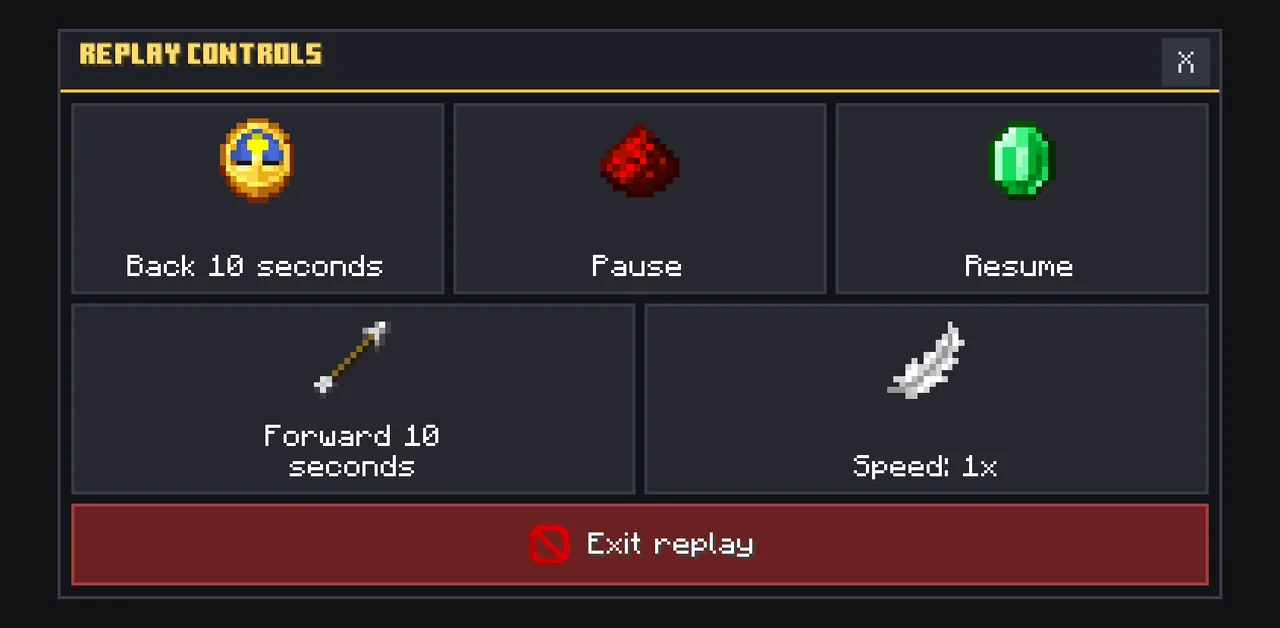
- While it plays, use the replay controls: Back 10 seconds, Forward 10 seconds, Pause or Resume, and Speed.
- Choose Favorite on a recording you want to keep. Run /hub to leave the replay.
- To share a recording, choose Upload Clip under Social, then pick the recording, give it a title and an icon.
Gallery

The Recorder menu: every finished match is listed here 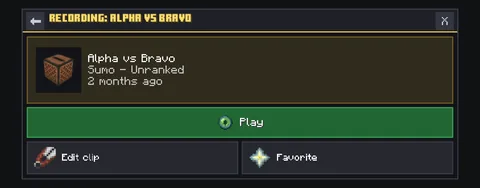
A recording: Play it, Edit clip, or Favorite it 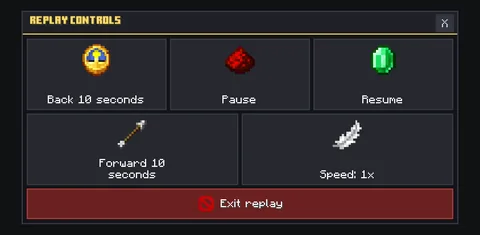
Replay controls: skip back or forward 10 seconds, pause and change speed 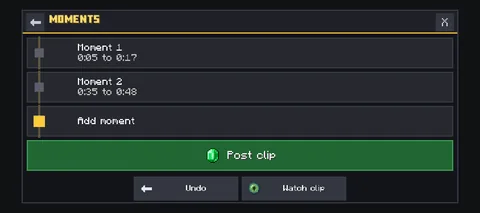
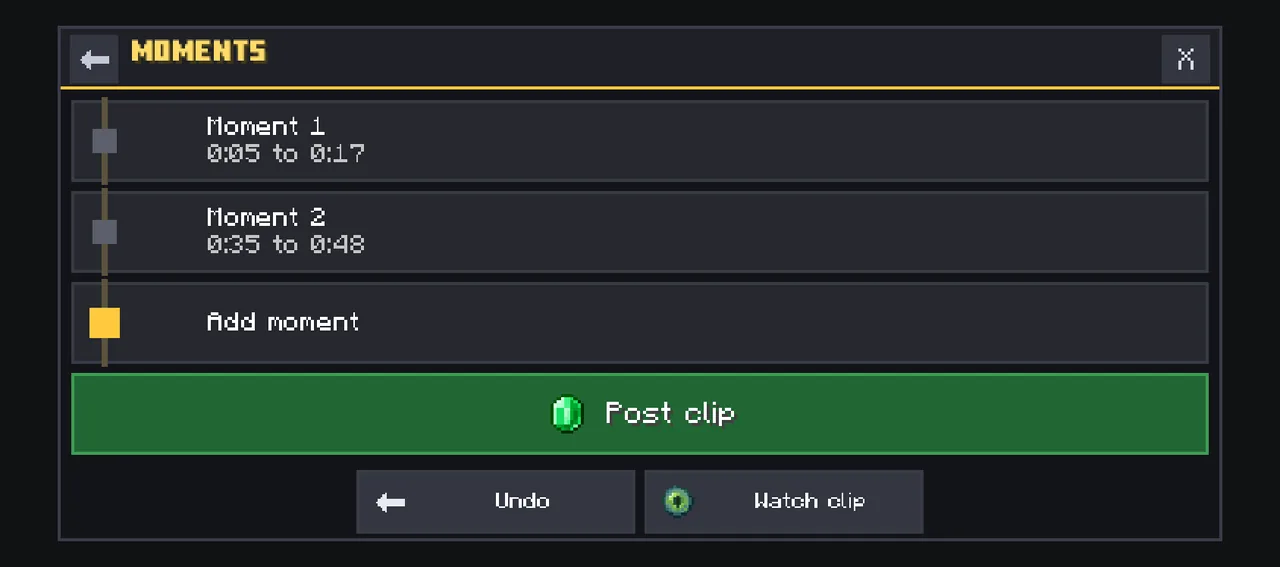
Moments: pick the parts of a match to keep, then Post clip 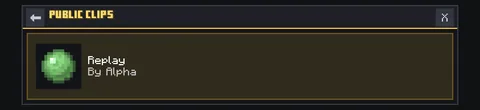
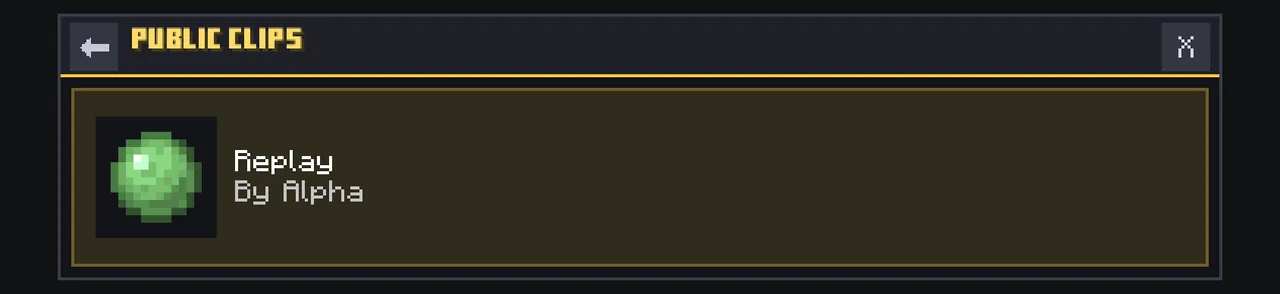
Public Clips: clips other players posted

Commands
/minigamesOpen Minigames, then Recorder or SocialWho: Everyone/replaysReview your recorded gameplay and manage favoritesWho: Everyone/hubExit a replayWho: Everyone
Questions
- How many duel recordings does EconomySMP keep?
- Your latest 10 recordings, plus up to 3 favorites you choose to keep. Unfavorite one to free a slot.
- Are my duel clips public?
- No. A recording stays private until you upload it as a clip. Public clips show player names and you can unpublish at any time.
- Can I watch a replay in slow motion?
- Yes. The Speed button cycles 0.5x, 1x, 2x and 4x. You can also pause, and jump back or forward 10 seconds.
- How do I keep a duel recording longer?
- Choose Favorite on it. Favorites do not count against the 10 recent recordings, and you can have up to 3. If all 3 are full, unfavorite one first.
- How do I leave a replay?
- Run /hub. Replays play in private spectator mode.
- What can I call a clip?
- A title of 1 to 64 characters with no color codes or control characters. You also pick one of 15 icons.
- Do practice matches against bots get recorded?
- Yes. Duels and practice matches both appear in Recorder, tagged Ranked, Unranked or Practice.