
Deepcore sell chest
The Deepcore Sell Chest is a separate sell menu in the mine. It uses its own prices, set by how rare a block is and how deep it generates.
How to
- Open the Deepcore Sell Chest at the entrance, or press Sell in the Mine Menu.
- Choose a category.
- Put items in to sell them at the Deepcore price.
Gallery
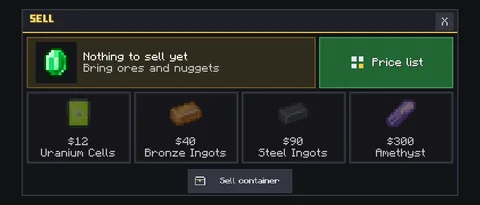
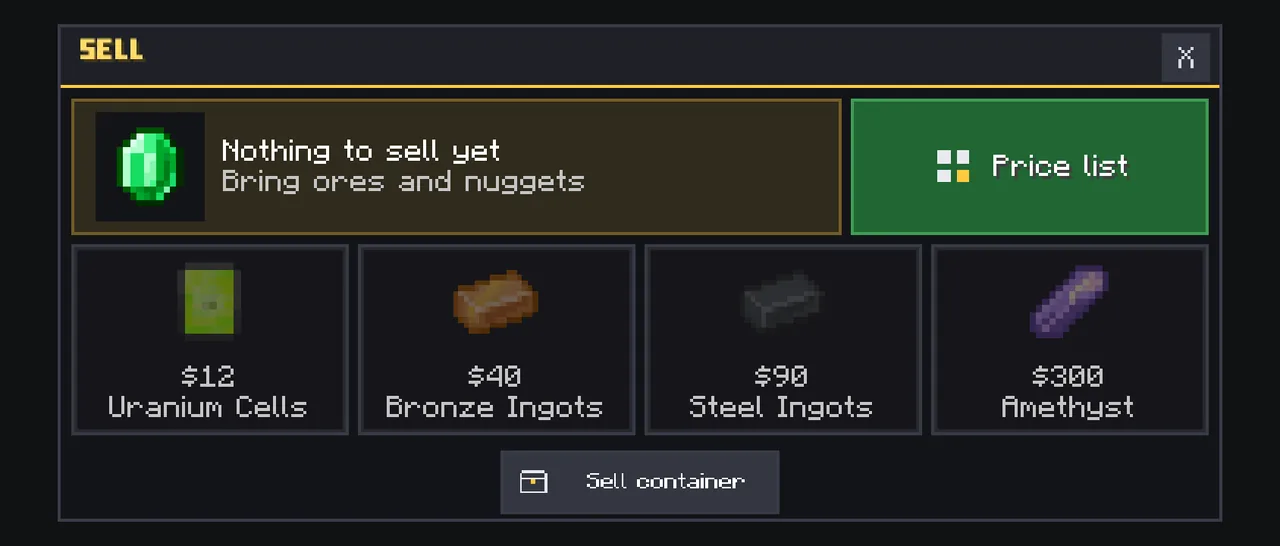
Deepcore sell board: ores and nuggets with their prices 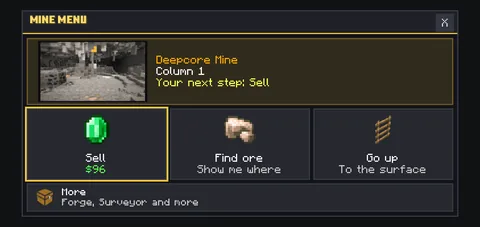
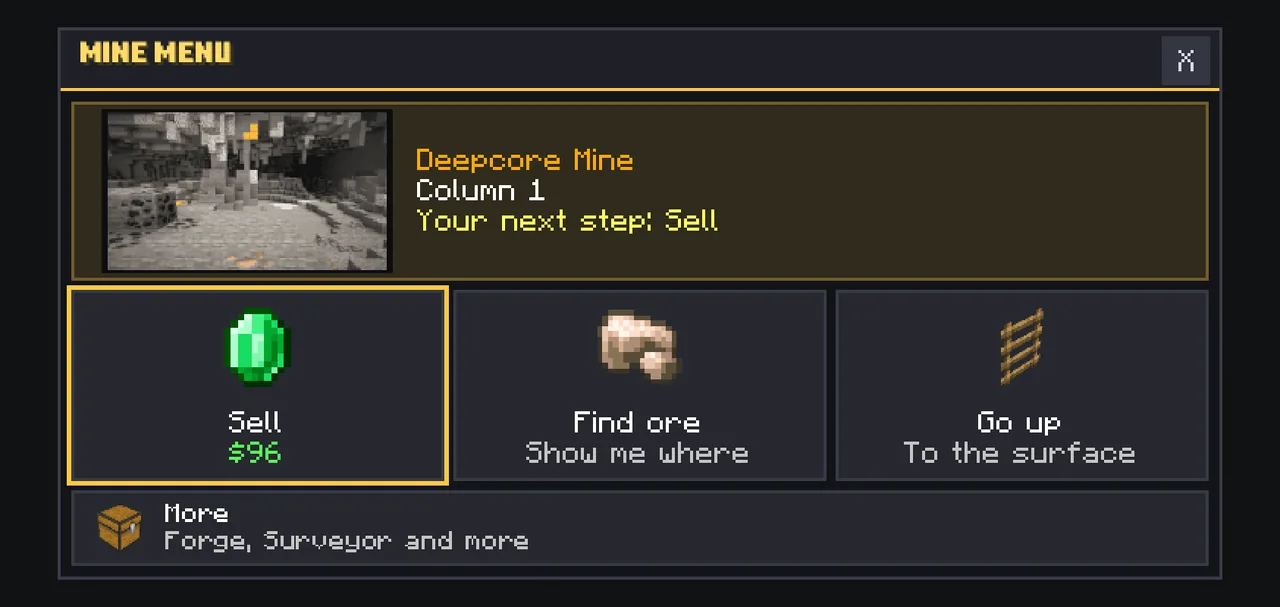
Mine Menu with Sell as the next step 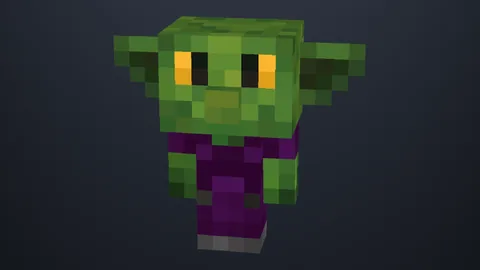
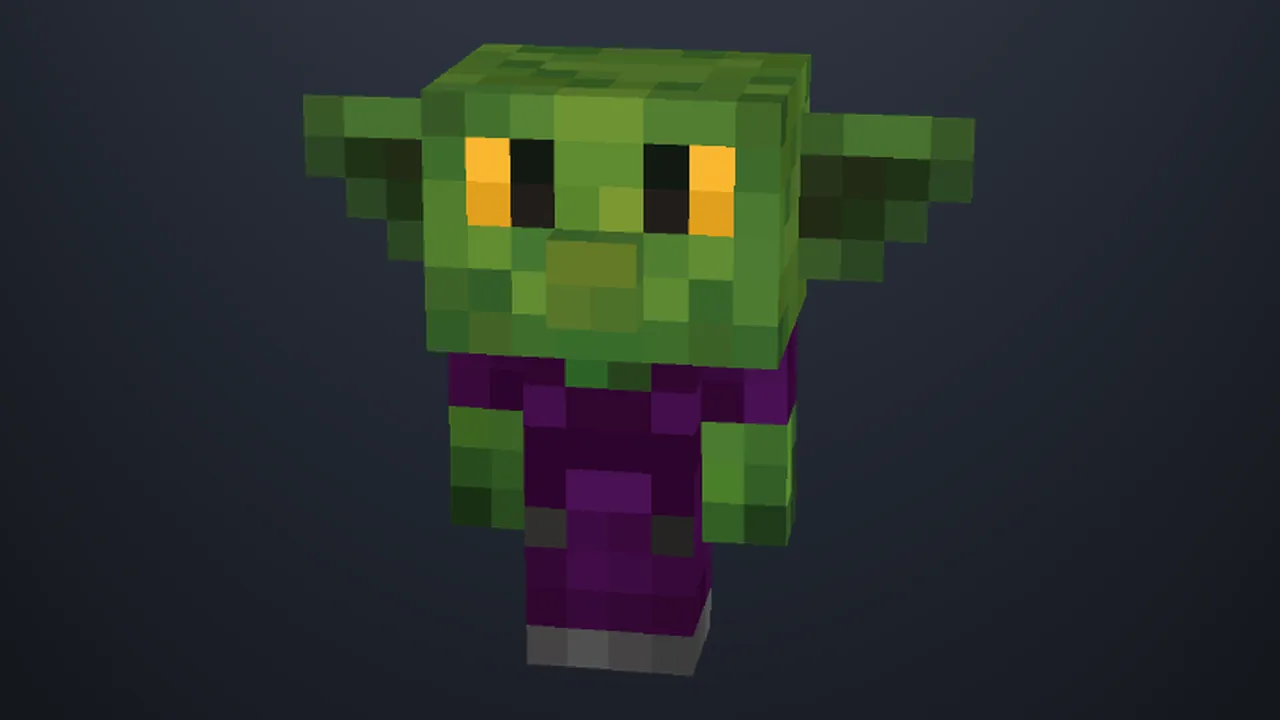
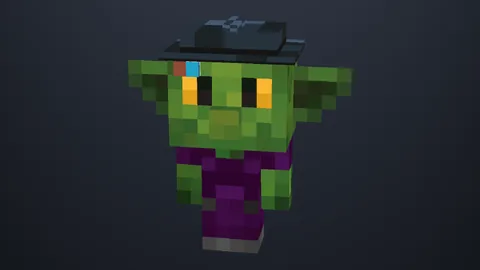
Deepcore Forge Goblin: a render of the real in-game model, from EconomySMP. 
Render: Deepcore Forge Goblin, turning around.
Questions
- Where do I sell Deepcore ores?
- At the Deepcore Sell Chest, not the Hub shop. It has its own prices for Deepcore ores, mob drops and terrain.
- How many items does the Deepcore Sell Chest buy?
- 159 items in 5 categories: Deepcore Mining, Mine Resources, Mob Drops, Terrain Shards and Sandstone and General Blocks.
- Can I sell shulker boxes full of ore?
- Yes. Put the box in the basket. Sellable contents are sold and the box returns with those slots empty. Contents with no price stay inside.
- Do Loot Pouches sell at the Deepcore Sell Chest?
- No. Loot Pouches sell only at the standard Sell Chest in the Hub.
- Why is the Deepcore price different from the Hub shop?
- The Deepcore Sell Chest is a separate market with its own catalog. Its prices follow rarity and depth, not the Hub shop list.
- What if my inventory is full when a shulker box comes back?
- The box stays in the basket until you make room.
See also
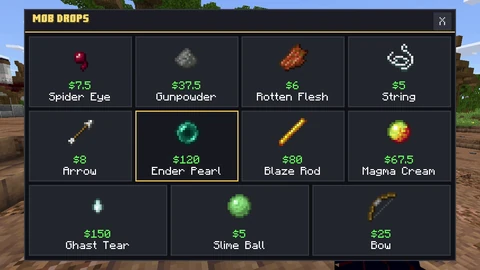
Shop and selling
Buy from the server shop, sell items for money, or use a sell pad for bulk sales.
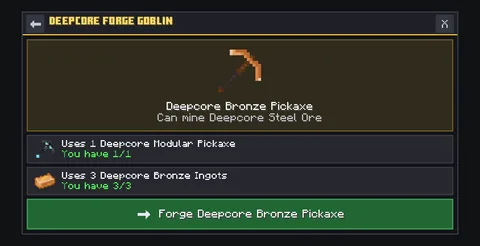
Ores and the Forge
Nine special ores, and what the Deepcore Forge Goblin charges to upgrade each pickaxe.
Terrain shards
Breaking terrain in Deepcore drops 46 kinds of shards that sell, or press into the block.