
Shop at pagbebenta
Pinapayagan ng server shop sa EconomySMP ang bawat player na bumili ng supplies at magbenta ng items para sa pera. Buksan ito gamit ang /shop o sa Hub market. May daily buy cap at daily Sell Pad cap ang bawat player na nagre-reset sa 00:00 UTC.
Paano
- I-type ang /shop, o buksan ang shop sa Hub market.
- Pumili ng category at pumili ng item na bibilhin o ibebenta.
- Para magbenta nang maramihan, maglagay ng items sa Sell Chest sa Hub, o tumayo sa Sell Pad.
- Kapag VIP, i-type ang /sellhand para ibenta ang item na hawak mo.
Sa game
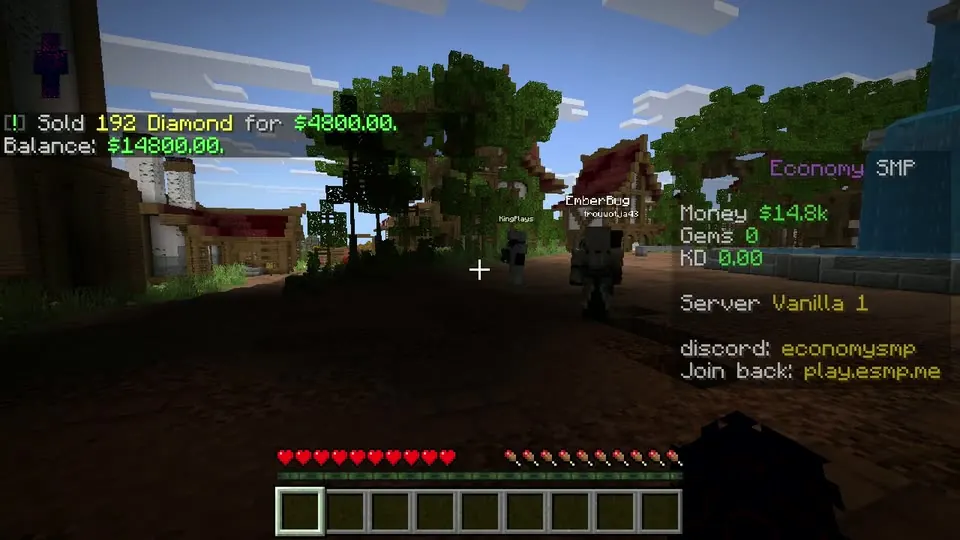
Pagbebenta ng diamonds gamit ang /sell
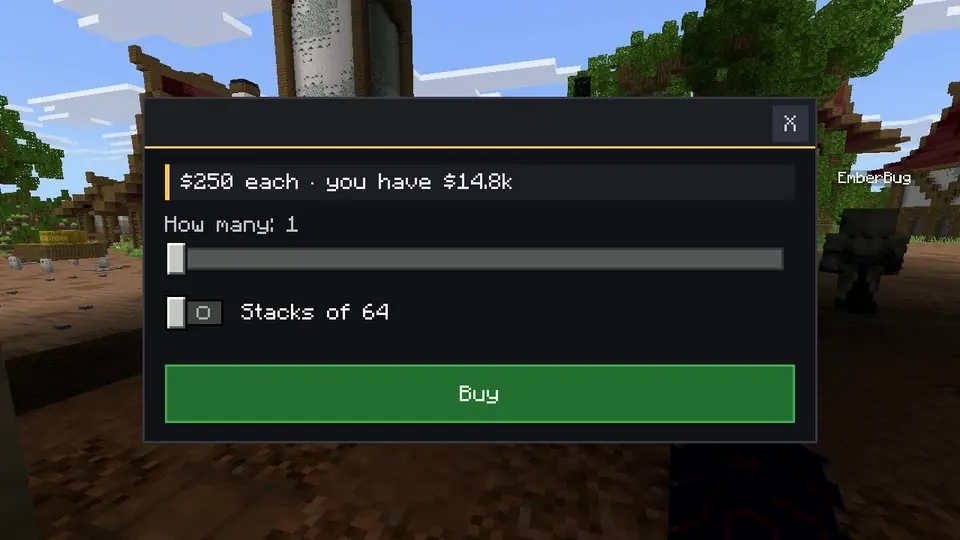
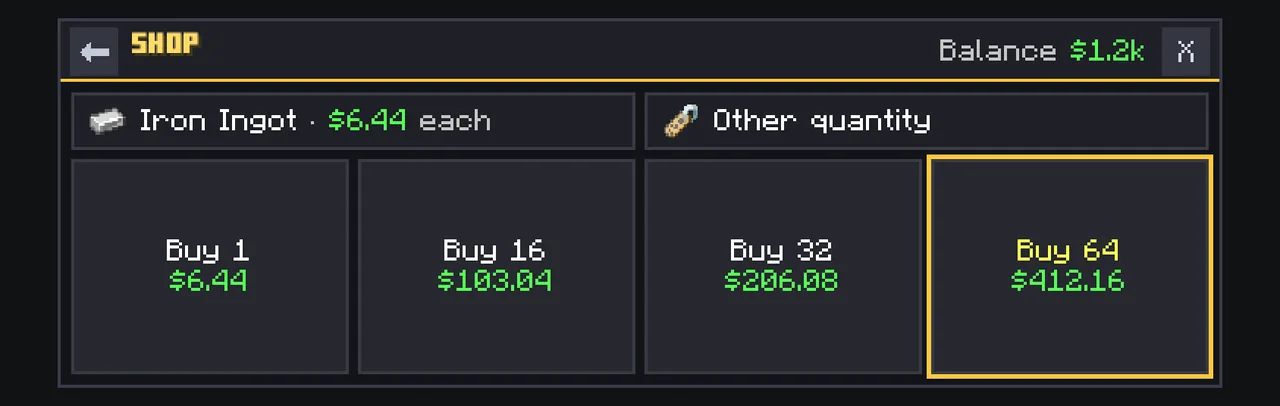
Pagbubukas ng shop at pagpili kung ilan ang bibilhin
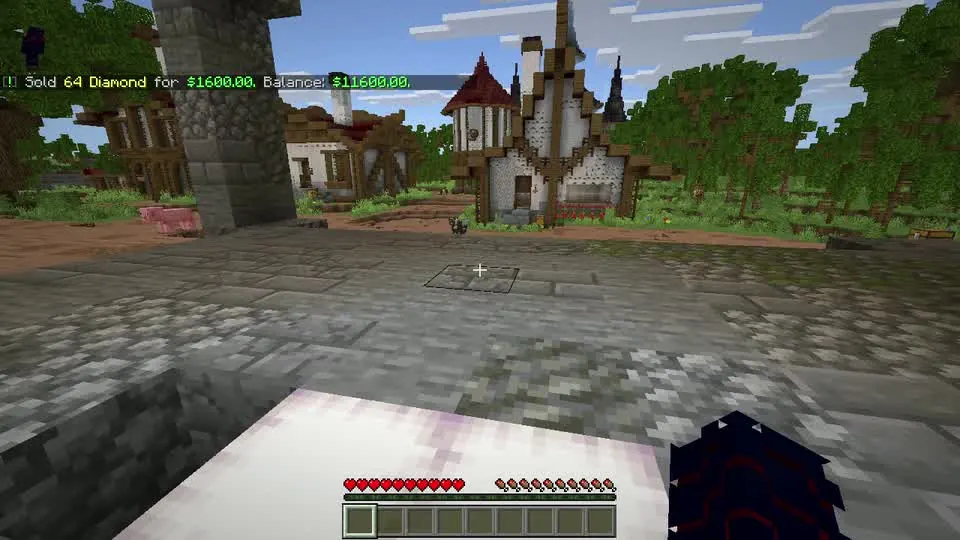
Pagbebenta ng isang stack ng diamond gamit ang /sell
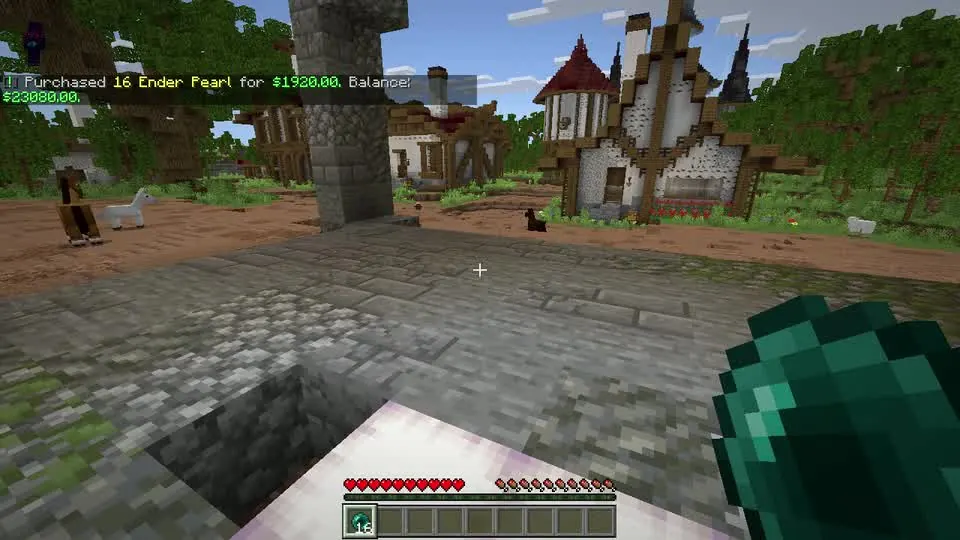
Pagbili ng 16 ender pearl gamit ang /shop: sisingilin ang pera at mapupunta ang mga pearl sa hotbar mo
Gallery
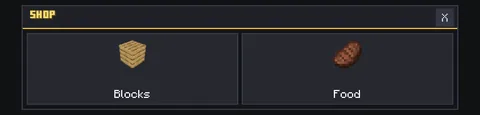
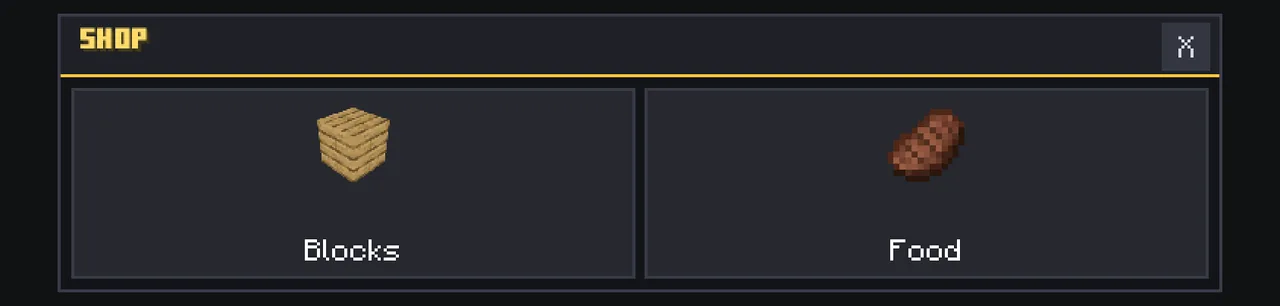
Shop menu: pumili ng category 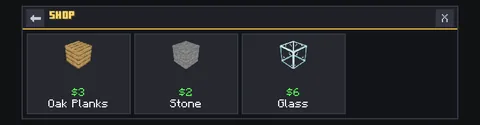
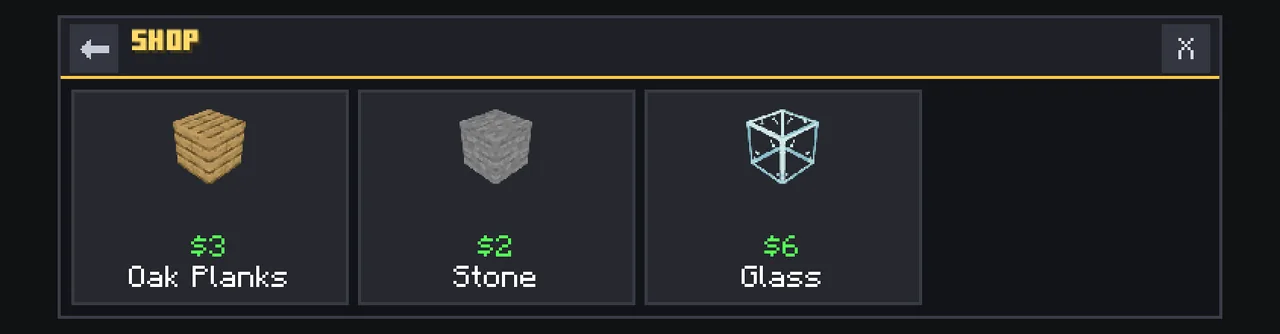
Isang shop category na may buy price sa ilalim ng bawat item 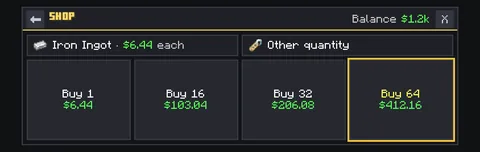
Shop purchase menu: bumili ng 1, 16, 32 o 64 sa ipinapakitang presyo 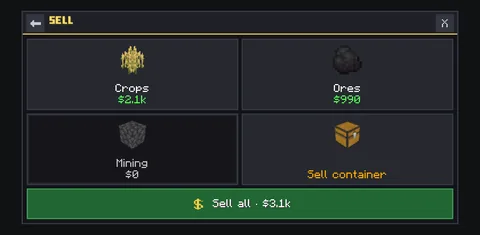
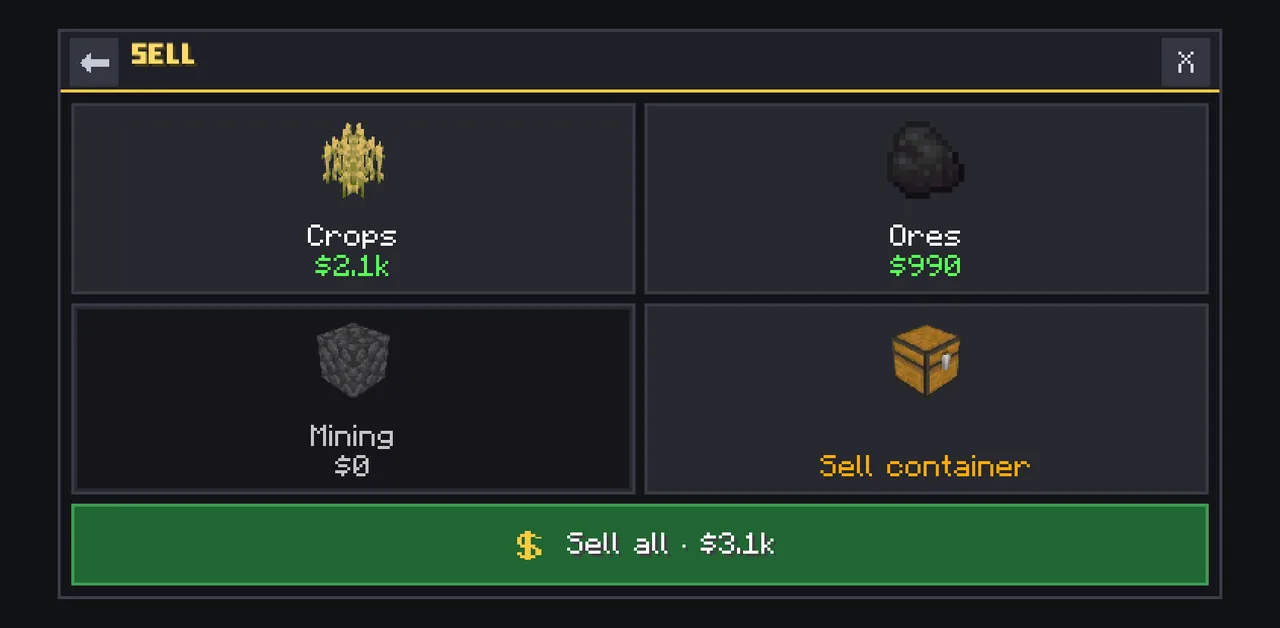
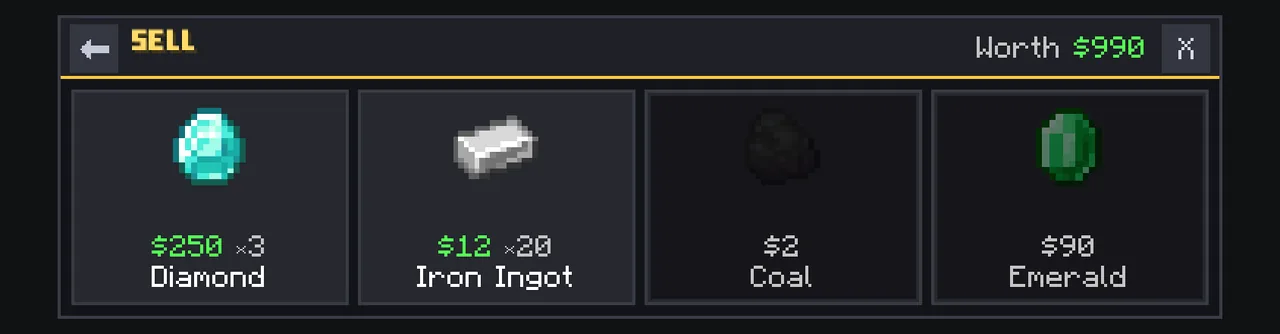
Sell menu: mga category na may sell total mo at ang Sell all button 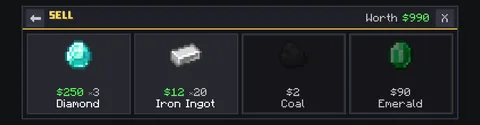
Sell category: bawat item at ang binabayad nito 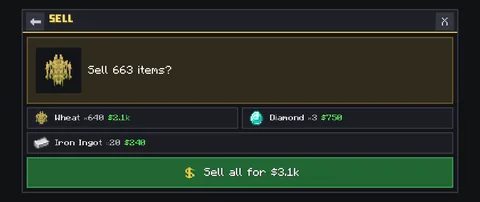
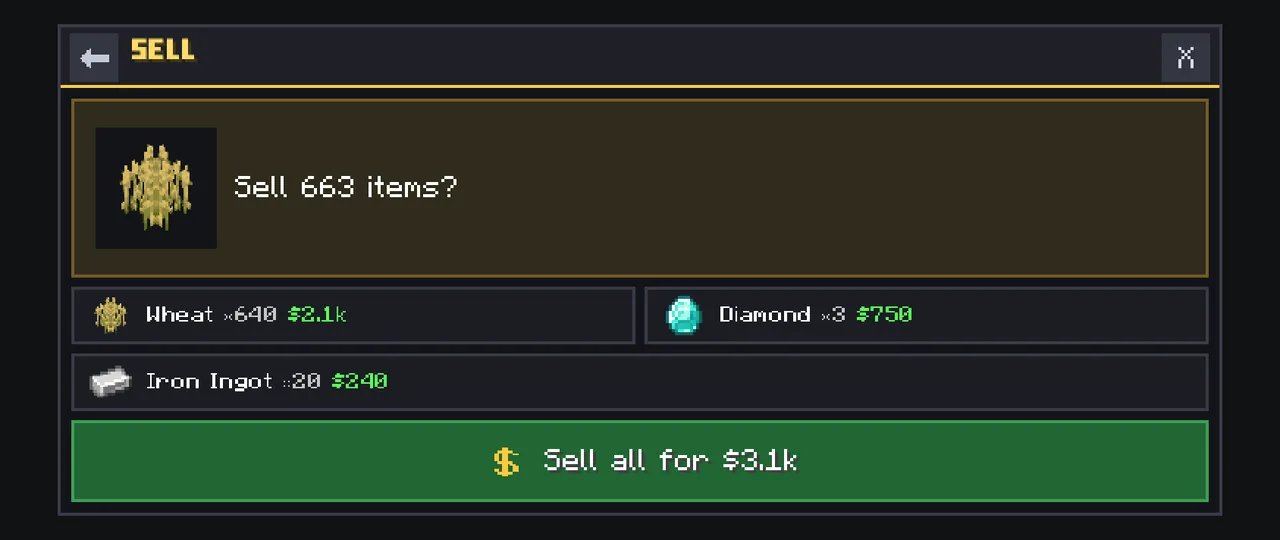
Sell confirmation na naglilista ng ibinebenta mo 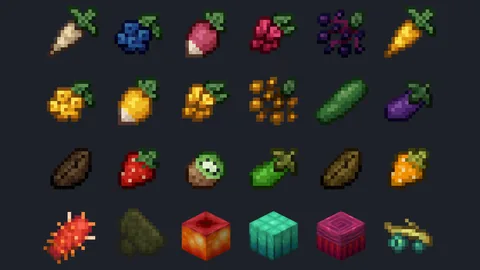
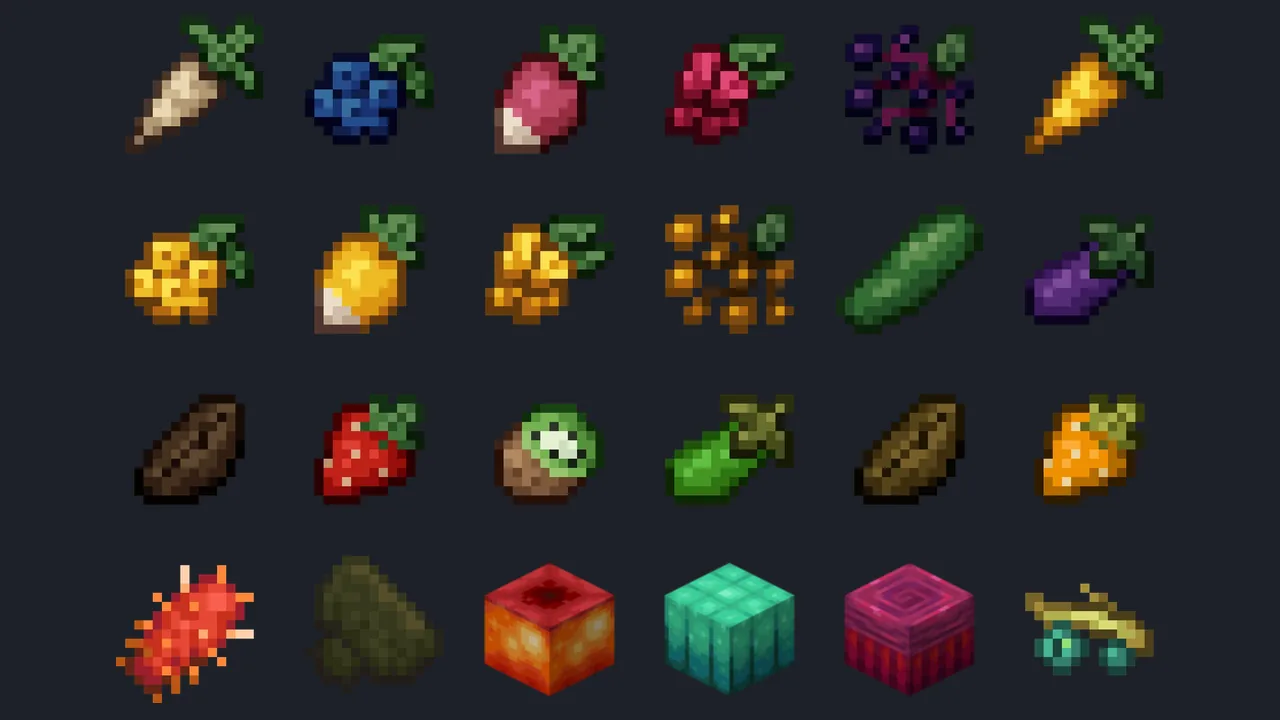
Crop Harvests (50 sa listahan): render ng totoong in-game model, mula sa EconomySMP. 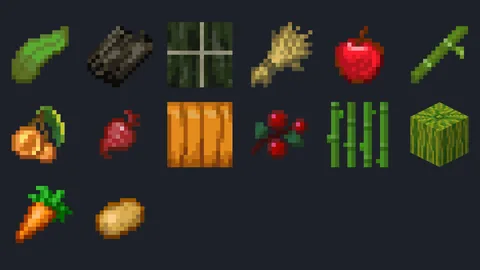
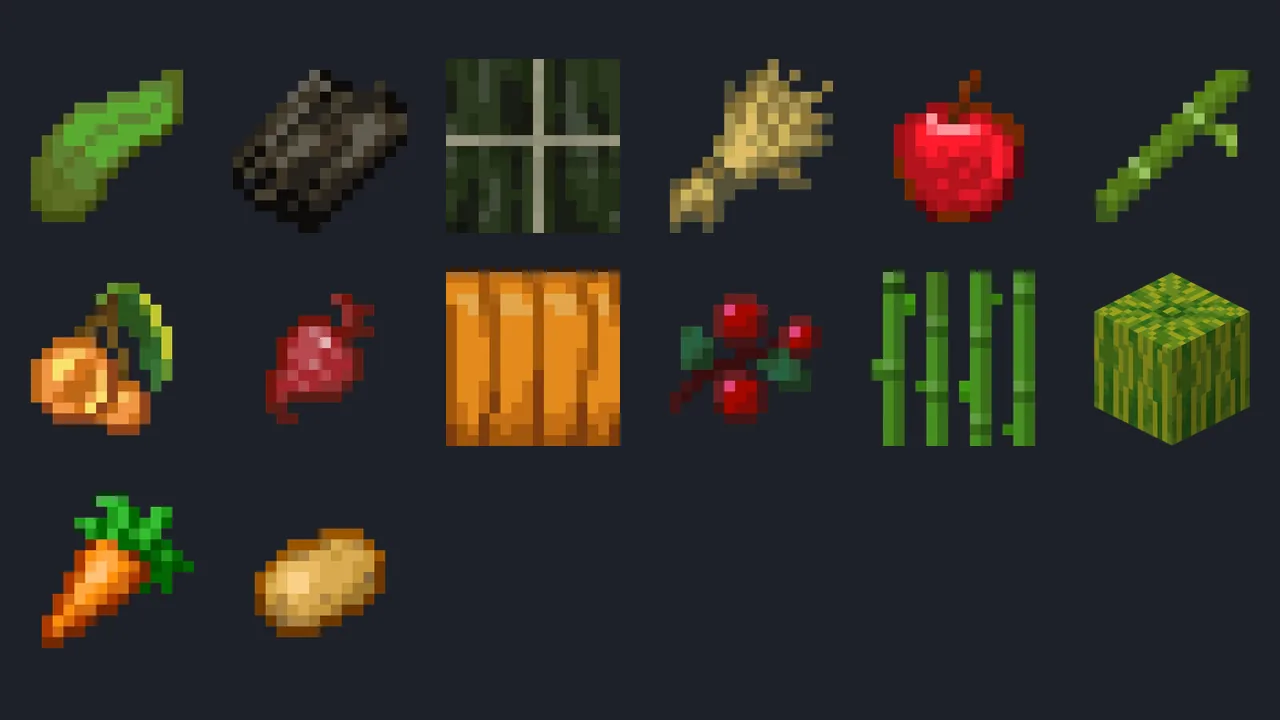
Crops (14 sa listahan): render ng totoong in-game model, mula sa EconomySMP.
Listahan ng items
Server shop prices
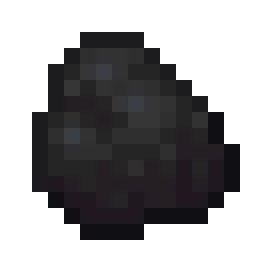 CoalBuy in /shop under Ores.Buy price is for 4 items
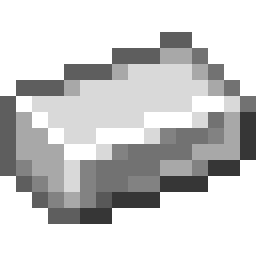 Iron IngotBuy in /shop under Ores.Buy price is for 4 items
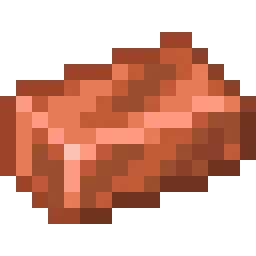 Copper IngotBuy in /shop under Ores.Buy price is for 3 items
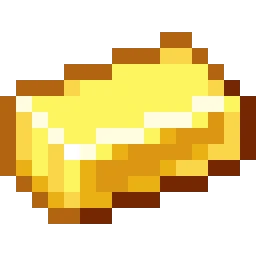 Gold IngotBuy in /shop under Ores.Buy price is for 5 items
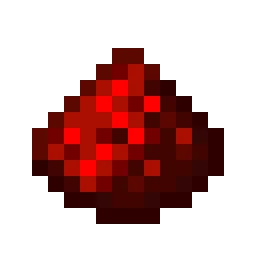 Redstone DustBuy in /shop under Ores.Buy price is for 4 items
 Lapis LazuliBuy in /shop under Ores.Buy price is for 4 items
 EmeraldBuy in /shop under Ores.Buy price is for 5 items
 DiamondBuy in /shop under Ores.Buy price is for 10 items
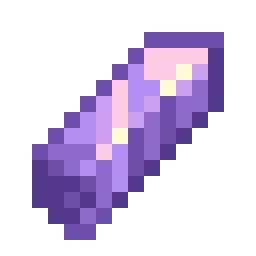 Amethyst ShardBuy in /shop under Ores.Buy price is for 4 items
Commands
/shopBuksan ang server shopSino: Lahat/sellBuksan ang Sell ShopSino: Lahat/sellhandIbenta ang stack na hawak mo sa server shopSino: VIP
Mga tanong
- Paano magbenta ng items sa EconomySMP?
- I-type ang /sell, maglagay ng items sa Sell Chest sa Hub, o tumayo sa Sell Pad. Puwede ring i-type ng VIP players ang /sellhand para ibenta ang hawak na stack.
- May limit ba sa kikitain ko sa shop?
- Oo. Ang free players ay puwedeng magbenta ng hanggang $250,000 kada araw sa Sell Pad at bumili ng hanggang $150,000 kada araw. Parehong nagre-reset sa 00:00 UTC. Itinataas ito ng VIP+ sa $750,000 at $450,000.
- Magkano ang binabayad ng Sell Pad?
- Ang Sell Pad ay nagbabayad ng 65% ng karaniwang sell price sa shop. Nagdaragdag ang VIP ng 10% sa bawat paraan ng pagbebenta at ang VIP+ ay 15%.
See also
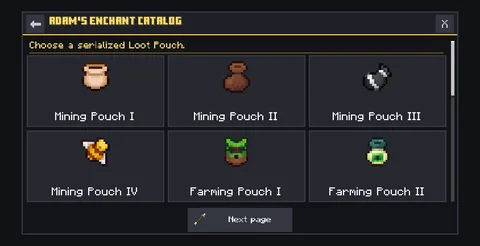
Loot pouches
Ang pouches sa inventory mo ay nangongolekta ng tugmang drops at nabebenta sa buong presyo.
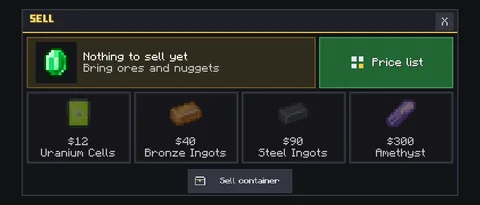
Deepcore sell chest
Hiwalay na sell chest na may sariling presyo para sa Deepcore ores, mob drops at terrain.
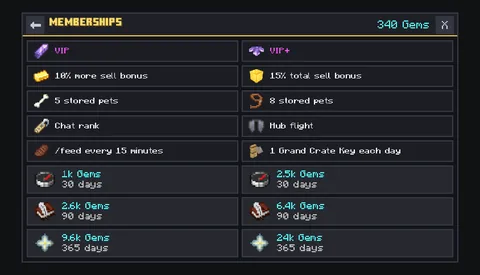
VIP at VIP+
Subscription ranks mula sa store na nagpapataas ng limits at nag-a-unlock ng commands.